
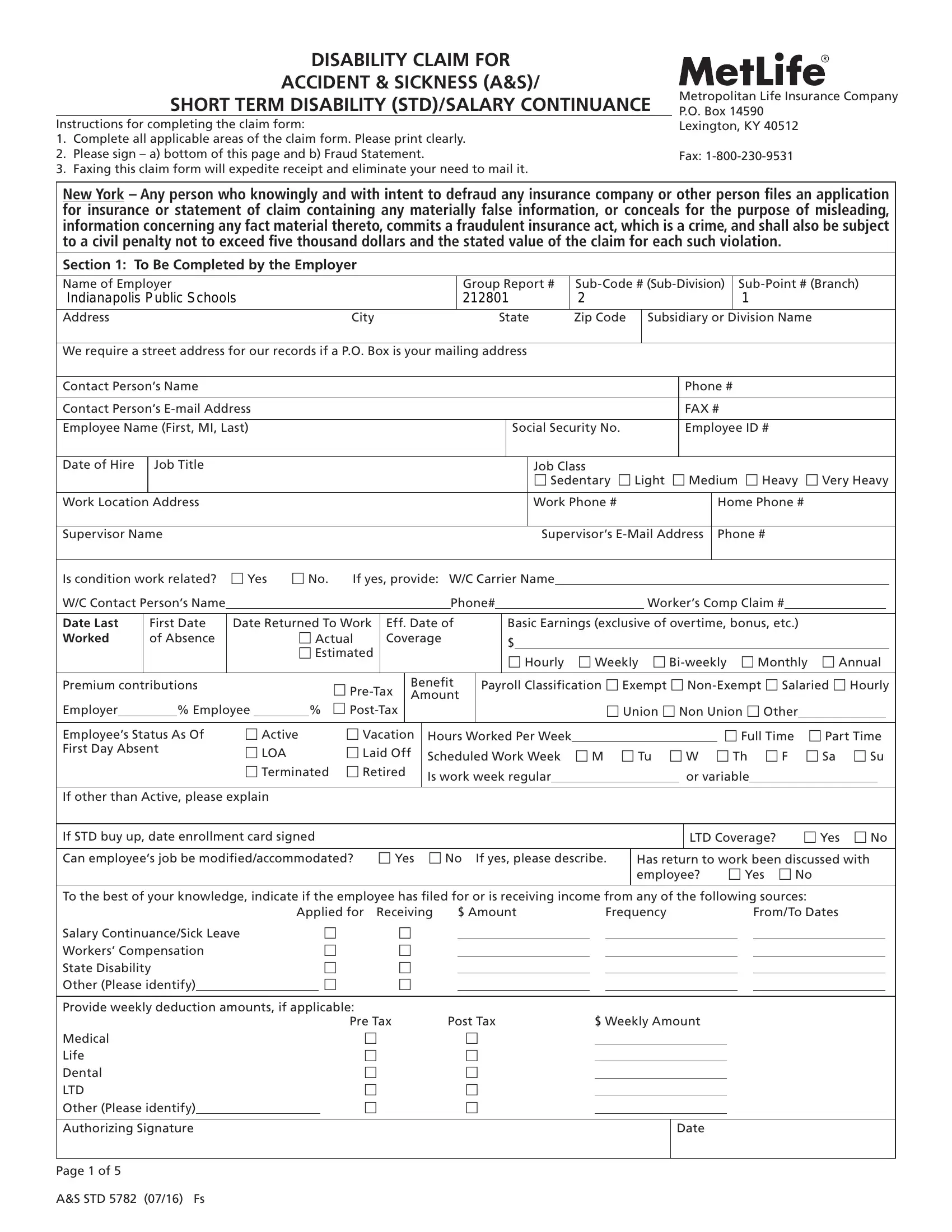

When using the online PDF editor by FormsPal, you are able to fill out or modify metlife disability forms here. To have our editor on the cutting edge of practicality, we aim to put into action user-oriented features and improvements on a regular basis. We're always thankful for any feedback - play a vital role in remolding how we work with PDF documents. Starting is effortless! Everything you should do is stick to these basic steps down below:
Step 1: Click on the "Get Form" button in the top part of this webpage to get into our editor.
Step 2: The tool grants the opportunity to change PDF forms in various ways. Modify it by writing any text, correct what is already in the file, and place in a signature - all close at hand!
It is actually an easy task to complete the form using out helpful guide! This is what you should do:
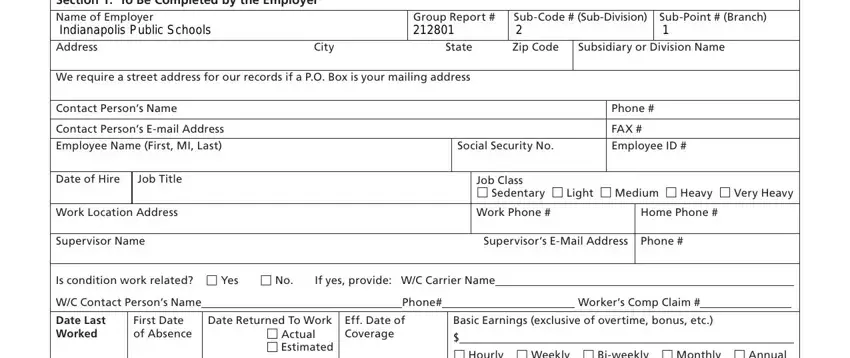
1. The metlife disability forms usually requires specific details to be typed in. Make sure the subsequent blanks are complete:
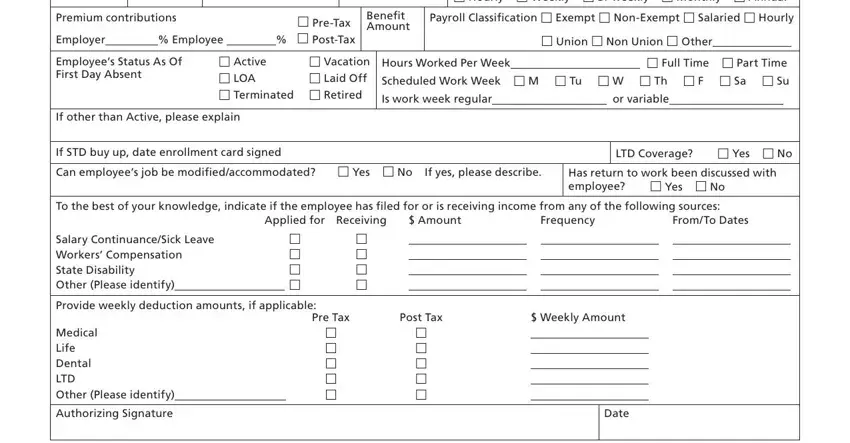
2. After this section is done, it's time to add the required particulars in Premium contributions PreTax, Benefit Amount, Employees Status As Of First Day, Active Vacation LOA Laid Off, If other than Active please explain, Hourly Weekly Biweekly, Payroll Classification Exempt, Union Non Union Other Hours, If STD buy up date enrollment card, Has return to work been discussed, Applied for Receiving, FromTo Dates, Amount, Frequency, and LTD Coverage Yes No allowing you to proceed further.
3. This next section is focused on Section To Be Completed by, Name First MI Last, Social Security, ID Number, Date of Birth MMDDYY Gender, M F, Address City State Zip Code, Email Address, We require a street address for, Home Phone, Marital Status Married Single, Federal Tax Status Married Single, Tax Exemptions Number Date, Is your disability due to Illness, and Is this condition work related - fill in every one of these blanks.
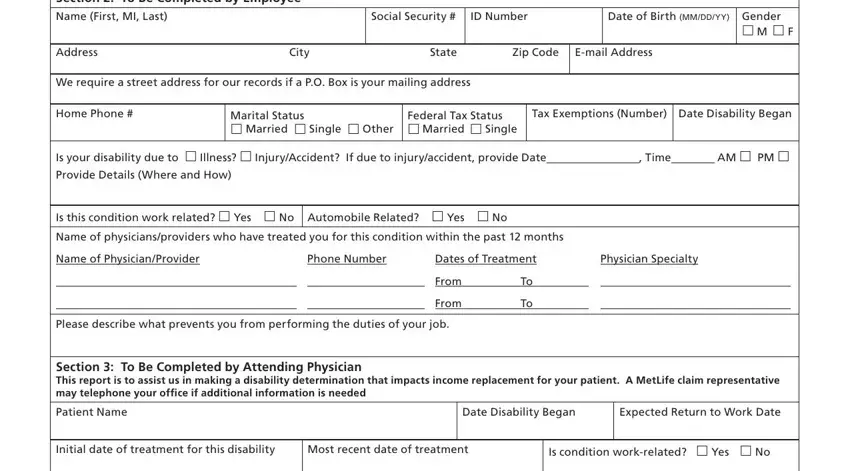
Always be very careful while filling in We require a street address for and Federal Tax Status Married Single, because this is the section where most users make errors.
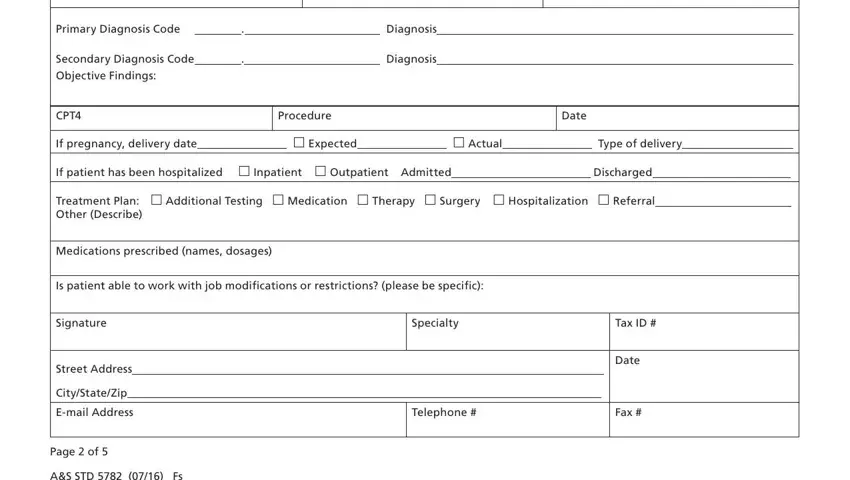
4. Filling out Primary Diagnosis Code Diagnosis, Secondary Diagnosis Code, CPT, Procedure, Date, If pregnancy delivery date, If patient has been hospitalized, Treatment Plan Additional Testing, Medications prescribed names, Is patient able to work with job, Signature, Specialty, Tax ID, Street Address, and CityStateZip is vital in the next step - be sure to spend some time and take a close look at each and every blank area!
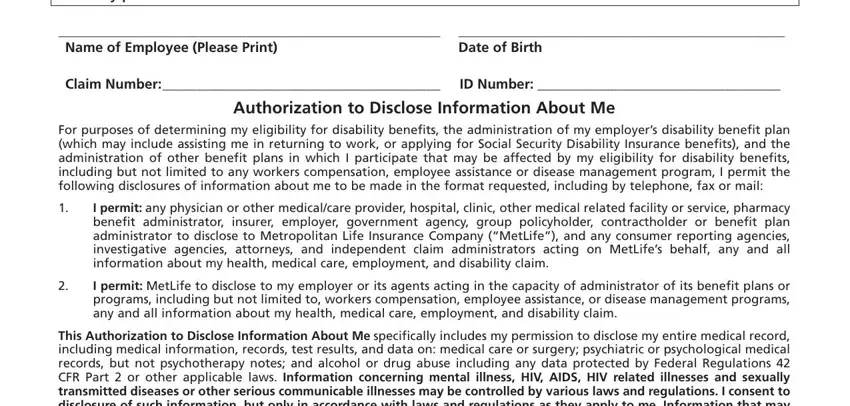
5. Because you near the conclusion of this file, there are just a few more requirements that have to be fulfilled. Notably, Your refusal to complete and sign, Name of Employee Please Print, Date of Birth, Claim Number, ID Number, Authorization to Disclose, For purposes of determining my, I permit any physician or other, I permit MetLife to disclose to my, and This Authorization to Disclose should be filled out.
Step 3: As soon as you've reread the information provided, simply click "Done" to conclude your form at FormsPal. Get the metlife disability forms when you register at FormsPal for a 7-day free trial. Immediately get access to the pdf file within your FormsPal account, with any edits and adjustments being conveniently kept! FormsPal guarantees your information privacy with a secure system that in no way saves or distributes any sensitive information typed in. You can relax knowing your paperwork are kept safe when you work with our tools!