
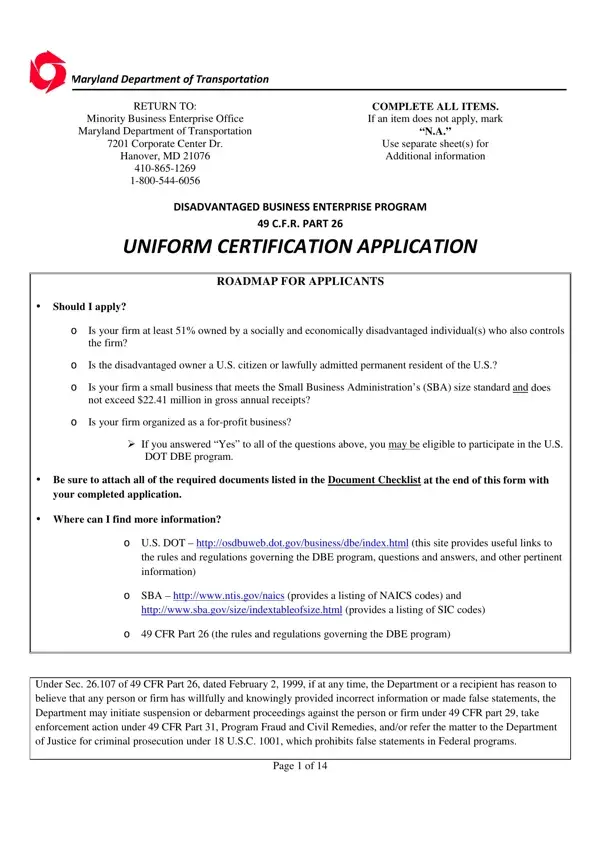
Firms applying for DBE/ACDBE certification in their home state must submit to a certifying agency in their home state a completed Uniform Certification Application and all required documents.
Certifying agencies: transportation agencies in each state perform DBE and ACDBE certification functions.
Documents: failure to timely submit documents may result in delayed processing or denial of your application.
Not for profit: if your firm is not for profit, or is not conducting business, then you do NOT qualify for the DBE/ACDBE program and should not complete this application.
Contacts: DOT's website has a table of certifying agency contacts at https://www.transportation.gov/DBEPOC
| Question | Answer |
|---|---|
| Form Name | DBE/ACDBE |
| Form Length | 17 pages |
| Fillable? | Yes |
| Fillable fields | 771 |
| Avg. time to fill out | 51 min |
| Issuing agency | U.S. Department of Transportation |
| Other names | Uniform Certification Application, DBE Uniform Certification Application, DBE/ACDBE Uniform Certification Application, Uniform Certification Form |
| Official source | DBE/ACDBE (Rev ), U.S. Department of Transportation |
Uniform Certification Form isn’t the one you’re looking for?