
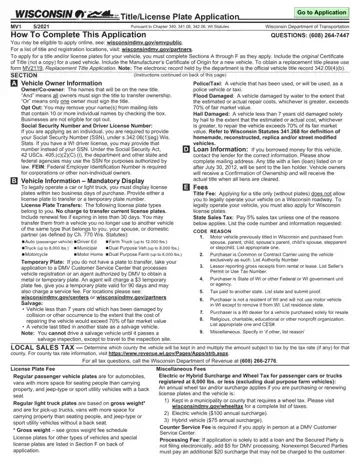
For vehicle owners in Wisconsin, navigating the process of obtaining a title and license plate involves filling out the Wisconsin Department of Transportation MV1 form, formally known as the Title/License Plate Application. This comprehensive form, updated as of May 2021, mandates completion of Sections A through F, depending on the applicant's specific needs—ranging from registration of new and used vehicles to application for specialized plates. Key requisites include the submission of the original Certificate of Title for used vehicles, or the Manufacturer’s Certificate of Origin for new ones. Interestingly, individuals can opt-out of having their names included on mass mailing lists, a feature aimed at enhancing privacy. Moreover, the form facilitates the transfer or application for temporary license plates, crucial for legal vehicle operation shortly after purchase. Compliance with the state's taxation and fee structures is integrated into the process, alongside provisions for acknowledging special vehicle statuses such as salvage or flood-damaged. Given Wisconsin's diverse climate and agricultural economy, the form also caters to the specific needs of farm truck owners and those requiring heavy vehicle registration. Each section intricately adds to the legal framework set by Wisconsin statutes, underscoring the state's meticulous approach to vehicle registration and title application.
| Question | Answer |
|---|---|
| Form Name | Wisconsin Dmv Mv1 Form |
| Form Length | 4 pages |
| Fillable? | Yes |
| Fillable fields | 128 |
| Avg. time to fill out | 26 min 40 sec |
| Other names | wisconsin mv1, wisconsin mv1 form pdf, mv1, wisconsin title transfer form |
