
Updated:
Get Form Now
The TMRS Direct Deposit Authorization form is a document used by the Texas Municipal Retirement System to authorize the direct deposit of retirement benefits into a retiree’s bank account. This form collects personal data from the payee, including name, social security number, contact information, and details about the financial institution where the deposit will be made, such as the bank name, phone number, and the payee’s account information.
Retirees must attach a voided check to ensure the accuracy of the banking data and sign the form to authorize TMRS to make electronic deposits into their accounts. This form facilitates the efficient and secure transfer of retirement benefits directly into the payee’s account, ensuring timely and reliable access to funds.
Other Texas Forms
You can find even more editable Texas forms accessible with our editor. Following next, we selected a number of the more popular forms included in this category. Besides that, remember that you are able to upload, fill out, and edit any PDF at FormsPal.
What it is: The Direct Deposit Authorization authorizes the Texas Municipal Retirement System (TMRS) to deposit a TMRS benefit electronically to the financial institution and the account indicated.
Who signs: Under SIGN, add the Payee Signature and the Date.
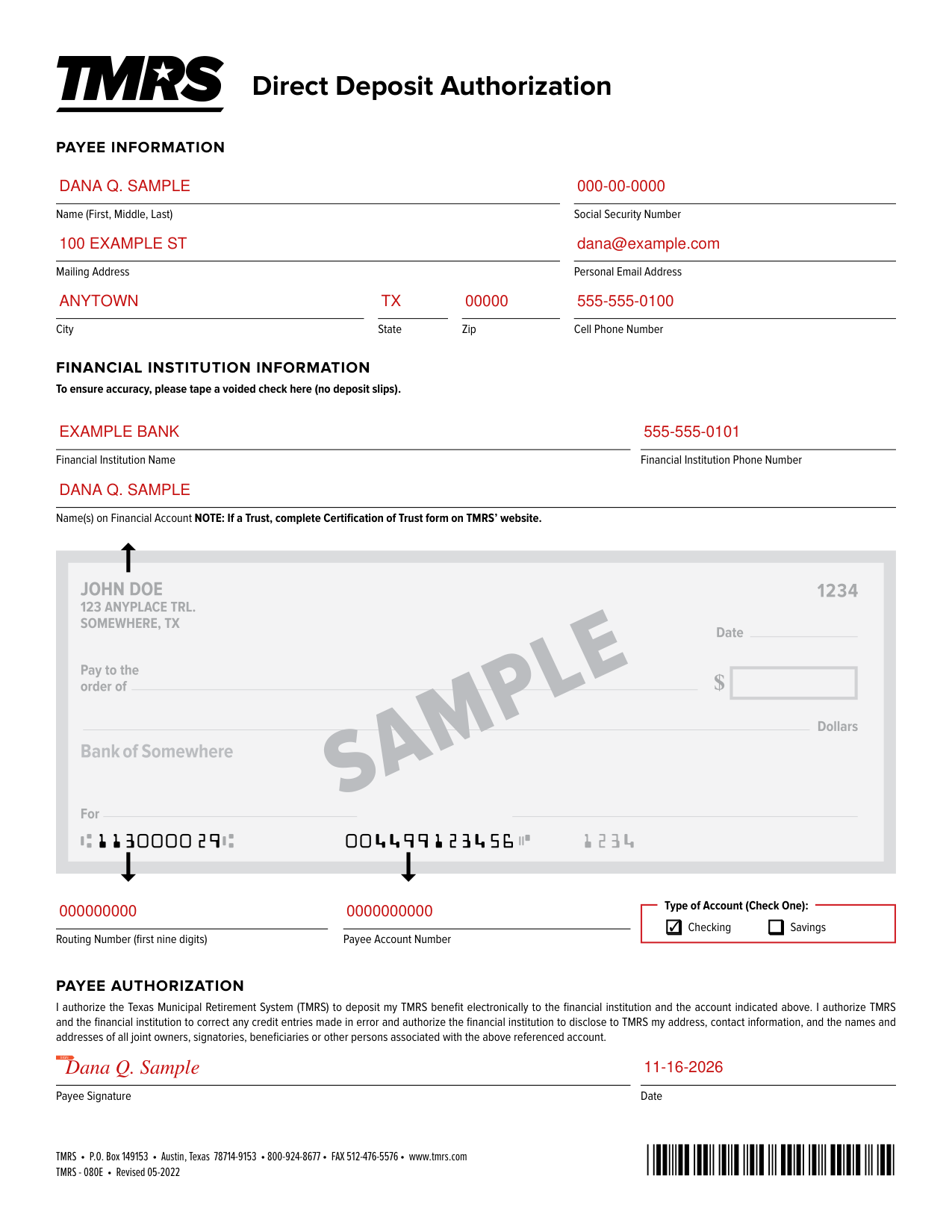
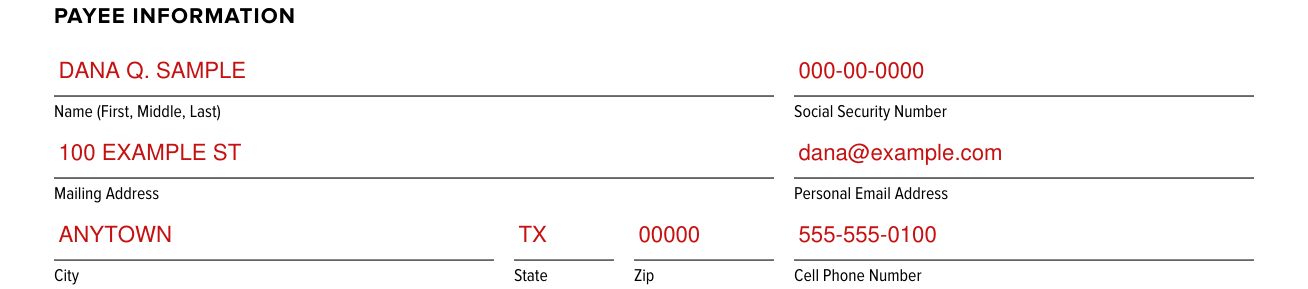
Under PAYEE INFORMATION, enter the Name (First, Middle, Last) and the Social Security Number.
Under PAYEE INFORMATION, enter the Mailing Address, Personal Email Address, City, State, Zip and Cell Phone Number.
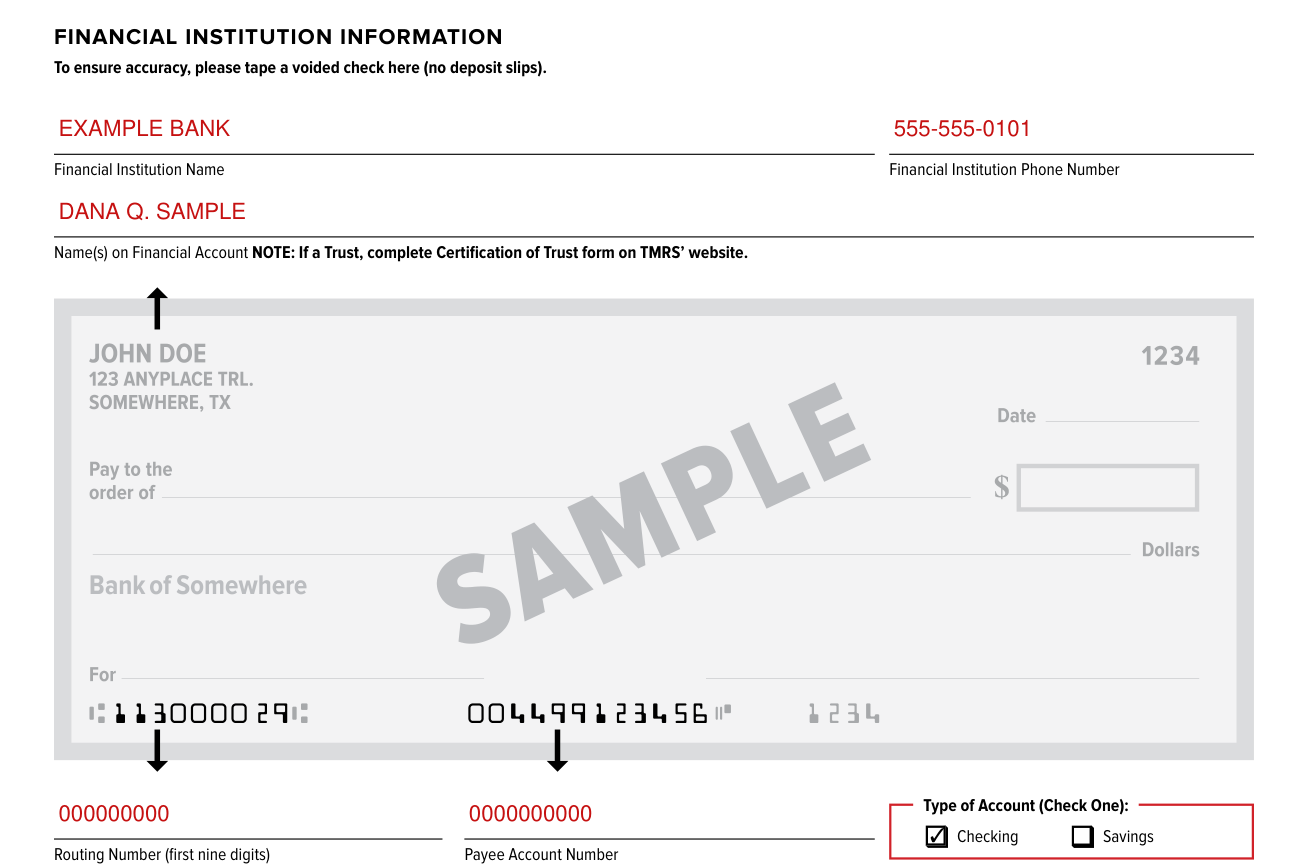
To ensure accuracy, tape a voided check on the form (no deposit slips).
Under FINANCIAL INSTITUTION INFORMATION, enter the Financial Institution Name and the Financial Institution Phone Number.
Enter the Name(s) on Financial Account. If a Trust, complete the Certification of Trust form on the TMRS website.
Enter the Routing Number (first nine digits) and the Payee Account Number.
Under Type of Account (Check One), check Checking or Savings.

Under SIGN, add the Payee Signature and the Date.
TMRS, P.O. Box 149153, Austin, Texas 78714-9153.
[1] TMRS 080E Direct Deposit Authorization (Revised 05-2022), Texas Municipal Retirement System (the Official source link on this page).