
Updated:
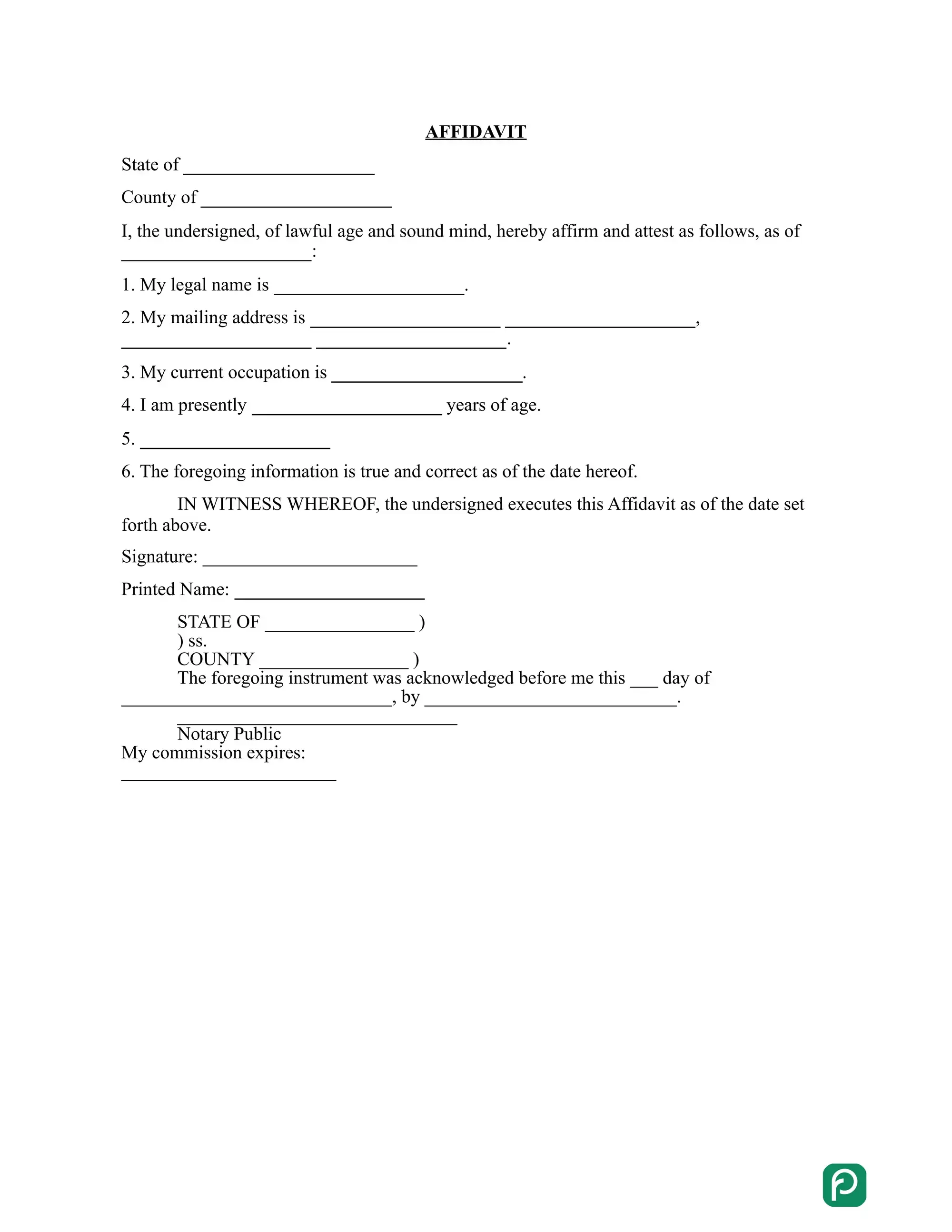
California affidavit forms help create a sworn statement of facts that may be used as evidence in various legal proceedings. The affidavit forms are used to prove identity, support an application for legal immigration status, or as evidence in a court case. California affidavit forms include an affidavit of service, an affidavit of the death of a joint tenant, and an affidavit regarding a lost promissory note. California authorities also provide many official legal templates.
Build Your Document
Answer a few simple questions to make your document in minutes
Save and Print
Save progress and finish on any device, download and print anytime
Sign and Use
Your valid, lawyer-approved document is ready
A California affidavit is a written statement of facts that the person making it swears is true. It records what you know, such as who you are, an event you saw or the details of a property. People attach these statements to applications and other paperwork that asks for proof. A short, specific statement is easier for the reader to check.
Apart from customizable affidavit templates, there are official California forms you must use to prepare specific documentation. For example, if you want to amend some of your records, like birth or death, you must use Form VS-24. It’s crucial to have an accurate, appropriate form to provide necessary changes. More official templates are below.
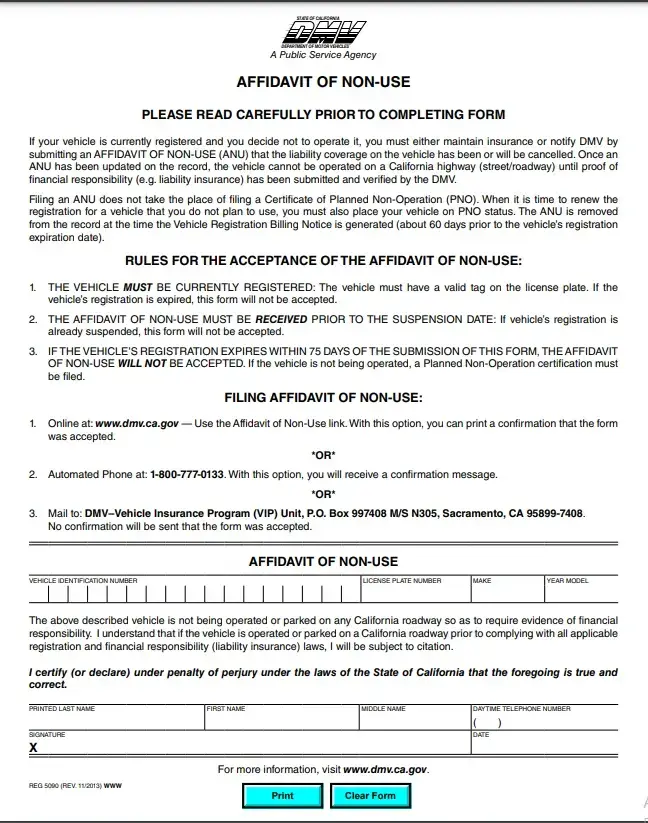
California Affidavit of Non-Use is filed when a vehicle owner decides not to operate their vehicle on California roads. This affidavit allows the owner to notify the California DMV about canceling the liability coverage on the vehicle. If this person wants to drive the vehicle again, they must submit proof that they recover the insurance.
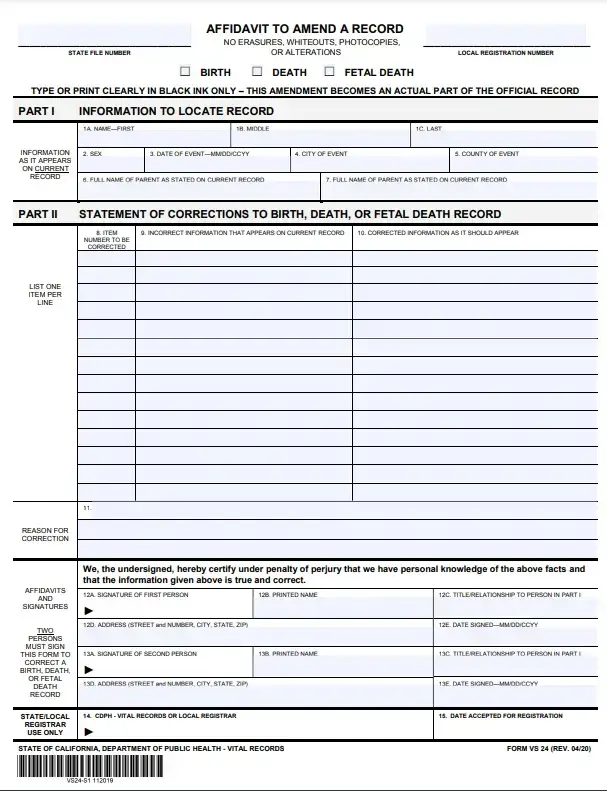
California Affidavit to Amend a Record (Form VS-24) allows a person to amend a specific record, including birth, death, and fetal death records. The form must be filled out with accurate information and signed by two persons certifying that they have personal knowledge that the facts given above are true and correct. Form VS-24 must not include erasures, whiteouts, photocopies, or alterations.
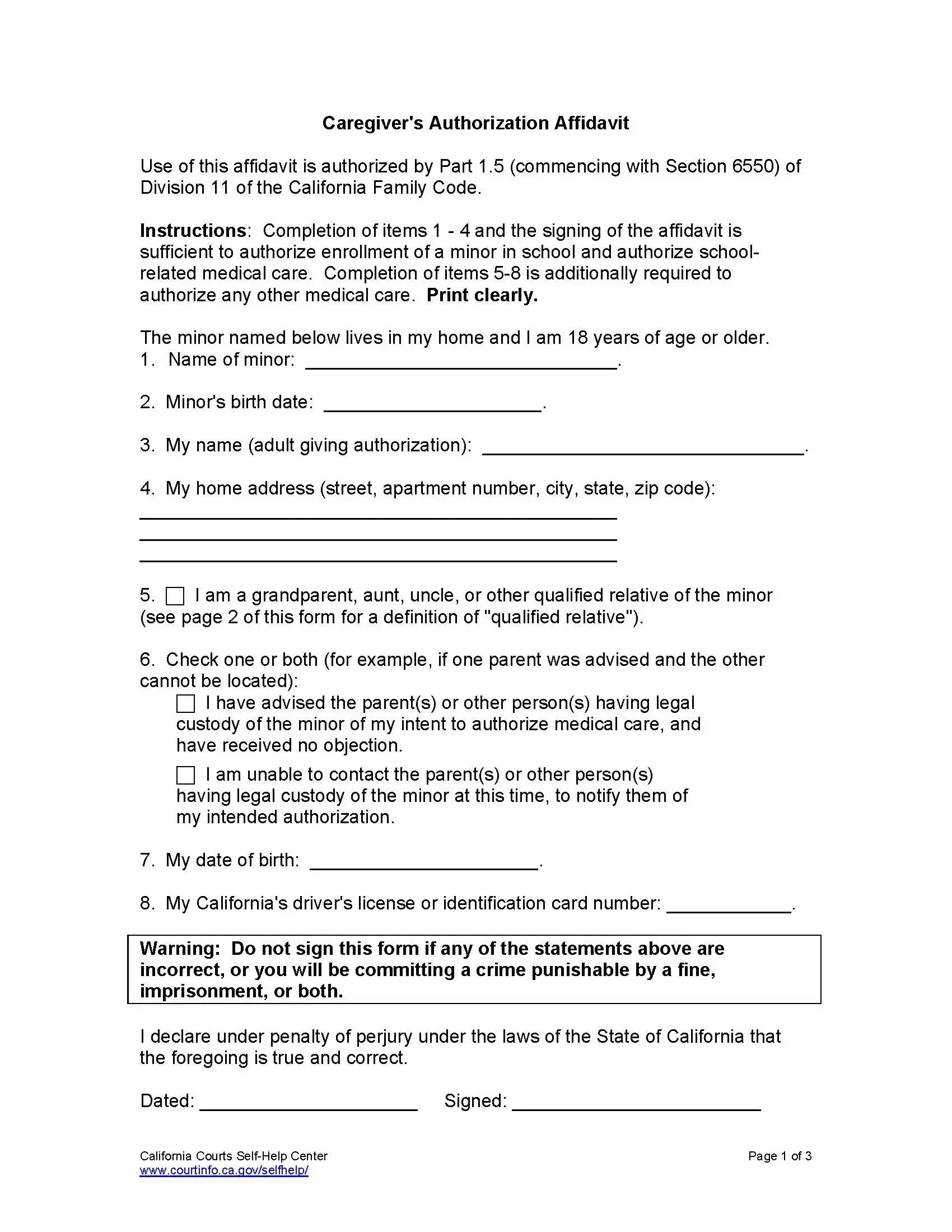
California Caregiver Authorization is filled out by parents or legal guardians and provided to the child’s care provider. This form allows the caregiver to make decisions related to the child’s education and healthcare, for example, enrolling in school or receiving medical treatment. The authorization form must be signed before a notary public.
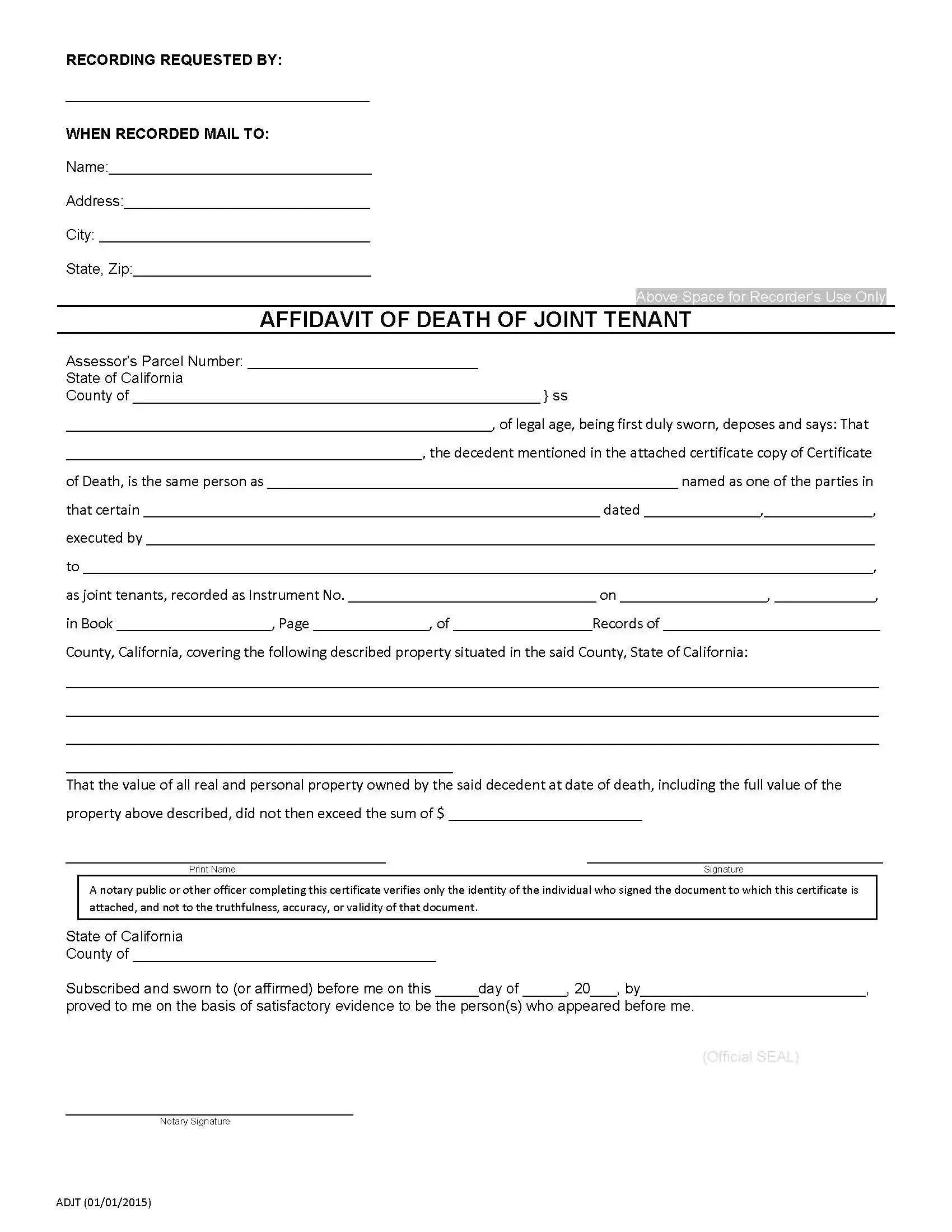
California Death of a Joint Tenant Affidavit serves as proof of the death of one of the joint tenants. A surviving spouse often uses this California affidavit to establish them as a new property owner. To file the affidavit, you will need to get a certified copy of the death certificate of the deceased tenant. Then, it’s required to record the affidavit with the local recorder’s office.
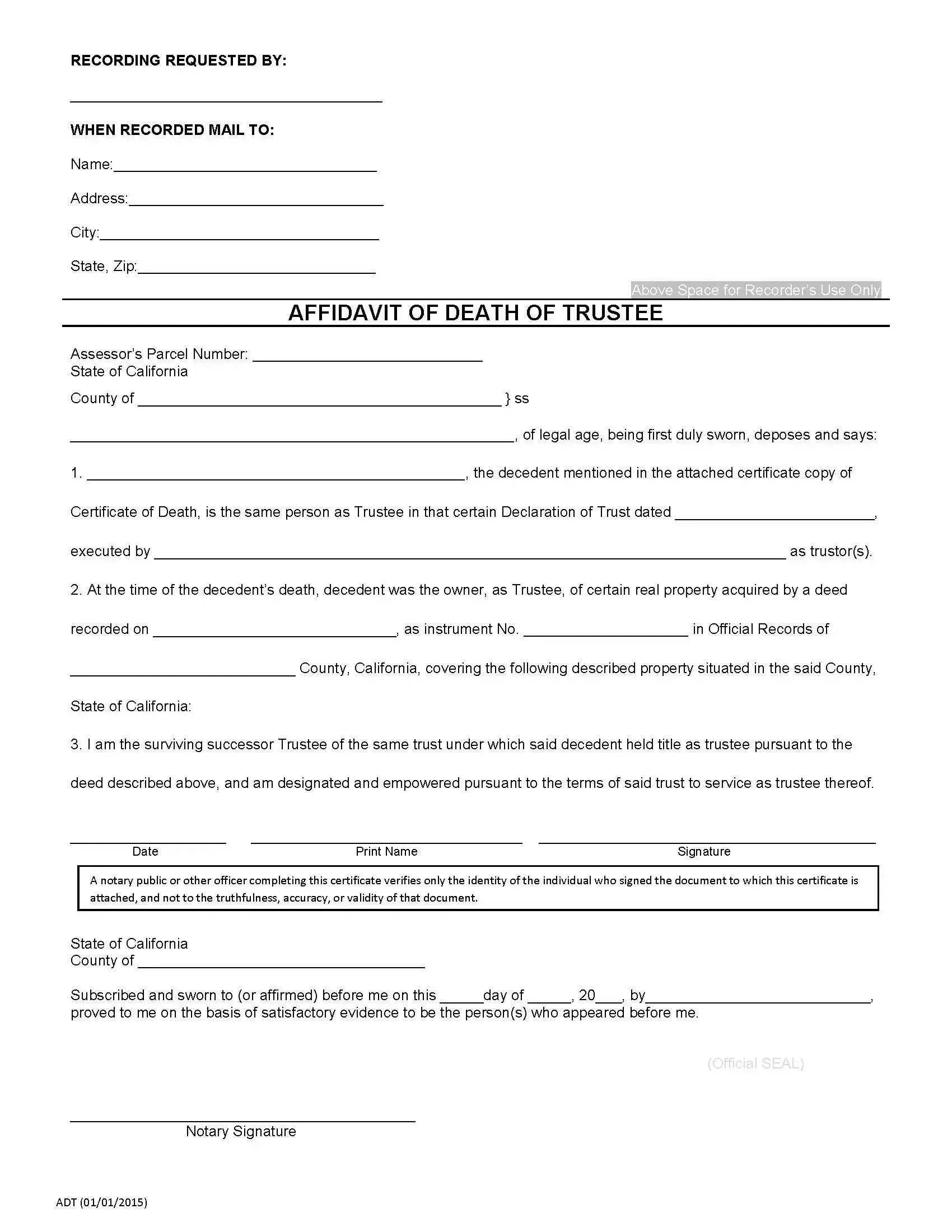
California Affidavit of Death of a Trustee establishes the death of a trustee and is used to remove their name from the property title. Thus, the property transfers from the decedent to the successor trustee. Note that if the deceased owns more than one title, the affidavit must be prepared for each. These affidavits must also be notarized.
Start with the form that fits your situation, then work through it one section at a time. The steps below apply to the FormsPal builder above and to the official forms listed on this page. Take a few minutes to double-check the details before you print.
Small slips are an easy way to end up redoing an affidavit. A quick check before you print can save you time. Look for these common mistakes in your draft:
Not every situation fits the forms above. FormsPal also offers an affidavit of service and other general templates. Browse the affidavit forms collection to find other legal forms and documents. Pick the template that names the document you were asked for.
It is a template for writing a sworn statement of facts. You fill in your details, review the text and print the finished document. FormsPal lets you build one online and save your progress.
Click Create My Document at the top of the page, answer a few questions and save your progress. You can finish on any device, then download and print the affidavit.
Yes. Open the downloaded PDF and type in your details, or use the FormsPal PDF editor to fill in, edit and sign it online. Check that names and dates match your IDs before you print.
These official forms each have their own page with more detail:
Keep a copy for your records. Check the instructions from the office or person who asked for the affidavit to see how to hand it in.
General information, not legal or tax advice.
