
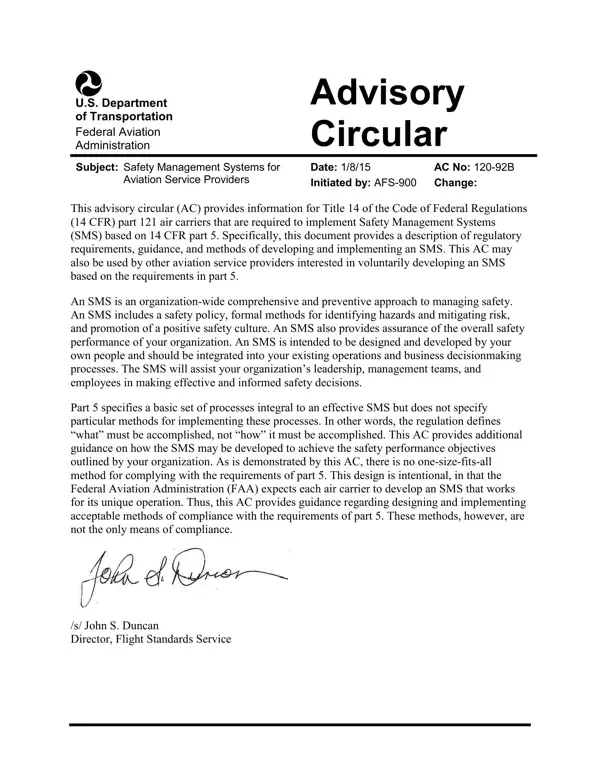
The AC 120-92B form, issued by the FAA, marks a significant step in aviation safety. It provides a comprehensive guide for Title 14 CFR part 121 air carriers on implementing Safety Management Systems (SMS). Dated January 8, 2015, this advisory circular goes beyond regulatory compliance to outline a proactive approach to safety, covering safety policy, hazard identification and risk mitigation, and building a positive safety culture within aviation organizations.
Designed to be adapted by each organization's own people to fit existing operations and business decision-making, SMS aims to improve safety performance significantly. The framework scales to the size of any operation and reflects the goals of the International Civil Aviation Organization (ICAO), supporting compliance with global standards. The AC 120-92B form is pivotal for aviation service providers designing an SMS that aligns with both 14 CFR part 5 requirements and their unique operational needs.
| Question | Answer |
|---|---|
| Form Name | Ac 120 92B Form |
| Form Length | 80 pages |
| Fillable? | No |
| Fillable fields | 0 |
| Avg. time to fill out | 20 min |
| Other names | faa ac 120 92b, management system ac sample, safety management ac, safety management 5 |