
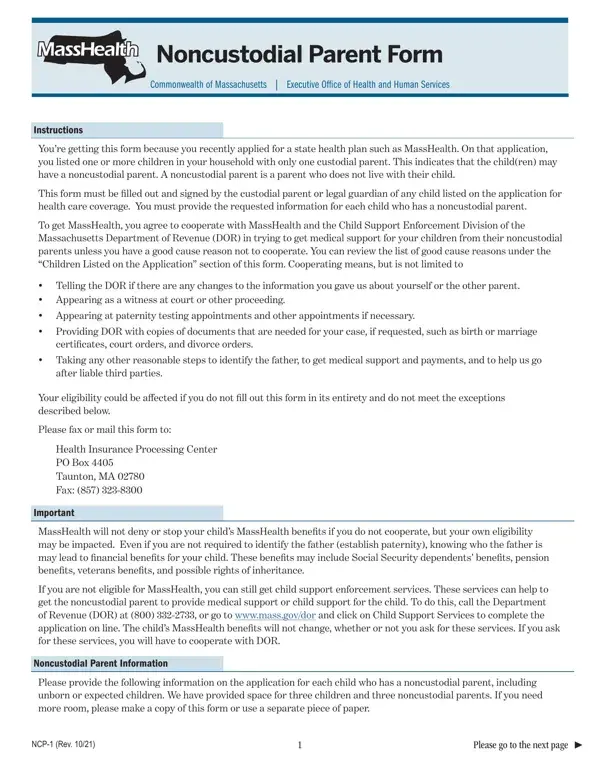
A noncustodial parent is a parent who does not live with their child.
Benefits: MassHealth will not deny or stop your child's MassHealth benefits if you do not cooperate, but your own eligibility may be impacted.
Good cause: if you checked any of the good cause boxes for a child, you do not have to provide information for this child's noncustodial parent.
Unborn child: if you are applying for benefits for an unborn child, you do not need to give information about the noncustodial parent of the unborn child at this time.
End of pregnancy: if the noncustodial parent is not in the household at the end of your pregnancy, you will need to tell MassHealth about them at that time.
| Question | Answer |
|---|---|
| Form Name | NCP-1 |
| Form Length | 4 pages |
| Fillable? | No |
| Fillable fields | 0 |
| Avg. time to fill out | 12 min |
| Edition | 06/22 |
| Issuing agency | Executive Office of Health and Human Services |
| Where to send | Health Insurance Processing Center, PO Box 4405, Taunton, MA 02780; fax (857) 323-8300 |
| Other names | NCP-1, NCP 1, NCP-1 form, MassHealth NCP-1, non custodial parent form, noncustodial parent form |
| Official source | NCP-1 (Rev 06/22), Massachusetts Executive Office of Health and Human Services |
Masshealth Absent Parent Form isn’t the one you’re looking for?