
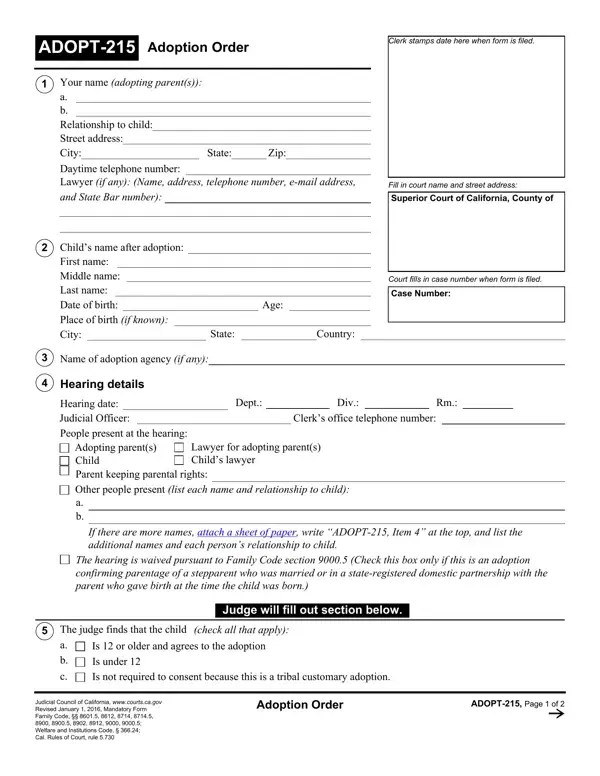

Form ADOPT-215 at a glance
What it is: ADOPT-215 is the Adoption Order.
Who signs: The Date (Date of Signature) and signature of the Judge or Judicial Officer. Box 14, Clerk's Certificate of Mailing: for the adoption of an Indian child, the clerk certifies: I am not a party to this adoption.
A filled-in Form ADOPT-215 example: an adopting stepparent fills in items 1 to 4
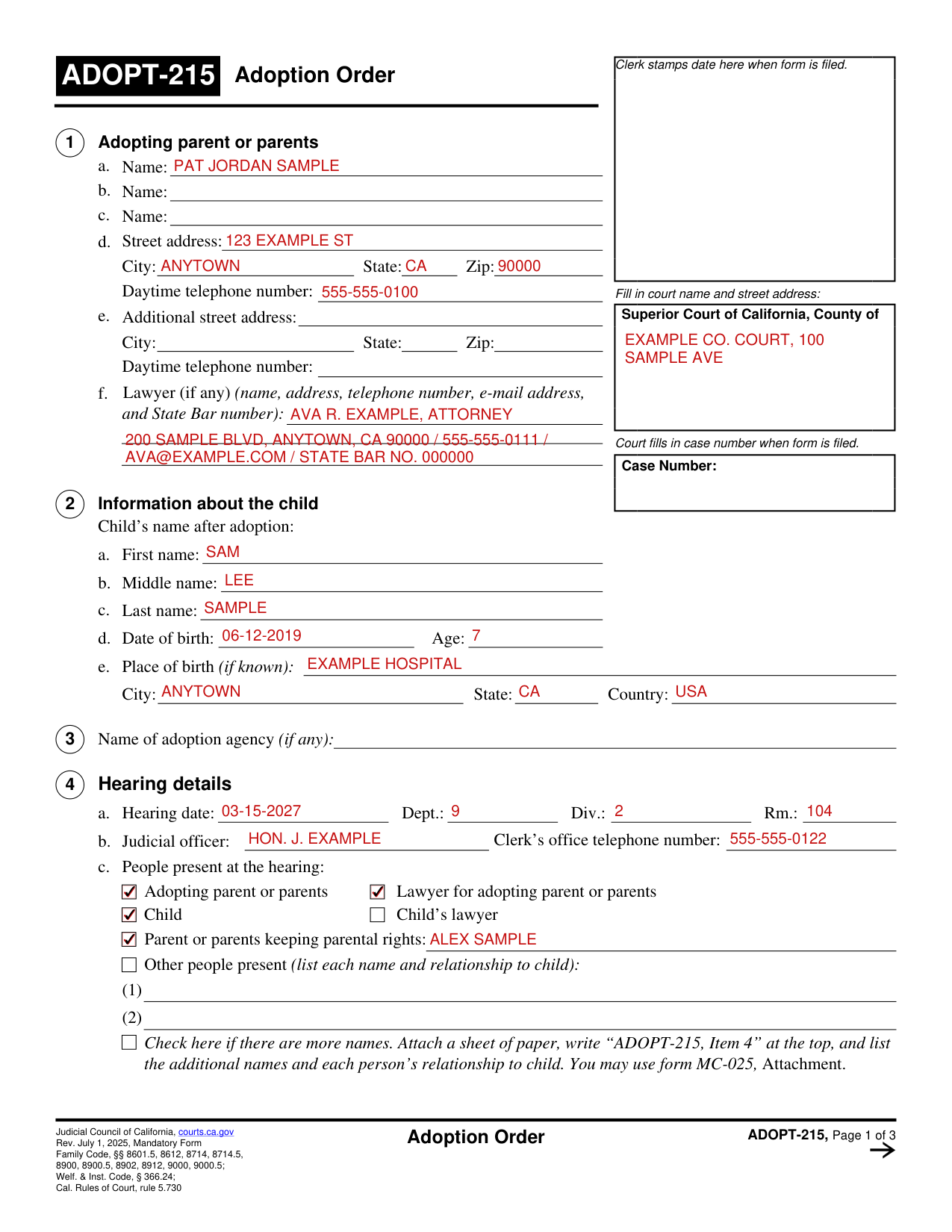
How to fill out Form ADOPT-215, box by box
Tap a group of boxes to open it, and a picture to see it full size.
The court's box, the case number, the adopting parents and their lawyer
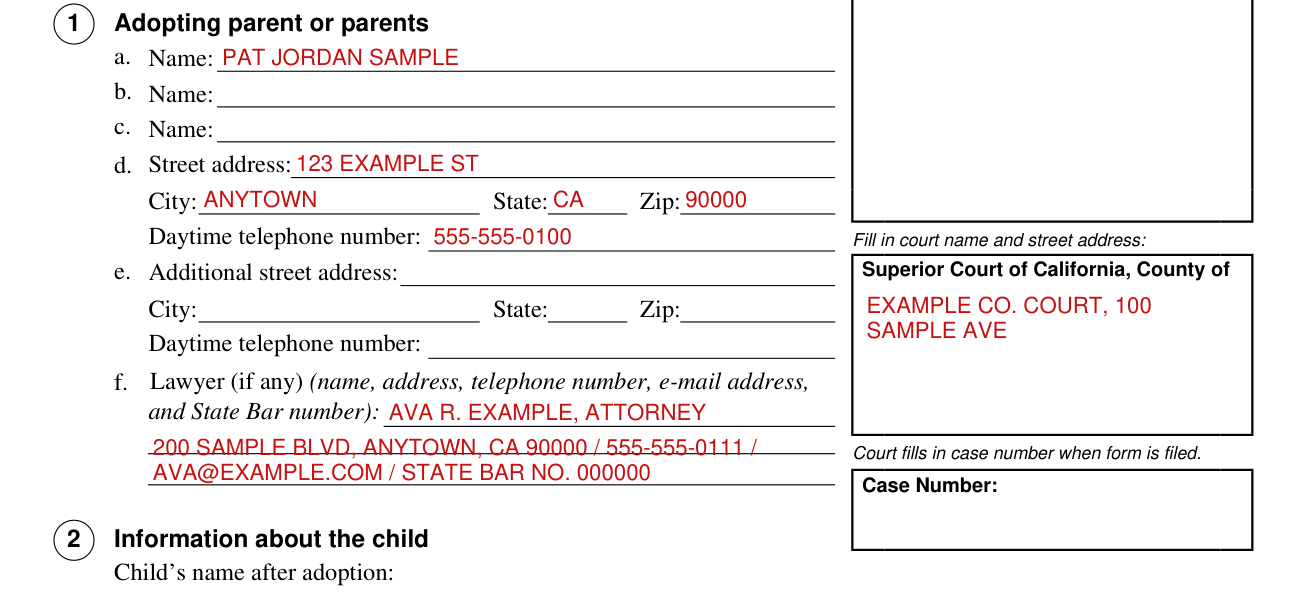
The clerk stamps the date when the form is filed.
The court fills in the case number when the form is filed.
Fill in the court name and street address; Superior Court of California, County of (county).
Box 1, Adopting parent or parents: for each adopting parent write the Name (a, b and c) and the Street address, City, State, Zip and Daytime telephone number (d); e is an Additional street address with its City, State, Zip and Daytime telephone number.
Box 1, f. Lawyer (if any): write the name, address, telephone number, e-mail address, and State Bar number.
The child and the adoption agency
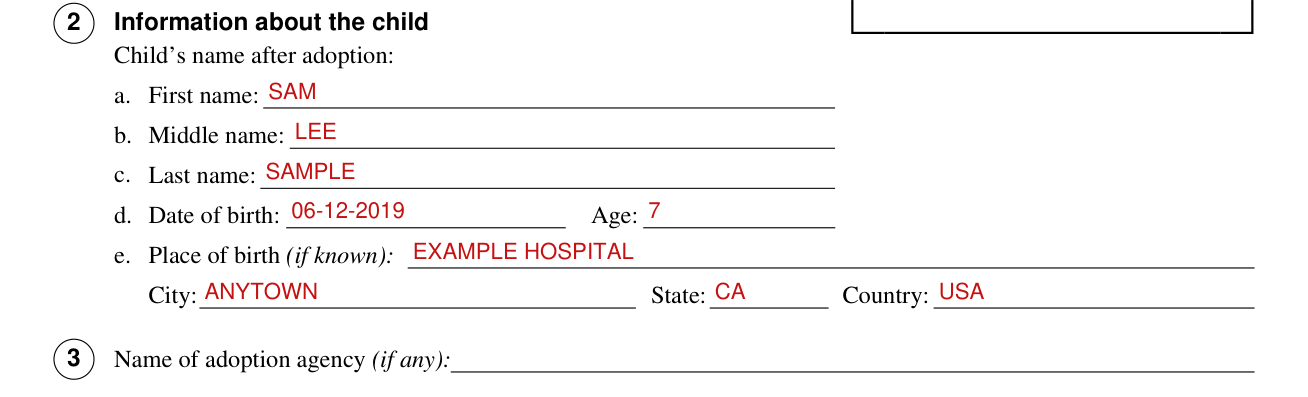
Box 2, Information about the child: write the Child's name after adoption (a. First name, b. Middle name, c. Last name), d. Date of birth and Age, and e. Place of birth (if known) with City, State and Country.
Box 3, Name of adoption agency (if any): write the name.
The hearing and the people present
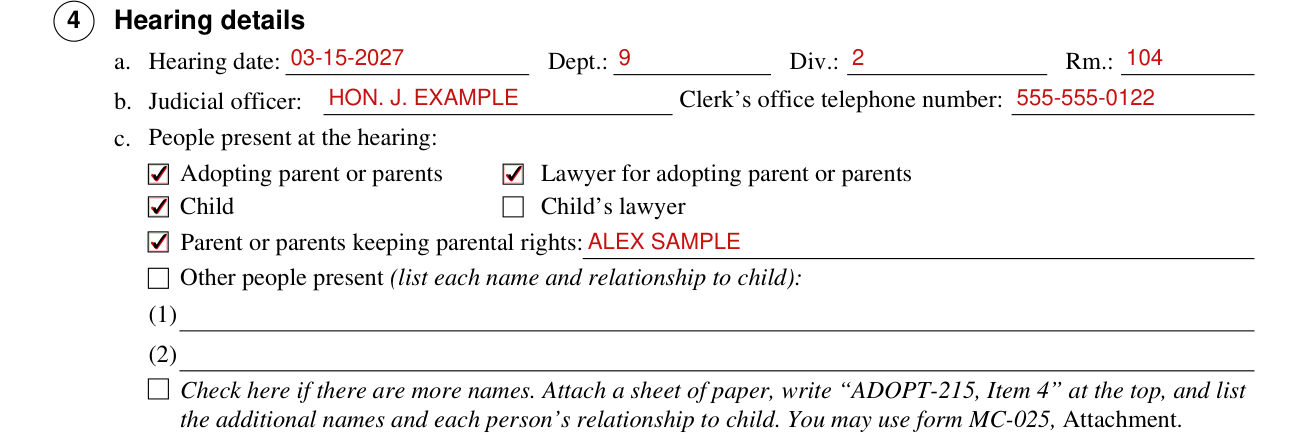
Box 4, Hearing details: for a, write the Hearing date, Dept., Div. and Rm.; for b, write the Judicial officer and the Clerk's office telephone number.
Box 4, c. People present at the hearing: check each that applies from Adopting parent or parents, Lawyer for adopting parent or parents, Child, Child's lawyer, Parent or parents keeping parental rights (write the name on the line after it), and Other people present (list each name and relationship to child).
Check here if there are more names, attach a sheet of paper, write "ADOPT-215, Item 4" at the top, and list the additional names and each person's relationship to child; you may use form MC-025, Attachment.
Hearing waived and the child's name before adoption
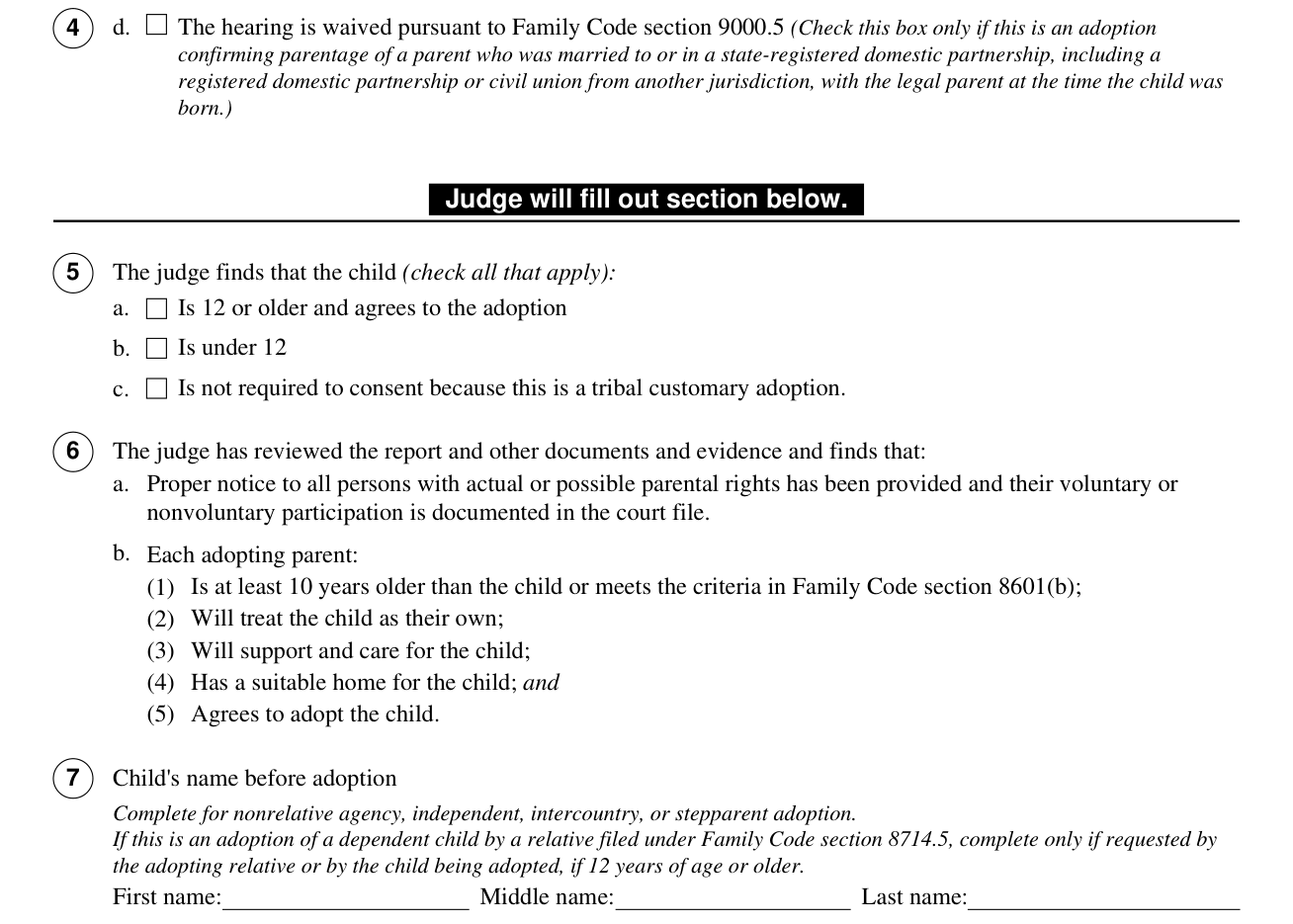
Box 4, d. The hearing is waived pursuant to Family Code section 9000.5: check this box only if this is an adoption confirming parentage of a parent who was married to or in a state-registered domestic partnership, including a registered domestic partnership or civil union from another jurisdiction, with the legal parent at the time the child was born.
Judge will fill out section below.
Box 7, Child's name before adoption: First name, Middle name and Last name. Complete for nonrelative agency, independent, intercountry, or stepparent adoption. If this is an adoption of a dependent child by a relative filed under Family Code section 8714.5, complete only if requested by the adopting relative or by the child being adopted, if 12 years of age or older.
An Indian child, the Contact After Adoption Agreement, a tribal customary adoption and the Hague convention
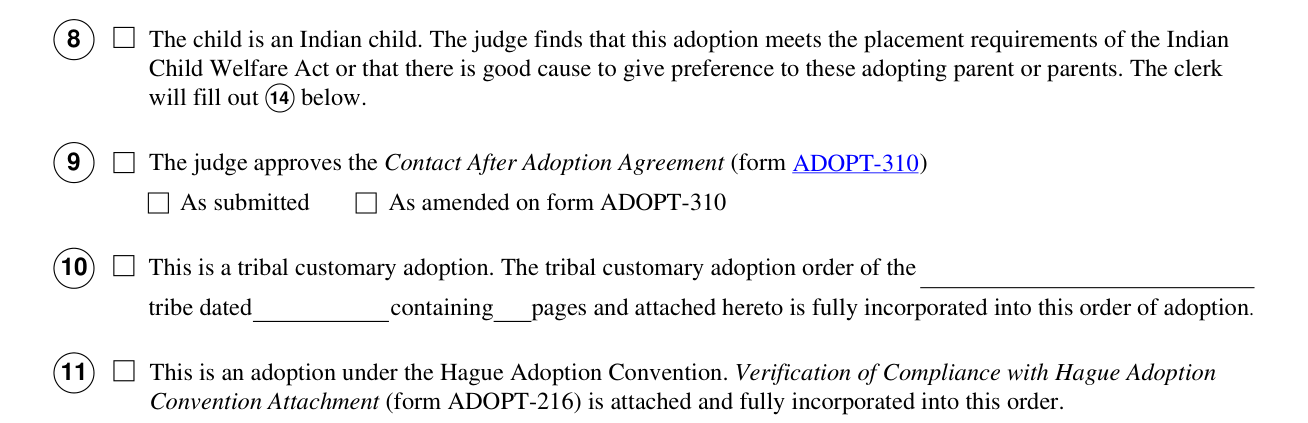
Box 8, The child is an Indian child. The judge finds that this adoption meets the placement requirements of the Indian Child Welfare Act or that there is good cause to give preference to these adopting parent or parents.
Box 9, The judge approves the Contact After Adoption Agreement (form ADOPT-310): As submitted or As amended on form ADOPT-310.
Box 10, This is a tribal customary adoption: the tribal customary adoption order of the (tribe) tribe, dated (date), containing (number) pages and attached hereto, is fully incorporated into this order of adoption.
Box 11, This is an adoption under the Hague Adoption Convention. Verification of Compliance with Hague Adoption Convention Attachment (form ADOPT-216) is attached and fully incorporated into this order.
More than two parents
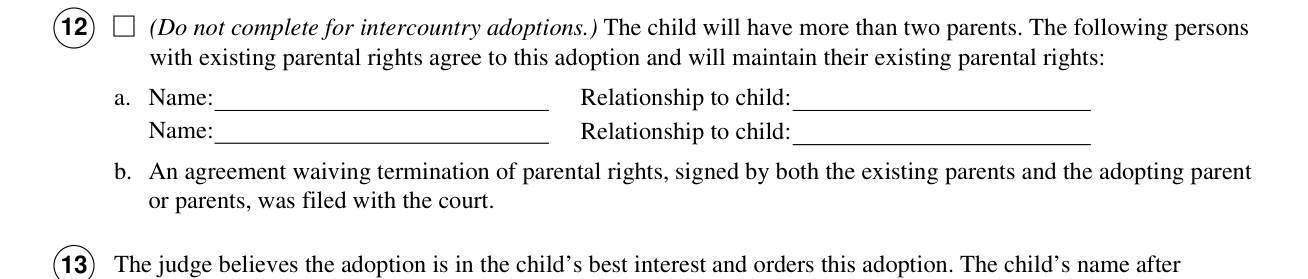
Box 12 (Do not complete for intercountry adoptions): The child will have more than two parents. The following persons with existing parental rights agree to this adoption and will maintain their existing parental rights: a. Name and Relationship to child. b. An agreement waiving termination of parental rights, signed by both the existing parents and the adopting parent or parents, was filed with the court.
The order, the child's name after adoption and the judge's signature
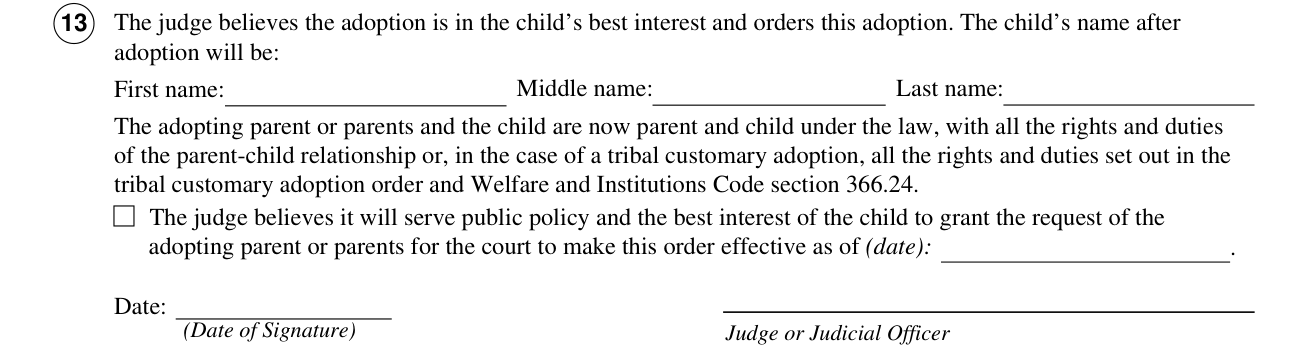
Box 13, The judge believes the adoption is in the child's best interest and orders this adoption. The child's name after adoption will be: First name, Middle name and Last name.
The Date (Date of Signature) and signature of the Judge or Judicial Officer.
The clerk's certificate of mailing
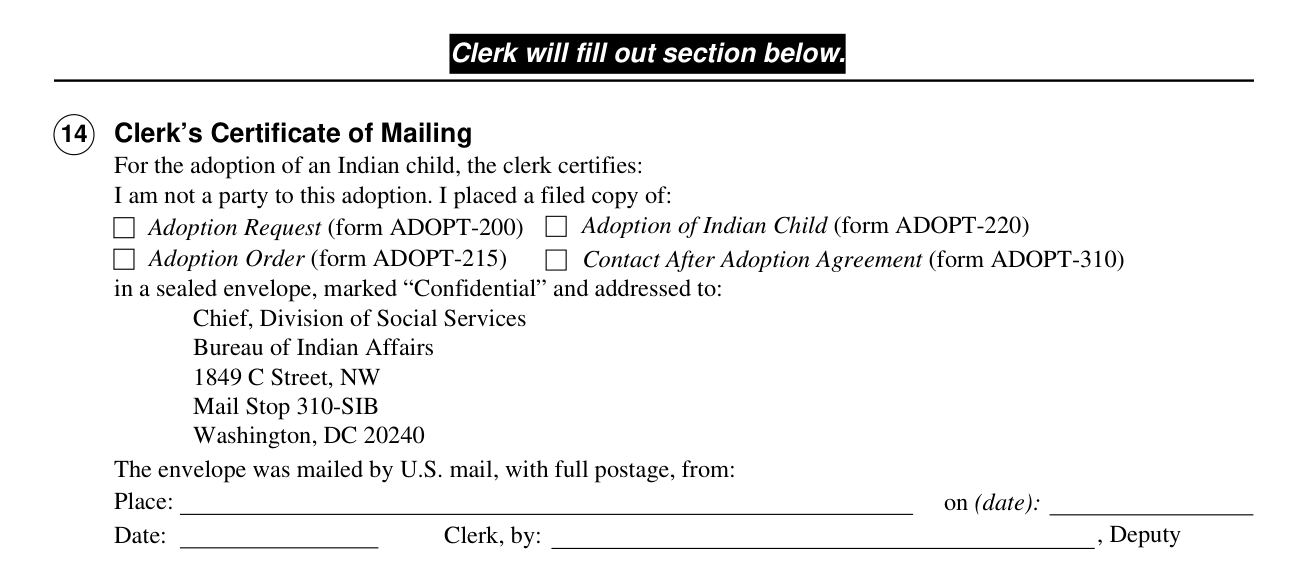
Clerk will fill out section below. The clerk will fill out 14 below.
Box 14, Clerk's Certificate of Mailing, For the adoption of an Indian child, the clerk certifies: I am not a party to this adoption. I placed a filed copy of: Adoption Request (form ADOPT-200), Adoption of Indian Child (form ADOPT-220), Adoption Order (form ADOPT-215) and Contact After Adoption Agreement (form ADOPT-310) in a sealed envelope, marked "Confidential" and addressed to:
The envelope is addressed to the Chief, Division of Social Services, Bureau of Indian Affairs, 1849 C Street, NW, Mail Stop 310-SIB, Washington, DC 20240.
Sources
[1] Form ADOPT-215 (Rev. July 1, 2025), Adoption Order, Judicial Council of California (the Official source link on this page).