

AF Form 332 at a glance
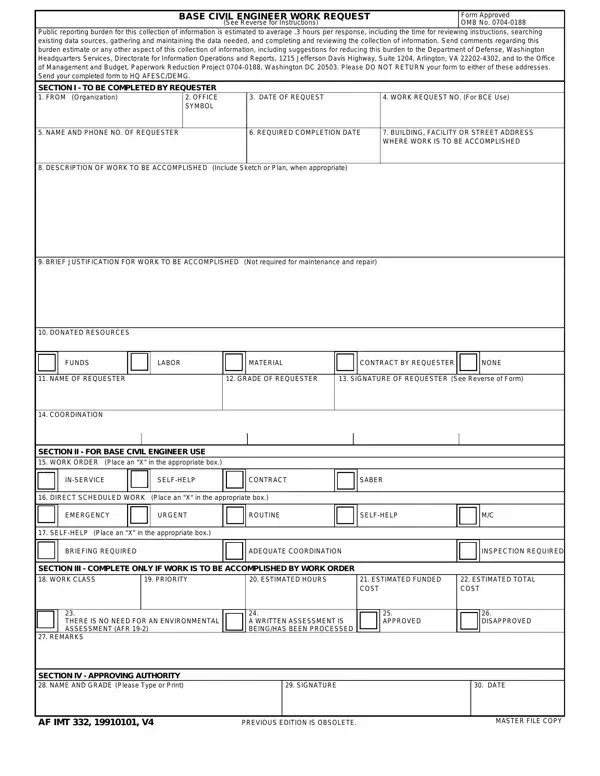
What it is: AF Form 332 is the Base Civil Engineer Work Request (See Reverse for Instructions).
Where and when to file: Send the completed form to HQ AFESC/DEMG.
Section I is to be completed by the requester.
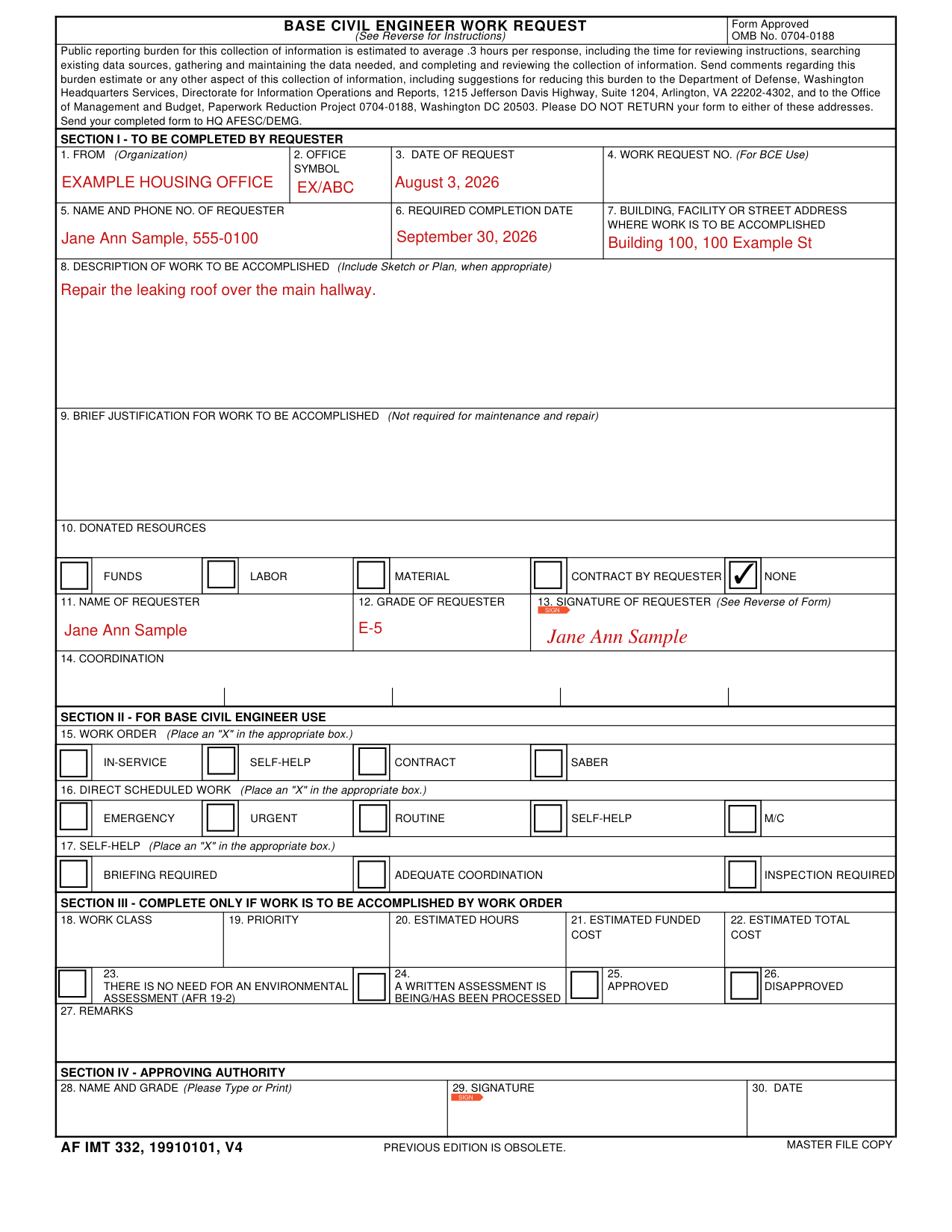
A filled-in AF Form 332 example: a requester asks for a roof repair
How to fill out AF Form 332, box by box
From, office symbol and date of request

Enter the FROM (Organization) in Box 1, the office symbol in Box 2 and the date of request in Box 3.
Work request number (for BCE use)

Box 4, Work Request No., is marked (For BCE Use).
Requester and required completion date

Enter the name and phone number of the requester in Box 5 and the required completion date in Box 6.
Building, facility or street address and description of work
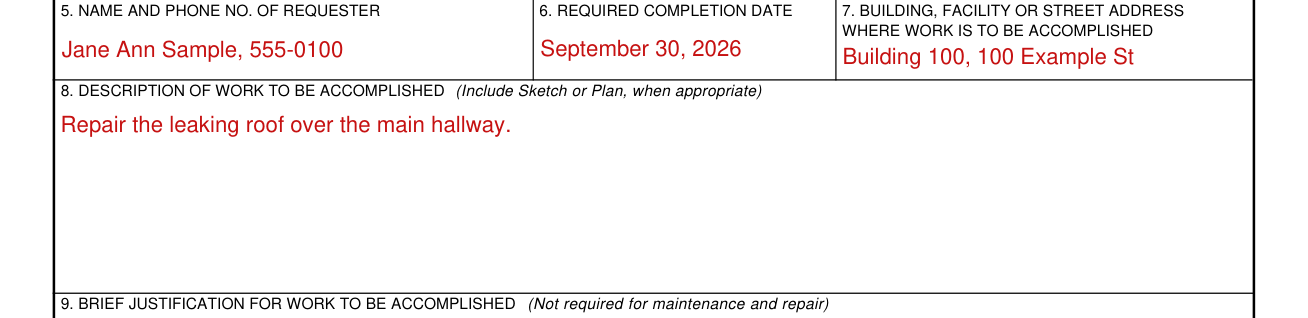
In Box 7, enter the building, facility or street address where the work is to be accomplished.
In Box 8, enter the Description of Work to Be Accomplished (Include Sketch or Plan, when appropriate).
Brief justification for work to be accomplished

Box 9, Brief Justification for Work to Be Accomplished, is not required for maintenance and repair.
Donated resources

Box 10, Donated Resources, lists Funds, Labor, Material, Contract by Requester and None.
Name, grade and signature of the requester

Enter the name of the requester in Box 11 and the grade of the requester in Box 12.
The requester signs Box 13, Signature of Requester (See Reverse of Form).
Section II, for Base Civil Engineer use
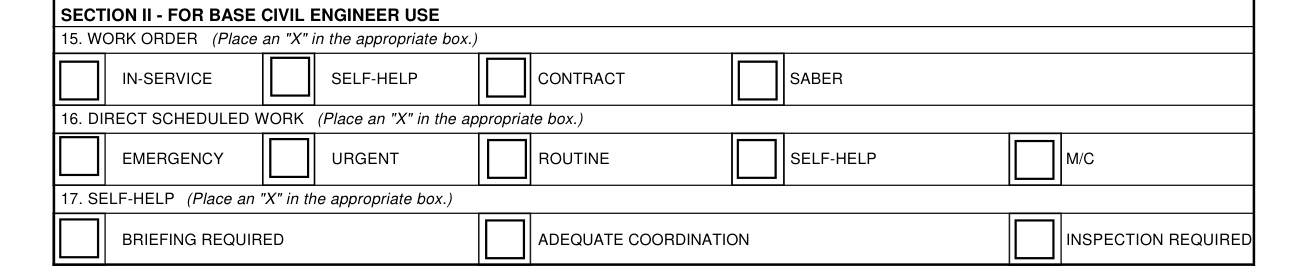
Section II is for Base Civil Engineer use.
In Box 15, Work Order, place an "X" in the appropriate box: In-Service, Self-Help, Contract or Saber.
In Box 16, Direct Scheduled Work, place an "X" in the appropriate box: Emergency, Urgent, Routine or Self-Help.
In Box 17, Self-Help, place an "X" in the appropriate box: Briefing Required, Adequate Coordination or Inspection Required.
Section III, complete only if work is to be accomplished by work order

Complete Section III only if work is to be accomplished by work order.
Section III has Box 18 Work Class, Box 19 Priority, Box 20 Estimated Hours, Box 21 Estimated Funded Cost and Box 22 Estimated Total Cost.
Section III also has Box 23, There is no need for an environmental assessment (AFR 19-2), Box 24, A written assessment is being/has been processed, Box 25, Approved, and Box 26, Disapproved.
Box 27 is Remarks.
Section IV, approving authority

Section IV is for the approving authority.
In Section IV, enter the name and grade in Box 28 (Please Type or Print), the signature in Box 29 and the date in Box 30.
More rules for AF Form 332
The public reporting burden for this collection of information is estimated to average .3 hours per response.
Common questions about AF Form 332
Where do I file it?
Send your completed form to HQ AFESC/DEMG, not to either of the addresses for comments regarding the burden estimate.
Sources
[1] AF Form 332 (19910101), Base Civil Engineer Work Request (the Official source link on this page).