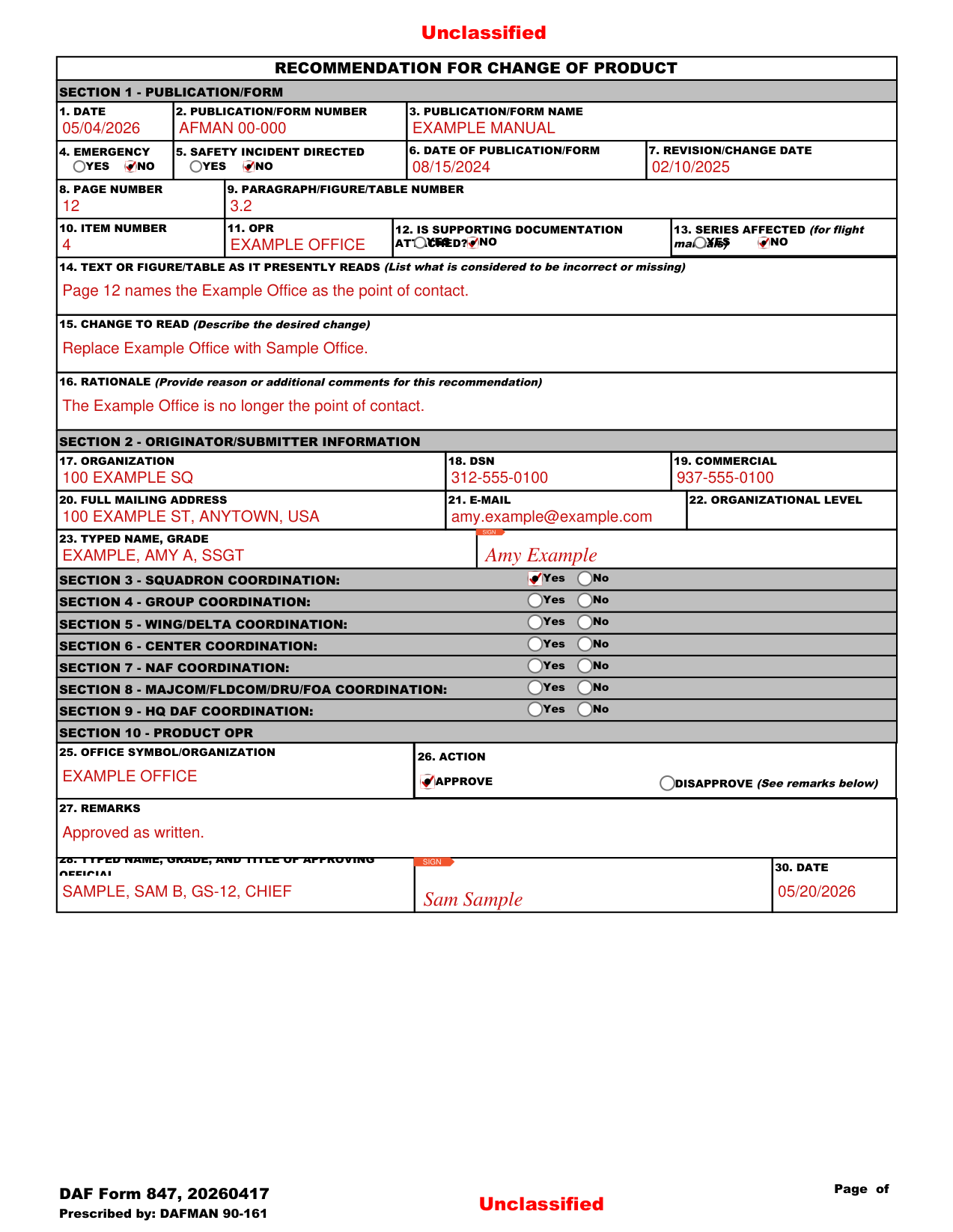
What Is AF Form 847?

This two-page document captures several key data fields. The identification section records your unit designation, submission date, and the MAJCOM/HQ control number if already assigned. The Publication Number and Title fields identify the exact Air Force publication being amended. Subsequent fields specify the exact page, paragraph, figure, or table where the proposed change applies. Each section is clearly labeled on the printed form, making it straightforward to complete even for first-time submitters.

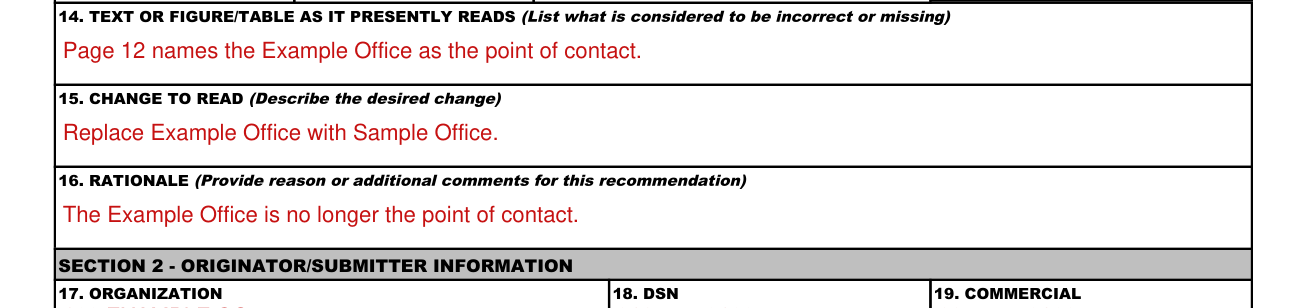
The form’s core section includes “Present Text or Figure” (the current wording or diagram) and “Recommended Change” (the proposed replacement). A rationale field explains why the change is necessary. The form concludes with concurrence and signature blocks that complete the authorization process, reviewed by the unit commander, MAJCOM, and the publication’s office of primary responsibility. Air Force members working with publication updates often also reference AF Form 103 for base access requests, AF Form 1206 for award nominations, Air Force Form 1168 for statements, and AF Form 332 for civil engineer work requests.

QuestionAnswer
Form NameAf Form 847
Form Length2 pages
Fillable?No
Fillable fields0
Avg. time to fill out30 sec
Other nameshm af 847, air force 847, air force form 847, af form 847 pdf

Form Preview Example

RECOMMENDATION FOR CHANGE OF PUBLICATION

1.

DATE

2. UNIT/AFSAS CONTROL NO.

3. MAJCOM/HHQCONTROL NO.

4. PUBLICATION NUMBER

5.

EMERGENCY OR SAFETY


INCIDENT RELATED


YES

NO


6.

PUBLICATION NAME


7. BASIC DATE OF PUBLICATION

8.

REVISION/CHANGE DATE


9.

PAGE NUMBER

10. MAJOR/SUB PARAGRAPH TITLE/NUMBER OR FIGURE NUMBER


11. ITEM NUMBER

12. OPR (for instructions)

13. IS SUPPORTING DOCUMENTATION ATTACHED 14. SERIES AFFECTED (for flight manuals)


YES

NO

YES

NO

15.TEXT OR FIGURE AS PRESENTLY READS (List what is considered to be incorrect or missing):

16.CHANGE TO READ (Describe the desired change)

17. RATIONALE (Provide reason or additional comments for this recommendation)

20. ORGANIZATION

19.

SIGNATURE


CLICK HERE TO SIGN

21.

DSN

FAX

22. FULL MAILING ADDRESS

23. E-MAIL

AF FORM 847, 20090922

TO:

FROM: (Full Address Including Zip Code and DSN)

SECTION 1

CONCUR

CONCUR WITH INTENT

DO NOT CONCUR

REMARKS


DATE

TYPED NAME, GRADE, AND TITLE

SIGNATURE


CLICK HERE TO SIGN

TO


FROM


SECTION 2

CONCUR

CONCUR WITH INTENT

DO NOT CONCUR

REMARKS


DATE

TYPED NAME, GRADE, AND TITLE

SIGNATURE


CLICK HERE TO SIGN

TO


FROM


SECTION 3

CONCUR

CONCUR WITH INTENT

DO NOT CONCUR

REMARKS


LEAD MAJCOM

COPIES FORWARDED TO


DATE

TYPED NAME, GRADE, AND TITLE

SIGNATURE


CLICK HERE TO SIGN


TO (FMM/Final Approval Authority)

FROM ((Full Address Including Zip Code and DSN)


SECTION 4

CONCUR

FORWARDED TO

FOR REVIEW AND/OR ACTION


CONCUR WITH INTENT

DO NOT CONCUR (See comments below)


REMARKS


DATE

APPROVAL/DISAPPROVAL AUTHORITY NAME, GRADE & TITLE

SIGNATURE

CLICK HERE TO SIGN

AF FORM 847, 20090922

How to Edit Af Form 847 Online for Free

FormsPal makes it simple to open, complete, and save the form without any software download. Follow the steps below to submit a well-formatted recommendation for change.

Step 1: Open AF Form 847

Click the “Get Form” button at the top of this page to open it in FormsPal’s online PDF editor. No account creation or installation is required.

Step 2: Complete the Identification Section

Enter today’s date in the Date field and your unit designation in the Unit field. If your MAJCOM has already assigned a control number for this change request, enter it in the MAJCOM/HQ Control No. field. Otherwise, leave that field blank until one is issued.

Step 3: Identify the Publication

Enter the exact publication number and full title in the Publication Number and Title fields. For example, type “AFI 33-360, Publications and Forms Management.” Include the publication date shown on the document’s cover page.

Step 4: Locate the Specific Change

Use the Page, Paragraph/Line, Figure, and Table fields to pinpoint the exact location of the text or figure you want changed. Precise references prevent processing delays and make it easier for the reviewing office to verify the change.

Step 5: Describe the Current Text and Your Recommendation

In the “Present Text or Figure” box, reproduce the exact existing wording or describe the current figure. In the “Recommended Change” box, write your proposed replacement text. Match the tone and formatting style of the publication.

Step 6: Provide a Clear Rationale

Explain in the Rationale field why the change is necessary. Reference any relevant incidents, safety concerns, regulatory updates, or operational lessons learned that support your recommendation. A thorough and specific rationale improves approval chances.

Step 7: Sign the Form and Forward It

Print the completed form and obtain your unit commander’s signature in the concurrence block. Then forward the signed form to your MAJCOM for review and on to the publication’s office of primary responsibility. You may also save the document as a PDF and share it electronically via official Air Force email channels.

Frequently Asked Questions about AF Form 847

Who can submit an AF Form 847?

Any active duty, Air Force Reserve, Air National Guard, or civilian Air Force employee may submit an AF 847 to recommend a change to an official publication. Contractors and foreign national employees may submit through their sponsoring unit.

How long does it take to process this change request?

Routine change recommendations typically take 30 to 90 days. Urgent corrections involving safety-of-flight or critical operational procedures may be expedited through MAJCOM channels. Processing time can also vary based on the priority assigned by the reviewing unit and the complexity of the proposed change.

Can I submit this form electronically?

Yes. The Air Force accepts digitally signed PDF submissions through official email. Use FormsPal to complete the form and download it as a PDF, then apply your CAC-based digital signature before sending. Ensure your digital signature is registered with your unit’s system administrator before submission.