
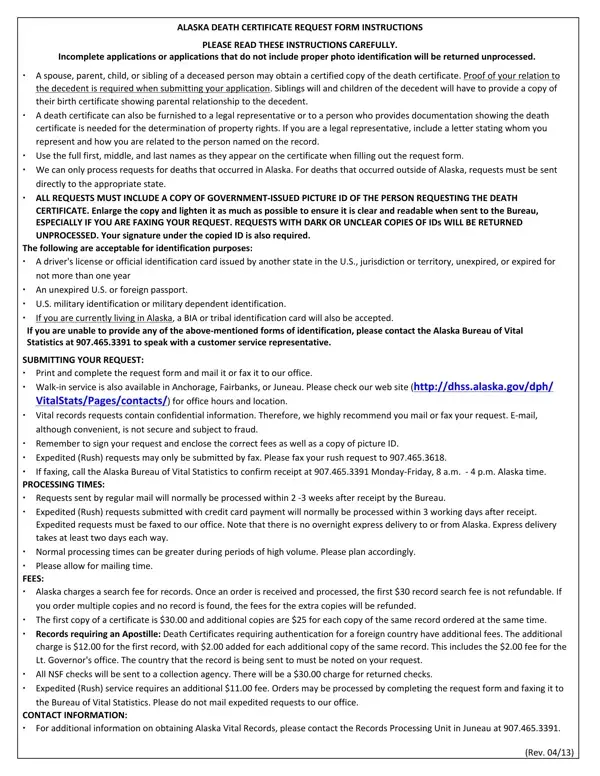
Requests that do not include an applicant signature, copy of a government issued ID, and payment will not be processed.
More than one method: if you submit your requests via more than one method, you will be charged for each request.
ID: accepted forms of ID, if expired, must be less than one year; please send a photocopy, not the original.
Entitlement: Alaska Vital Records will determine entitlement.
Lost documents: if your documents cannot be delivered, are returned, or are lost, you will need to submit a new request along with your ID and payment.
| Question | Answer |
|---|---|
| Form Name | Alaska Death Certificate Request Form |
| Form Length | 2 pages |
| Fillable? | Yes |
| Fillable fields | 52 |
| Avg. time to fill out | 9 min |
| Edition | Revision 04/2026 |
| Other names | Alaska death certificate request form, death certificate Alaska, State of Alaska death certificate, Alaska death records, Alaska Vital Records death certificate |
| Official source | Alaska Death Certificate Request Form (Revision 04/2026) |
Alaska Death Certificate Form isn’t the one you’re looking for?