
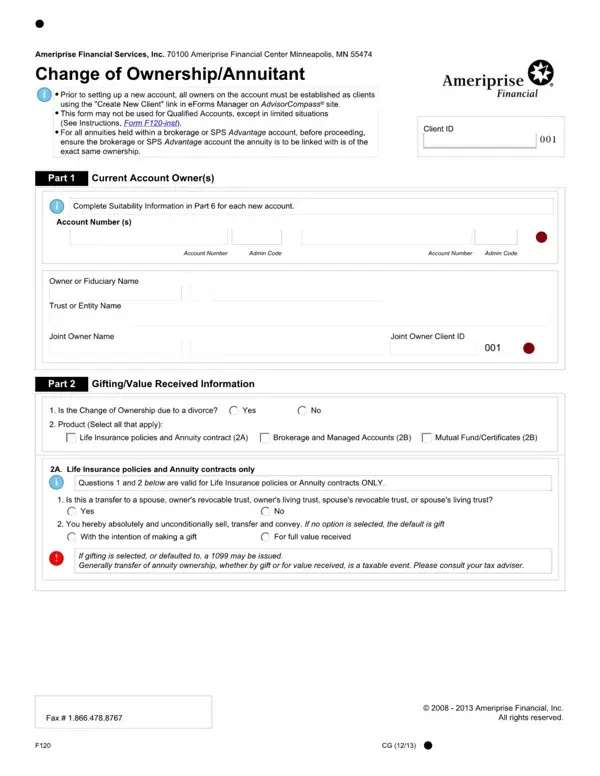
The Ameriprise 402542 is a 14-page estate settlement claim document used by Ameriprise Financial Services clients to manage portfolio updates and process inheritance-related requests. The form covers key Ameriprise transactions including estate settlement claims, beneficiary updates, and ownership registration changes.
To complete the form, gather essential information in advance: your current Ameriprise account number, the account holder's full name and legal title, applicable beneficiary documentation, and estate or probate paperwork. Having this information readily available ensures the submission process goes smoothly and that your changes meet Ameriprise financial management compliance standards. This estate settlement process is distinct from standard investment account procedures.
If you need a different document for Ameriprise records management, visit the general Ameriprise Financial form page or our account transfer form.
| Question | Answer |
|---|---|
| Form Name | Ameriprise Form 402542 |
| Form Length | 14 pages |
| Fillable? | No |
| Fillable fields | 0 |
| Avg. time to fill out | 3 min 30 sec |
| Other names | ameriprise application, ameriprise mileage verification form, ameriprise estate claim form, estate settlement claim ameriprise |
Ameriprise Form 402542 isn’t the one you’re looking for?