
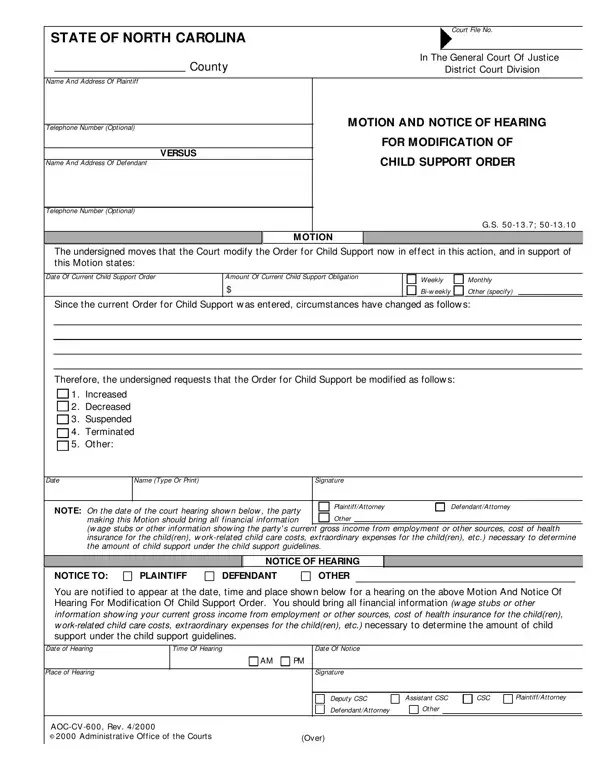
The undersigned moves that the Court modify the Order for Child Support now in effect in this action.
Order modified: Increased, Decreased, Suspended, Terminated or Other.
Circumstances: Since the current Order for Child Support was entered, circumstances have changed as follows.
Notice of Hearing: You are notified to appear at the date, time and place shown below for a hearing on the above Motion.
Certificate of Service: delivering a copy personally, depositing a copy in the United States mail or leaving a copy at the office of the attorney named below.
| Question | Answer |
|---|---|
| Form Name | AOC-CV-600 |
| Form Length | 2 pages |
| Fillable? | Yes |
| Fillable fields | 76 |
| Avg. time to fill out | 13 min |
| Edition | Rev 1/22 |
| Other names | AOC-CV-600, AOC CV 600, CV-600, Motion and Notice of Hearing for Modification of Child Support Order |
| Official source | AOC-CV-600 (Rev 1/22), North Carolina Administrative Office of the Courts |
Aoc Cv 600 Form isn’t the one you’re looking for?