
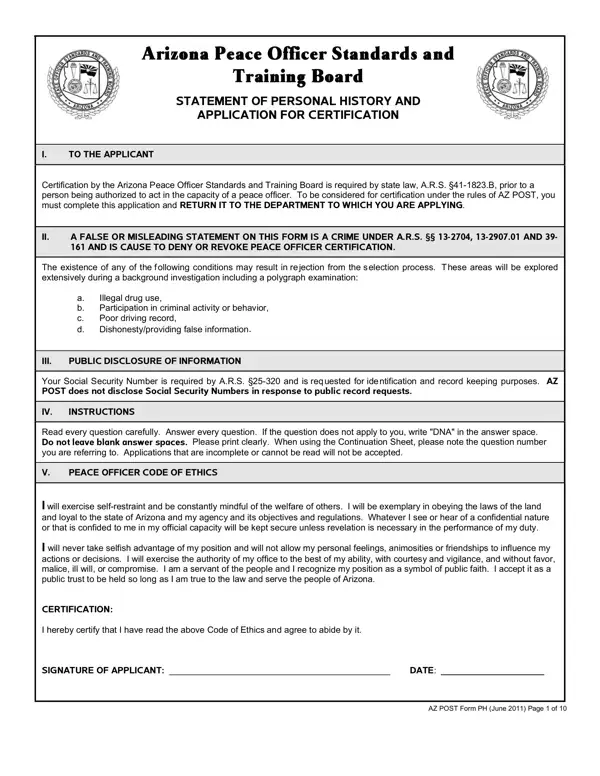
The Arizona Peace Officer Standards and Training Board (AZ POST) Statement of Personal History and Application for Certification is required under Arizona law, specifically A.R.S. §41-1823.B. Law enforcement agencies across Arizona use this form to evaluate applicants and confirm they meet the state standards required for peace officer duties.
Applicants must provide their full name, address, date of birth, Social Security Number, and proof of United States citizenship. The form also asks for prior names used, current marital status, complete employment history, and military service records. A written authorization section allows agencies and other organizations to release records related to the applicant for the purpose of the background check. If you have previously completed a personal history statement for another agency, you will still need to complete the Arizona-specific version of this form. You can also find a background check consent form to use alongside your application.
The AZ POST application outlines specific factors that may disqualify an applicant. These include a history of illegal drug use, involvement in criminal activity, a poor driving record, and dishonest behavior. All applicants must pass a full background check, and hiring agencies typically require a polygraph test as part of the evaluation. The form includes an agency verification section where hiring officials document their review steps with initials and dates.
All personal information provided in the form, including Social Security Numbers, is protected under Arizona privacy statutes. Each applicant must read and agree to the Peace Officer Code of Ethics, which defines the professional standards and public service responsibilities expected of peace officers in Arizona. Agencies review this commitment as part of their overall evaluation of an applicant's fitness for the role.
| Question | Answer |
|---|---|
| Form Name | Az Post Form |
| Form Length | 10 pages |
| Fillable? | No |
| Fillable fields | 0 |
| Avg. time to fill out | 2 min 30 sec |
| Issuing Agency | Arizona Peace Officer Standards and Training Board (AZ POST) |
| Other names | az postal code, az post waiver, azpost form search, az post |
Az Post Form isn’t the one you’re looking for?