
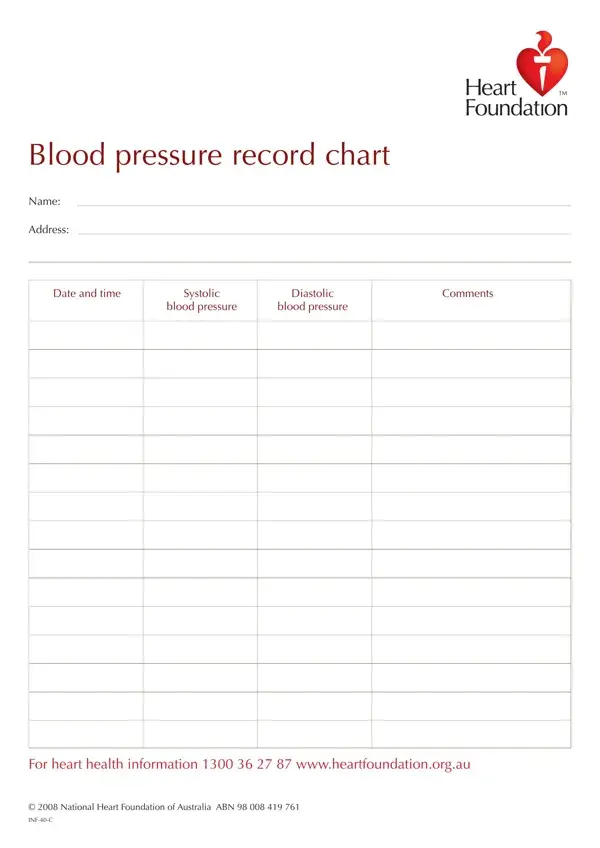
This one-page form provides a simple layout for tracking blood pressure readings over multiple days or weeks. Each row includes columns for the date, time, systolic pressure (upper number), diastolic pressure (lower number), and a space for notes about symptoms or medications taken.
Patients monitoring hypertension, caregivers assisting elderly family members, and healthcare providers who ask patients to bring a home log to appointments all benefit from this printable chart. It works well alongside other health tracking tools such as a blood glucose log or a home blood pressure log.
The chart captures systolic and diastolic values together with the exact date and time of each measurement. A dedicated comments column lets users record relevant details like missed doses, physical activity before the reading, or unusual stress levels. Over time, the completed log reveals patterns that help doctors adjust treatment plans.
Monitoring at home can detect trends that a single clinic visit may miss. Home blood pressure readings often provide a more accurate picture of cardiovascular health because they eliminate white-coat effects. Bringing a filled-out chart to your next appointment gives your doctor concrete data to work with.
| Question | Answer |
|---|---|
| Form Name | Blood Record Chart Form |
| Form Length | 1 pages |
| Fillable? | No |
| Fillable fields | 0 |
| Avg. time to fill out | 15 sec |
| Other names | heart pressure record chart template, blood pressure recording chart, printable blood pressure log sheet, blood record chart |
Blood Record Chart Form isn’t the one you’re looking for?