
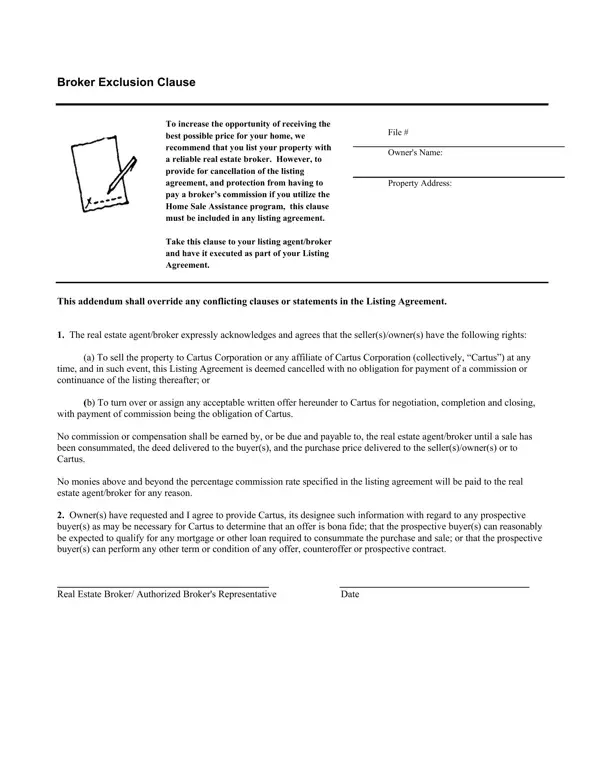
A broker exclusion clause is a written provision in a real estate listing agreement. It identifies one or more specific buyers who are excluded from triggering the listing broker's commission. If the property is sold to an excluded buyer, the seller does not owe any commission fees to the listing broker.
This clause is used most often when a seller participates in an employer-sponsored Home Sale Assistance program. Under these programs, a relocation company such as Cartus Corporation may purchase the property directly from the seller or negotiate the sale on the seller's behalf. Without a valid exclusion provision in the listing agreement, a commission dispute could arise between the seller and the broker.
Key requirements for using this form:
If you are handling other real estate transactions, you may also need a Broker Fee Agreement Form, a Real Estate Listing Agreement, or an Agreement Addendum Template.
| Question | Answer |
|---|---|
| Form Name | Broker Exclusion Clause Form |
| Form Length | 1 pages |
| Fillable? | No |
| Fillable fields | 0 |
| Avg. time to fill out | 15 sec |
| Other names | get govtdoc fill, letter to owner as broker great offers pdf, get govtdoc, get govtdoc fillable |
Broker Exclusion Clause Form isn’t the one you’re looking for?