
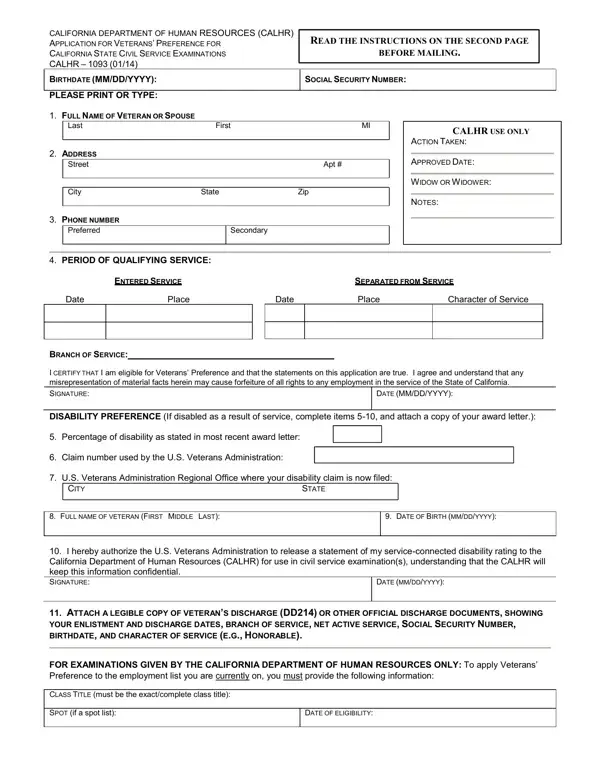
The California Department of Human Resources Application for Veterans' Preference (CALHR 1093 Form) allows qualifying veterans to be placed at the top rank of the civil service examination eligibility list, regardless of their test score. This preference took effect January 1, 2014, under California state law.
Applicants must not hold permanent California civil service status. The following may apply:
Mail the completed form and all supporting documents to the California Department of Human Resources. For other state employment forms, see the California Civil Form or the Civil Service 55B form. Additional employment forms are also available.
| Question | Answer |
|---|---|
| Form Name | California SPB 1093 / CALHR 1093 |
| Issued By | California Department of Human Resources |
| Form Length | 2 pages |
| Fillable? | No |
| Fillable fields | 0 |
| Avg. time to fill out | 30 sec |
| Other names | CalHR 1093, Veterans Preference Form, CALHR Veterans Preference, California Preference |