
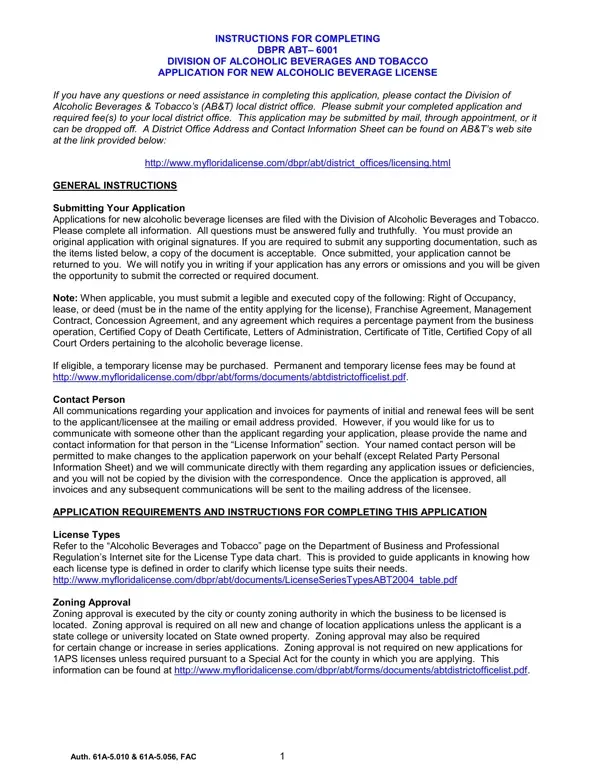
The DBPR ABT-6001 form is the standard application for a new alcoholic beverage license in Florida. It is overseen by the Division of Alcoholic Beverages and Tobacco (ABT), a division under the Florida Department of Business and Professional Regulation (DBPR). Any individual or business entity seeking to legally sell, serve, distribute, or manufacture alcoholic beverages in Florida must submit this form before beginning operations.
The application requires detailed business and personal information. Required documentation includes general business data, zoning approval from local authorities, a Department of Revenue clearance letter, and health department approvals. All principals named on the application must provide fingerprints for a mandatory background check, confirming that applicants meet the moral character standards required by Florida law.
Additional requirements vary by license category. Vendors, distributors, and certain retail establishments must provide a surety bond and a detailed sketch of the premises. The ABT also accommodates temporary license issuance for businesses in a transitionary period while the full application is under review. Processing typically takes 90 days from submission of a complete application packet.
Once licensed, alcoholic beverage license holders must maintain ongoing compliance with Florida statutes governing the sale and distribution of alcohol. Renewals and transfers require separate forms. For related applications, see the DBPR ABT-6004 form or browse our liquor license application resources. For regulatory matters, see the DBPR complaint form.
| Question | Answer |
|---|---|
| Form Name | Dbpr Abt 6001 Form |
| Form Length | 13 pages |
| Fillable? | No |
| Fillable fields | 0 |
| Avg. time to fill out | 3 min 15 sec |
| License Type | New Alcoholic Beverage License |
| Governing Agency | Florida Division of Alcoholic Beverages and Tobacco |
| State | Florida |
| Other names | dbpr alcoholic, florida liquor license application, florida dbpr abt 6001, dbpr abt 6001 |
Dbpr Abt 6001 Form isn’t the one you’re looking for?