

Form FL/E-ME-811 at a glance
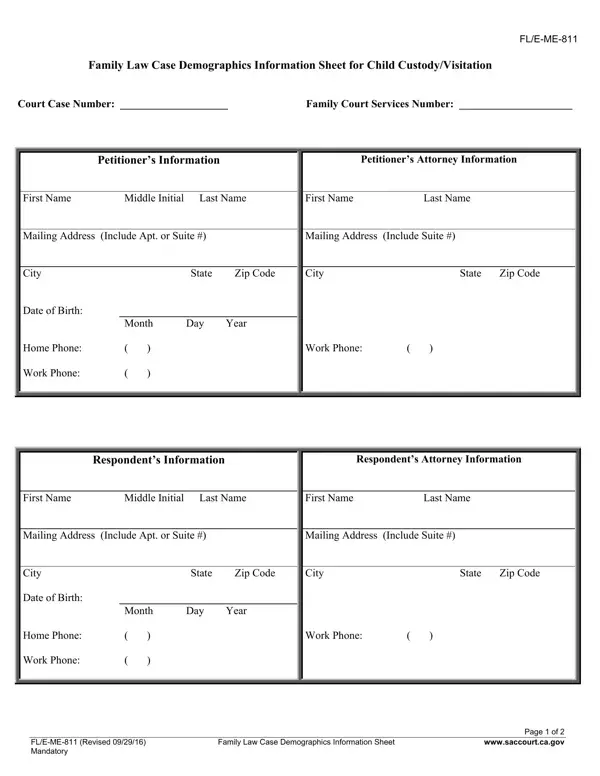
What it is: FL/E-ME-811 is the Family Law Case Demographics Information Sheet for Child Custody/Visitation.
Who signs: Sign on the SIGNATURE OF DECLARANT line, fill in the DATE and write the TYPE OR PRINT NAME.
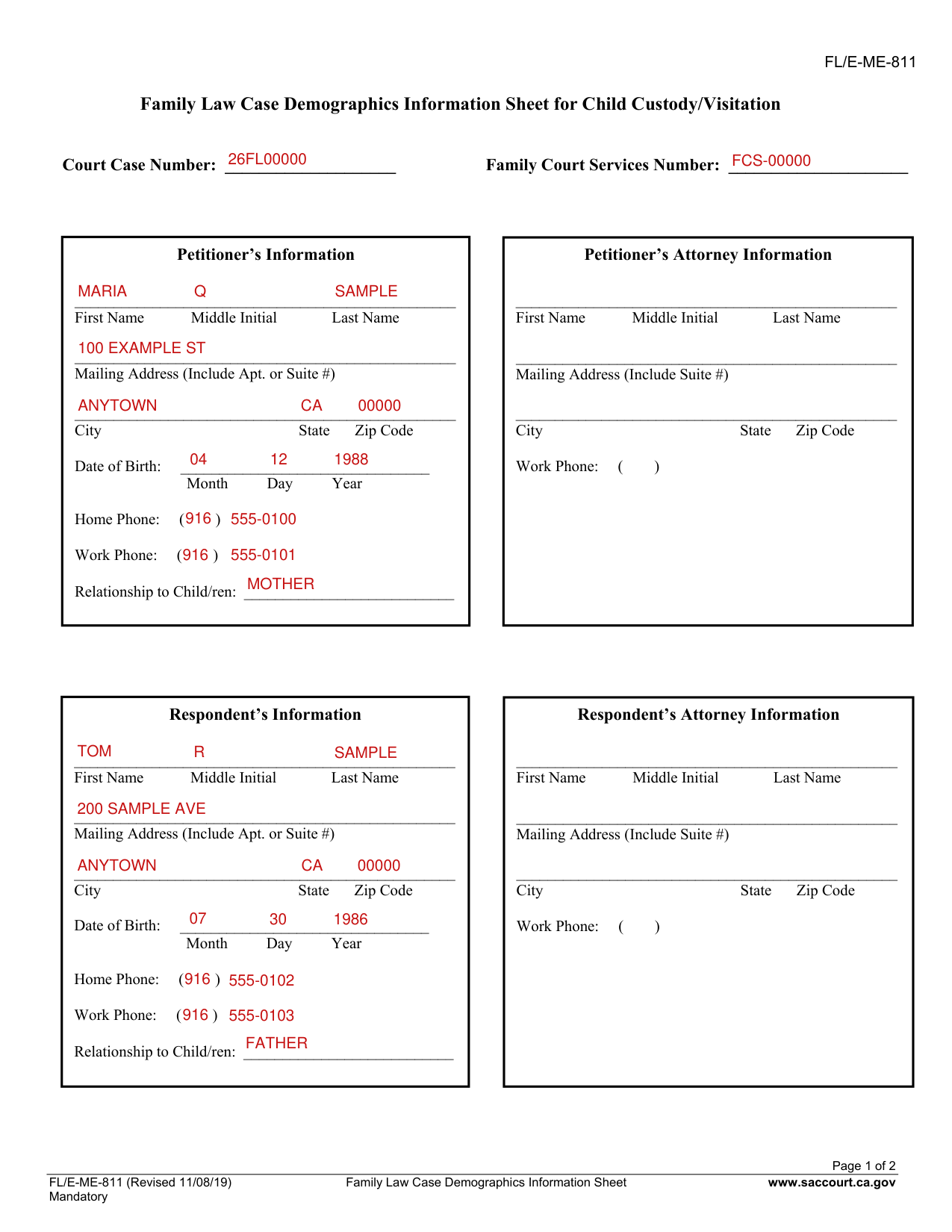
A filled-in Form FL/E-ME-811 example: a mother lists her two children
How to fill out Form FL/E-ME-811, box by box
Court Case Number and Family Court Services Number

Enter the Court Case Number and the Family Court Services Number.
Petitioner's Information, Respondent's Information and Claimant's (3rd Party's) Information
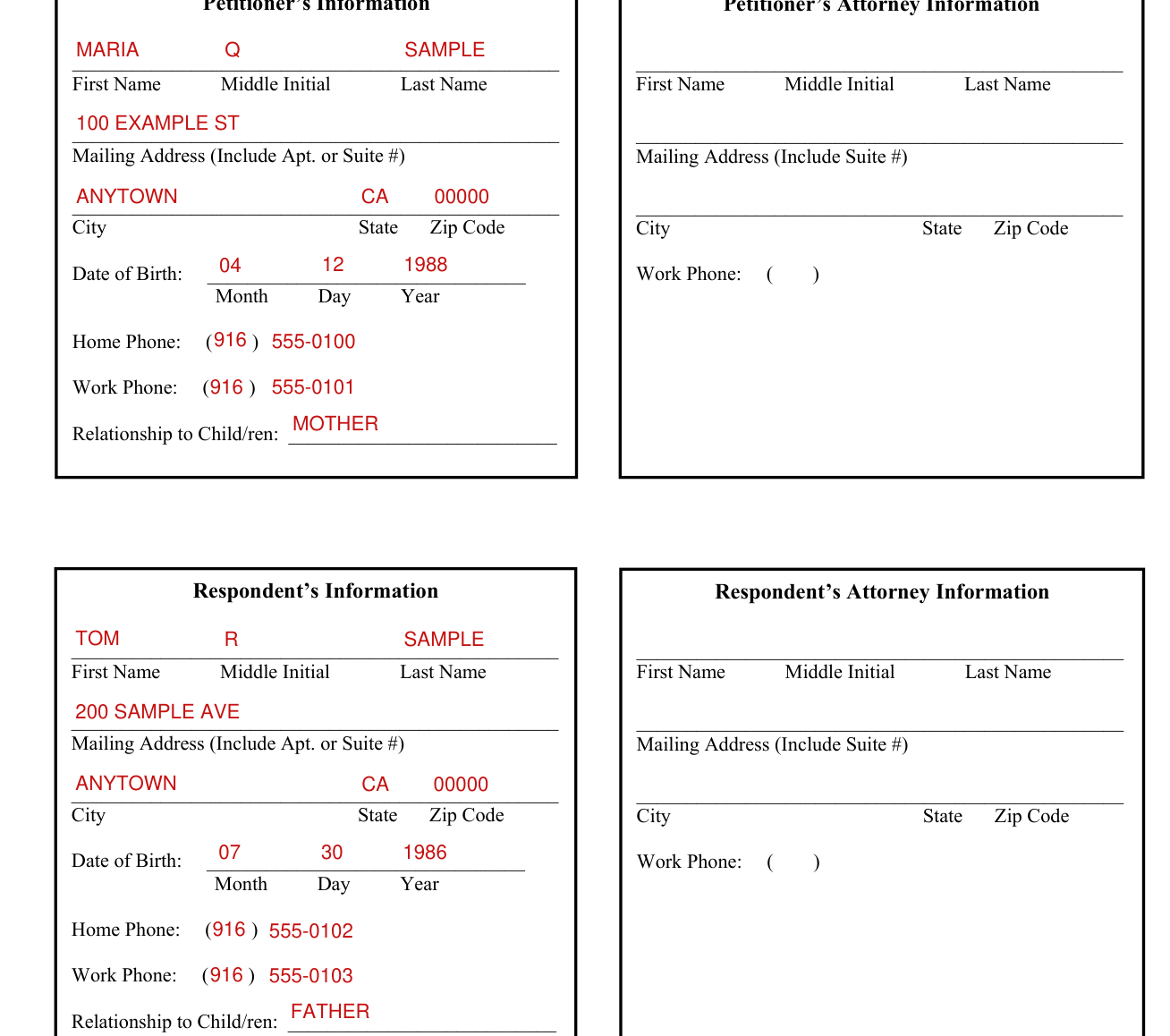
Under Petitioner's Information, Respondent's Information and Claimant's (3rd Party's) Information, enter First Name, Middle Initial, Last Name, Mailing Address (Include Apt. or Suite #), City, State, Zip Code, Date of Birth (Month Day Year), Home Phone, Work Phone and Relationship to Child/ren.
Petitioner's Attorney Information, Respondent's Attorney Information and Claimant's Attorney Information
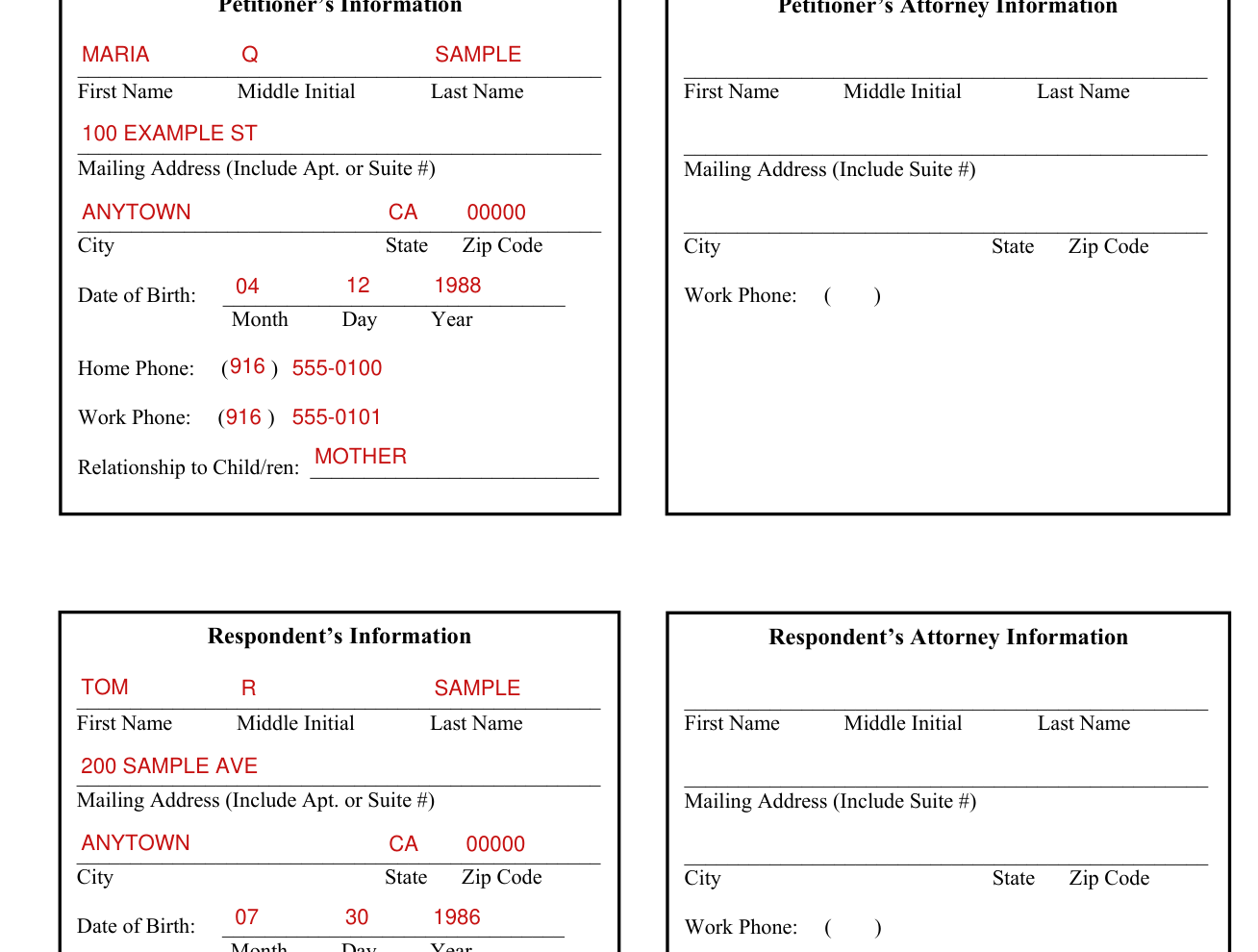
Under Petitioner's Attorney Information, Respondent's Attorney Information and Claimant's Attorney Information, enter First Name, Middle Initial, Last Name, Mailing Address (Include Suite #), City, State, Zip Code and Work Phone.
List all of the children you had or adopted with the other party in this case
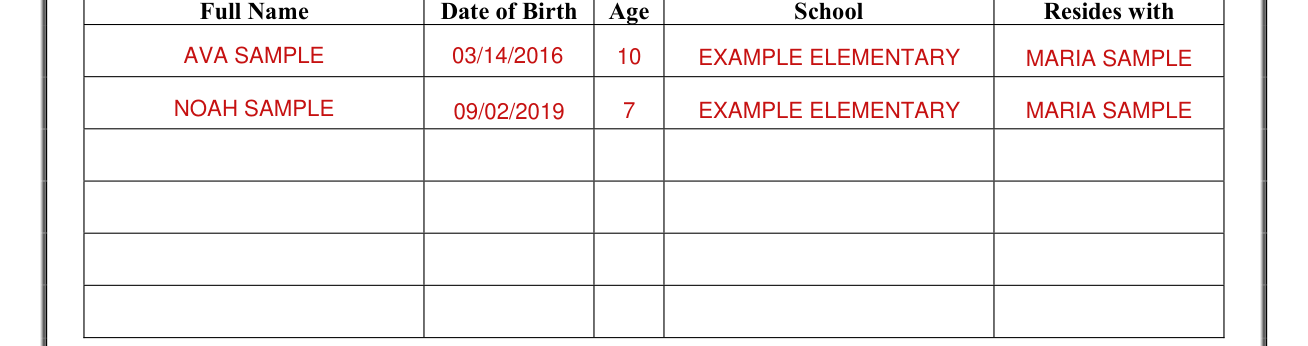
List all of the children you had or adopted with the other party in this case, with Full Name, Date of Birth, Age, School and Resides with for each.
Does any party need an interpreter?

Does any party need an interpreter? Yes or No. If Yes, for which party? Petitioner, Respondent or Claimant / 3rd Party. If Yes, please indicate for what language.
Declaration and signature

You declare under penalty of perjury that the information on this form is true and correct.
Sign on the SIGNATURE OF DECLARANT line, fill in the DATE and write the TYPE OR PRINT NAME.
Sources
[1] FL/E-ME-811 (Revised 11/08/19), Family Law Case Demographics Information Sheet for Child Custody/Visitation, Superior Court of California, County of Sacramento (the Official source link on this page).