

Form DOH-1013 at a glance
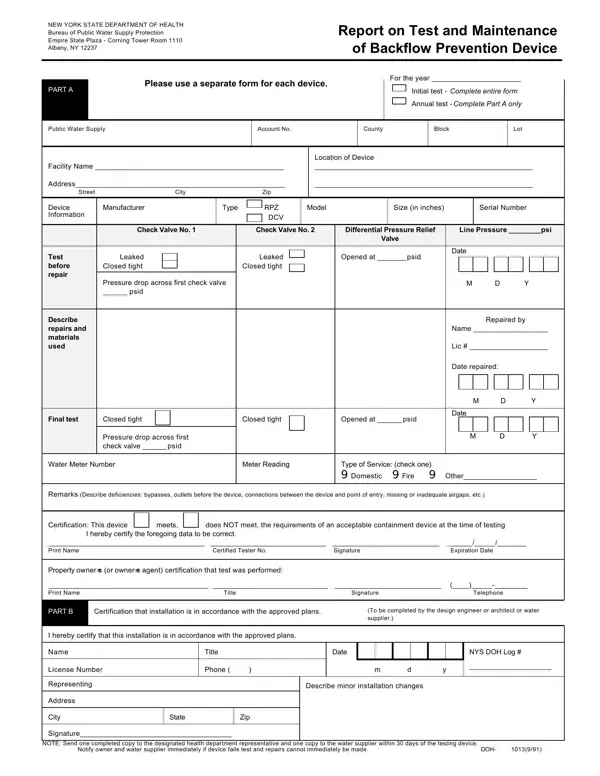
What it is: Form DOH-1013 (9/91), Report on Test and Maintenance of Backflow Prevention Device from the New York State Department of Health, Bureau of Public Water Supply Protection.
Who signs: The certified tester completes the certification: print and sign your name and indicate certificate number and expiration date. Have the property owner (or owner's agent) certify that test was performed.
Instructions for completing DOH-1013 (9/91), Report on Test and Maintenance of Backflow Prevention Device: Part A is to be completed by certified tester.
Please use a separate form for each device.
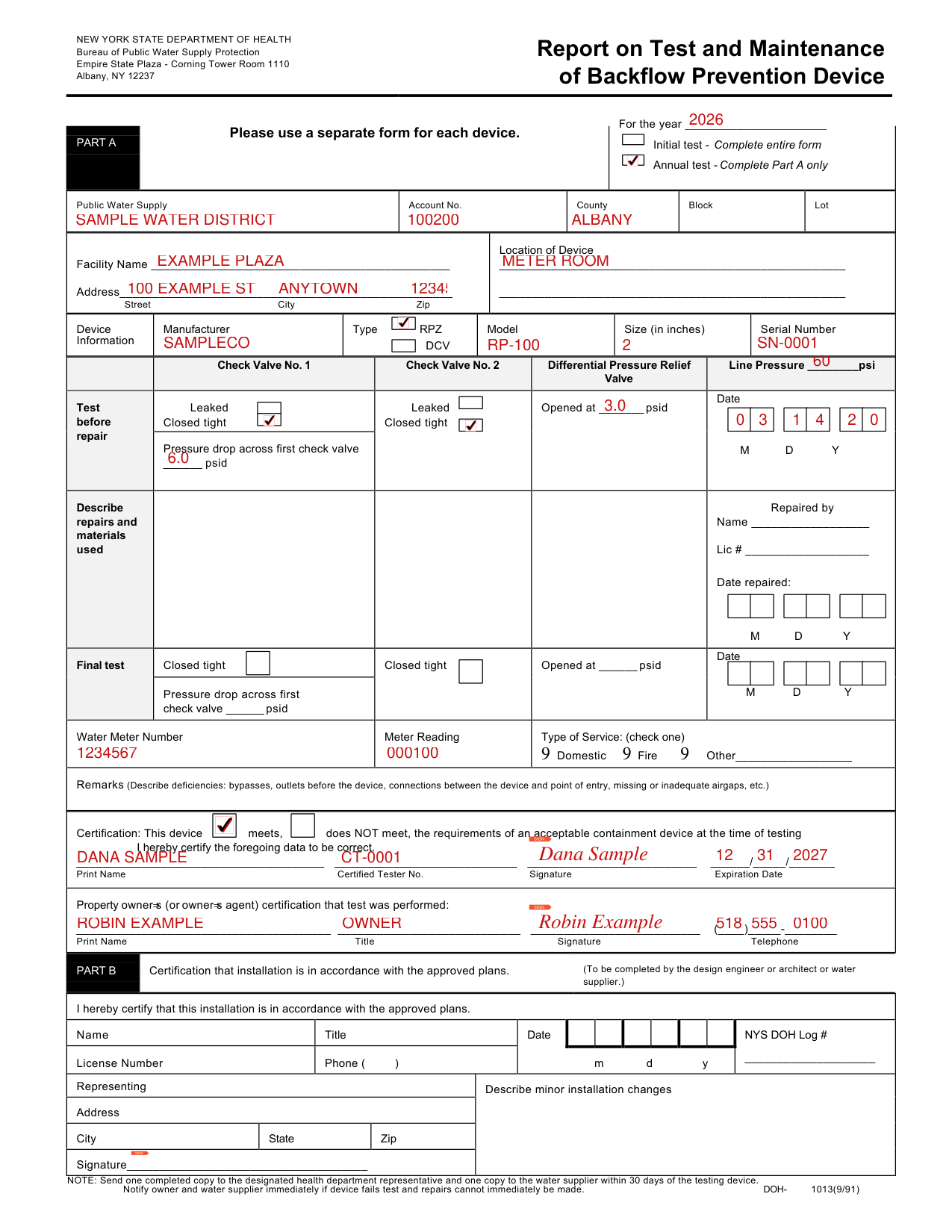
A filled-in Form DOH-1013 example: an annual backflow test on an RPZ device
How to fill out Form DOH-1013, box by box
Initial or annual test and the test year

Initial test: complete the entire form. Annual test: complete Part A only.
Indicate the test year and whether initial or annual test.
Public water supply, account, county, block and lot

Complete public water supply name, customer account number (if available) and county.
Complete block and lot (if available) for New York City Metropolitan area tests.
Facility name, address and location of device

Complete facility name, address and specific location of device (e.g., meter room, etc.)
Device information

Complete device information including manufacturer, type, model, size and serial number.
Test before repair

Complete the Test Before Repair section and indicate whether check valve #1 leaked or closed tight. For RPZ devices, the pressure drop across the check valve must be at least 5.0 psid.
Check valve #2: whether it leaked or closed tight.
RPZ differential pressure relief valve must be at least 2.0 psid or device must be failed and/or repaired.
Complete water system line pressure in psi and indicate test date.
Repairs
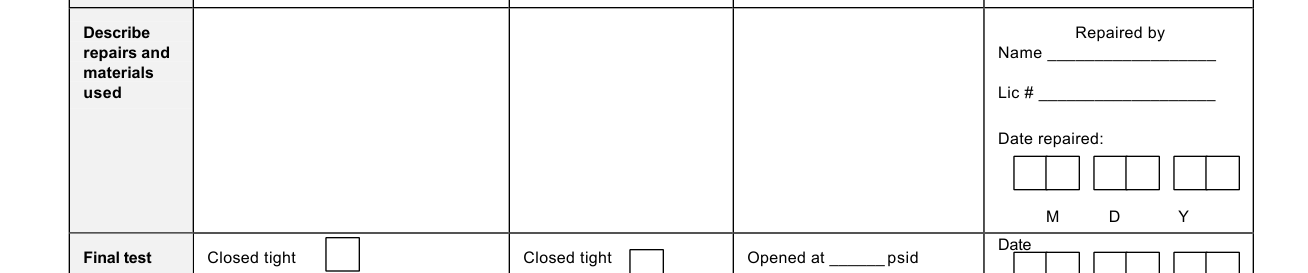
Describe any repairs and materials used and the name and license number of the repairer and indicate repair date.
Final test

Complete the final test section only if repairs have been made.
Water meter and type of service

Indicate the water meter number/meter reading and the type of service (describe other, e.g., boiler feed, irrigation line, etc.)
Remarks

Complete the Remarks section if there are any deficiencies.
Certification

Complete the certification indicating if the device meets or does not meet the requirements at the time of testing.
Part B, for initial tests only
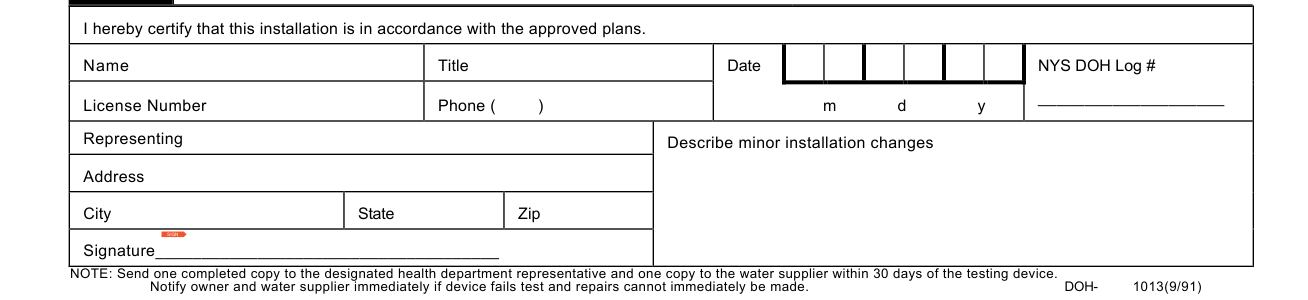
Part B is to be completed by design engineer, architect or water supplier for initial tests only.
Complete name, title, license number, phone number, company name and address.
Sign and date form and indicate NYSDOH (or local health department/water supplier).
Describe minor installation changes.
More rules for Form DOH-1013
Notify owner and water supplier immediately if device fails test and repairs cannot immediately be made.
Common questions about Form DOH-1013
Is there a deadline?
Send one completed copy to the designated health department representative and one copy to the water supplier within 30 days of the testing device.
Where do I file it?
After completion, submit copies of test reports to the supplier of water, customer, State or local health department and retain copies for the tester's personal records.
Sources
[1] Form DOH-1013 (9/91), Report on Test and Maintenance of Backflow Prevention Device, New York State Department of Health (the Official source link on this page).