
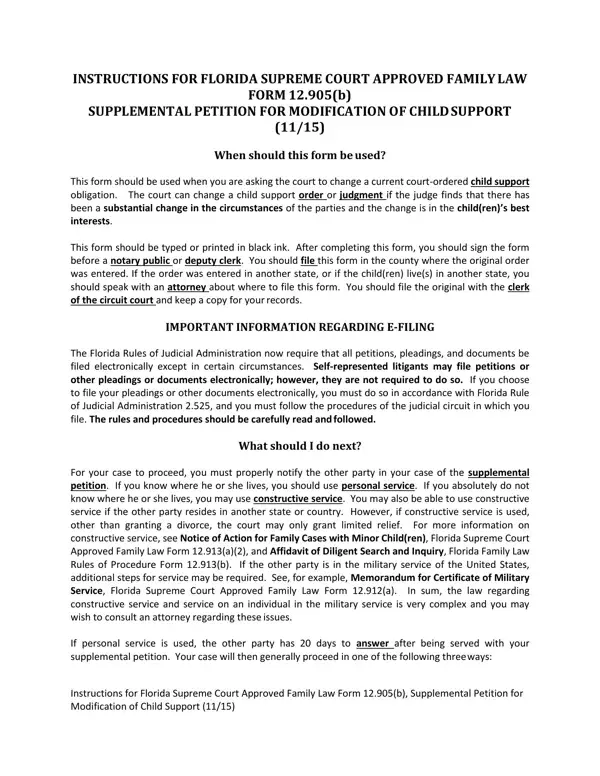
Navigating through the complexities of altering a court-ordered child support agreement in Florida can often seem daunting. The Florida Supreme Court Approved Family Law Form 12.905(b), specifically the Supplemental Petition for Modification of Child Support, serves as a critical tool for those looking to adjust their child support obligations due to significant changes in their circumstances that are deemed to be in the best interest of the child. This form must be completed thoroughly and submitted in the county where the original order was issued, demanding meticulous attention to details such as typing or printing in black ink, signing before a notary public or deputy clerk, and ensuring adherence to Florida's new mandates on e-filing in particular judicial circuits. Moreover, this process involves several crucial steps post-submission, including the proper notification of the other party through personal or constructive service, a potential exploration of temporary relief options, and the preparation for a variety of case scenarios such as uncontested, contested, or default judgments. Also, given the dynamic nature of family circumstances and legal requirements, establishing an agreement on the modification through a settlement or diligently preparing for a trial showcases the multifaceted approach required in these situations. With the possibility of e-service and the necessity of complying with mandatory disclosure rules, petitioners find themselves navigating through a veil of legal procedures that emphasize the importance of accuracy, timeliness, and, in many cases, professional legal counsel to ensure the child's needs are met without unforeseeable complications.
| Question | Answer |
|---|---|
| Form Name | Fl Child Petition Form |
| Form Length | 7 pages |
| Fillable? | No |
| Fillable fields | 0 |
| Avg. time to fill out | 1 min 45 sec |
| Other names | florida child support modification form, petition modification, petition child support, form petition child support |
Fl Child Petition Form isn’t the one you’re looking for?