

Form 113 at a glance
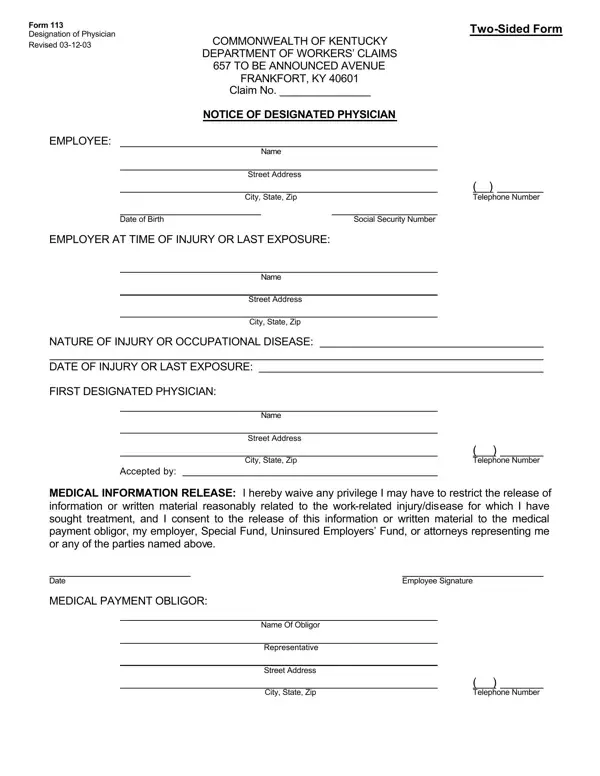
What it is: Form 113 is the Designation of Physician, the Notice of Designated Physician of the Commonwealth of Kentucky Department of Workers' Claims.
Where and when to file: This form identifies the designated physician and must be returned to the medical payment obligor within ten (10) days after treatment begins.
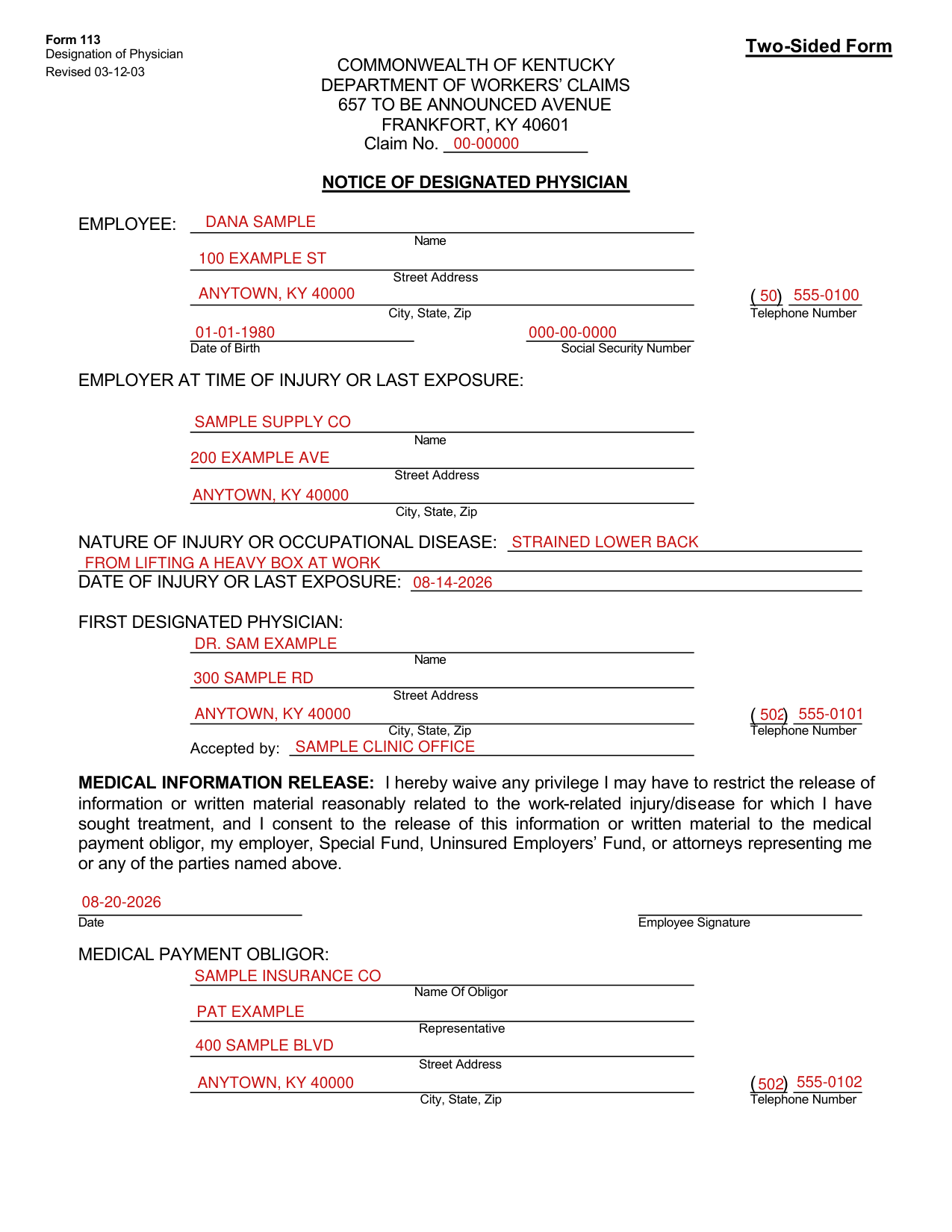
A filled-in Form 113 example: an employee names a first designated physician
How to fill out Form 113, box by box
Claim No. and the employee
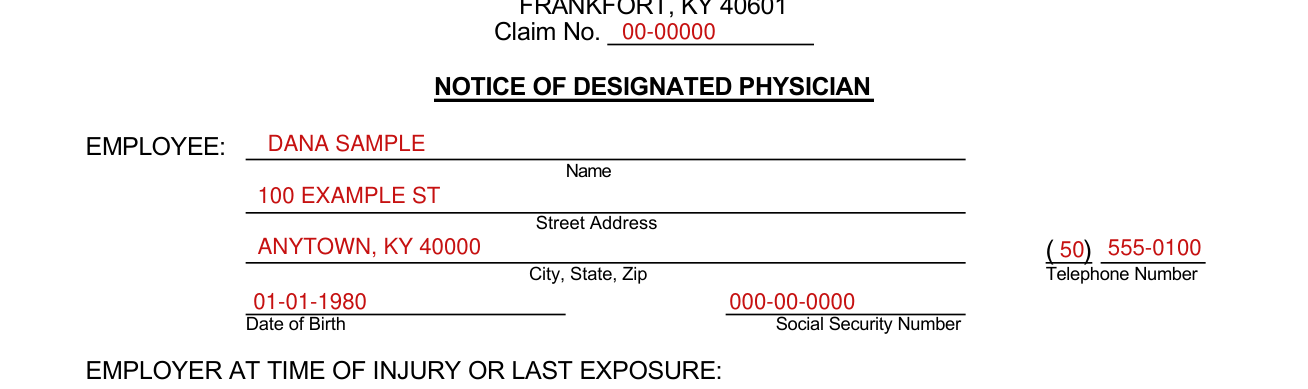
Enter the Claim No., then for the EMPLOYEE the Name, Street Address, City, State, Zip, Telephone Number, Date of Birth and Social Security Number.
Employer at time of injury or last exposure

Under EMPLOYER AT TIME OF INJURY OR LAST EXPOSURE, enter the Name, Street Address and City, State, Zip.
Nature of injury or occupational disease and its date

Enter the NATURE OF INJURY OR OCCUPATIONAL DISEASE and the DATE OF INJURY OR LAST EXPOSURE.
First designated physician

Under FIRST DESIGNATED PHYSICIAN, enter the Name, Street Address, City, State, Zip and Telephone Number, and fill in Accepted by.
The employee may choose the physician (including chiropractors, etc.) who treats him as “designated physician.”
The designated physician is responsible for the coordination of the employee's medical care and may refer the patient to consulting or treating physicians as required.
Except in an emergency, all treatment must be performed by or on referral from the designated physician.
The employee may not change his designated physician more than once without the medical payment obligor's consent.
Medical information release and employee signature

Under MEDICAL INFORMATION RELEASE, the employee waives any privilege the employee may have to restrict the release of information or written material reasonably related to the work-related injury/disease for which the employee has sought treatment, and consents to the release of this information or written material to the medical payment obligor, employer, Special Fund, Uninsured Employers' Fund, or attorneys representing the employee or any of the parties named on the form. Enter the Date and sign on the Employee Signature line.
Medical payment obligor

Under MEDICAL PAYMENT OBLIGOR, enter the Name Of Obligor, Representative, Street Address, City, State, Zip and Telephone Number.
Inquiries shall be made to the listed representative of the medical payment obligor.
More rules for Form 113
An identification card will be provided to the employee, and that card should be presented when medical treatment is required.
Notice: The Workers' Compensation Act requires the employer to pay for the medical services reasonably necessary for cure and relief from the effects of a workplace injury or disease.
This form is not advance authorization from the workers' compensation medical payment obligor for medical services.
Sources
[1] Form 113 (Revised 03-12-03), Designation of Physician, Kentucky Department of Workers' Claims (the Official source link on this page).