
Form 198 Lgd PDF Details

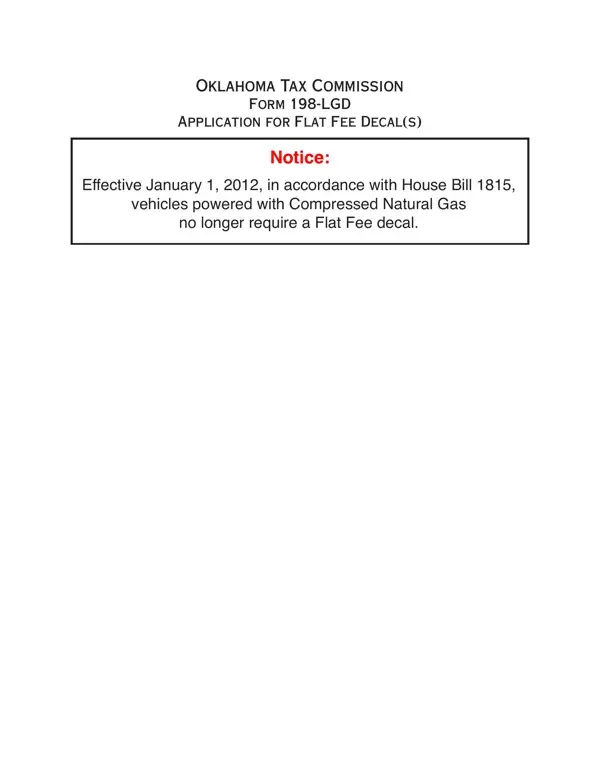
Engaging with the State of Oklahoma's requirements for vehicles comes with specific procedures, amongst which the Form 198-LGD holds significant importance for owners of certain types of vehicles. Issued by the Oklahoma Tax Commission, this form is designed for individuals seeking a flat fee decal for their vehicles, particularly those powered by alternative fuel sources such as Liquefied Petroleum Gas (LPG), Natural Gas (NG), Liquefied Natural Gas (LNG), Methanol, or “M-85” fuels. Notably, an update effective from January 1, 2012, as per House Bill 1815, has exempted vehicles powered with Compressed Natural Gas from the requirement of obtaining a Flat Fee decal. The form serves as an application for new decals or renewals, delineating fees based on the vehicle's size and the fuel type, including intricate details about penalties for late applications and provisions for vehicles purchased mid-year. Moreover, it is requisite for this form to include the applicant's identification numbers, business information, and vehicle details, adhering to the Oklahoma Statutes for identification and verification processes. This comprehensive form encapsulates the state's effort to regulate alternative fuel vehicles, ensuring that they contribute rightfully to the state's tax system while promoting cleaner fuel usage.

QuestionAnswer
Form NameForm 198 Lgd
Form Length2 pages
Fillable?No
Fillable fields0
Avg. time to fill out30 sec
Other nameslpg flat fee decals, thereunder, 2012, Oklahoma

How to Edit Form 198 Lgd Online for Free

With the help of the online PDF tool by FormsPal, you may complete or modify 2012 right here and now. Our development team is relentlessly working to improve the tool and help it become even faster for people with its multiple functions. Make the most of present-day revolutionary opportunities, and discover a trove of unique experiences! By taking a couple of simple steps, you are able to begin your PDF editing:

Step 1: Click on the orange "Get Form" button above. It will open our pdf tool so you could begin filling in your form.

Step 2: As you start the tool, you will see the document prepared to be filled in. Aside from filling out various fields, you can also do several other actions with the form, specifically adding custom textual content, modifying the original textual content, inserting illustrations or photos, signing the PDF, and much more.

When it comes to blanks of this specific document, this is what you should do:

1. The 2012 necessitates specific details to be entered. Ensure the following blanks are finalized:

Part # 1 for filling out M-85

2. Once your current task is complete, take the next step – fill out all of these fields - LPG, NG LNG M, Identiication Number VIN on, Tag Number, If more space is needed attach list, Decal Number, Year, Date Issued, Total Fees, Total Penalty, Total Amount Enclosed, I declare under the penalties of, Mandatory inclusion of Social, Signature, and Date with their corresponding information. Make sure to double check that everything has been entered correctly before continuing!

Part number 2 in submitting M-85

Always be really careful while filling in NG LNG M and Decal Number, since this is where a lot of people make some mistakes.

Step 3: Be certain that your information is correct and then just click "Done" to finish the process. Go for a 7-day free trial plan with us and obtain instant access to 2012 - with all transformations saved and available inside your personal account. FormsPal ensures your data confidentiality via a secure system that never records or distributes any sort of private data involved in the process. Be confident knowing your documents are kept protected each time you work with our service!