Please rate Form 2407 Pa

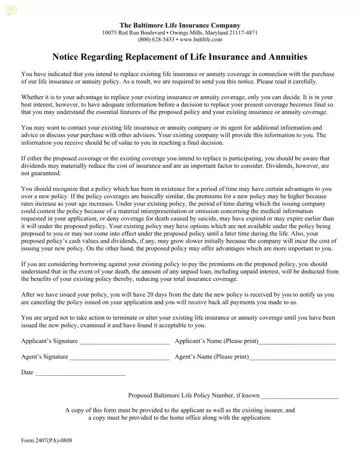
Making the decision to replace existing life insurance or annuity coverage with a new policy is a significant one, and the Baltimore Life Insurance Company provides a form designed to aid consumers in this specific situation. Identified as Form 2407 Pa, this document serves as a notice regarding the replacement of life insurance and annuities, ensuring that policymakers are well-informed before making any final decisions. The form underscores the imperative of having comprehensive information about both the new policy being considered and the current coverage in possession. It highlights various crucial aspects that should be taken into account, such as the potential benefits of keeping an existing policy versus the features of a new policy, the impact of dividends, the importance of understanding the specifics around policy loans, and the financial consequences of replacing a policy. The form also advises individuals not to cancel or alter their current insurance or annuity coverage until they have thoroughly examined the new policy and found it to be satisfactory. This approach ensures that individuals are aware of their rights, including a 20-day period during which they can cancel the newly issued policy and receive a full refund of any payments made. Through this thorough procedure, the form aims to protect consumers from making hasty decisions that could negatively affect their financial well-being or insurance coverage, emphasizing the need for careful consideration and consultation with professionals or existing insurers to obtain the most accurate and beneficial advice.
| Question | Answer |
|---|---|
| Form Name | Form 2407 Pa |
| Form Length | 1 pages |
| Fillable? | No |
| Fillable fields | 0 |
| Avg. time to fill out | 15 sec |
| Other names | Owings, baltimore life insurance company claim forms, Annuities, materially |
Form 2407 Pa isn’t the one you’re looking for?
Please rate Form 2407 Pa
