
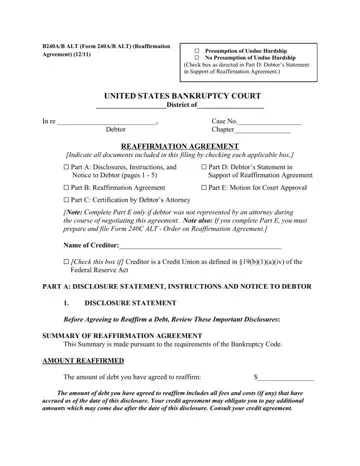
The Form 240A/B ALT, also known as the Reaffirmation Agreement, plays a pivotal role in bankruptcy proceedings within the United States Bankruptcy Court, embodying a crucial decision for debtors contemplating the reaffirmation of their debt. This form encompasses a variety of components, including disclosure statements, instructions, and notices to the debtor, alongside sections for the reaffirmation agreement itself, attorney certification, and if necessary, a motion for court approval. It is designed for instances where a debtor chooses to reaffirm a debt, signifying an intention to continue paying off the debt despite the bankruptcy process. Such an agreement necessitates a thorough understanding of the implications, including the amount reaffirmed, the applicable interest rates, and the specific terms and conditions outlined in the reaffirmation agreement. Importantly, the form details the potential for a presumption of undue hardship, a clause significant for its impact on the enforceability of the reaffirmation agreement. Additionally, it outlines the rights of the debtor to rescind the agreement under certain conditions, emphasizes the non-mandatory nature of reaffirmation, and clarifies the enduring effect of liens on property. The form serves not just as an agreement but as a comprehensive guide designed to ensure debtors are fully informed about the legal and financial ramifications of their decision to reaffirm a debt.
| Question | Answer |
|---|---|
| Form Name | Form 240A |
| Form Length | 9 pages |
| Fillable? | No |
| Fillable fields | 0 |
| Avg. time to fill out | 2 min 15 sec |
| Other names | agreement reaffirmation form, how reaffirmation agreement form florida, how to reaffirmation agreement form, who reaffirmation agreement form chapter 7 |
