

Affidavit of Affixture of Mobile Home Application at a glance
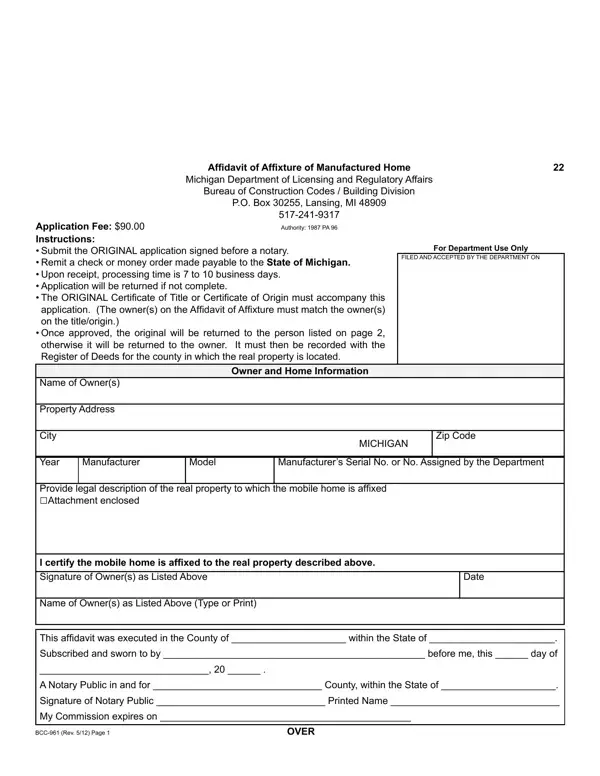
What it is: Affidavit of Affixture of Mobile Home Application, Michigan Department of State.
Notary: This form must be signed in the presence of a notary public.
What to bring and attach to Affidavit of Affixture of Mobile Home Application
Submit a copy of the notarized affidavit application and keep the original.
The ORIGINAL Certificate of Title or Certificate of Origin must accompany this application (for new applications only). The owner(s) on the Affidavit of Affixture must match the owner(s) on the title/origin.
If no title record exists for the mobile home or an existing title record does not match the applicant's name and the mobile home has been located on the property for 15 years or more, you may submit an Affidavit of Missing Mobile Home Title form instead of the ORIGINAL title for the mobile home as provided by MCL 125.2330k.
Secured party of record must give written consent to the termination of the security interest or indicate lien termination on certificate of title.
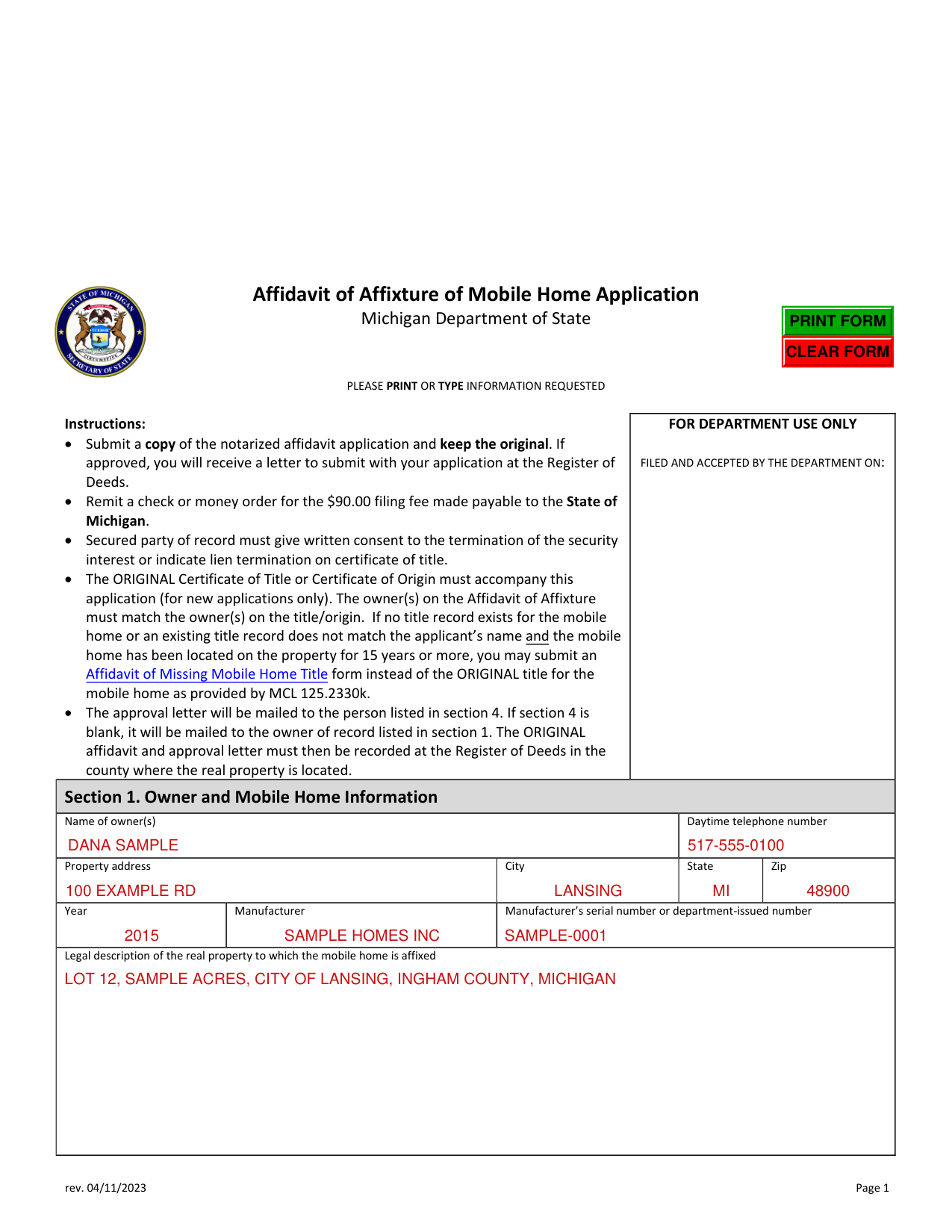
A filled-in Affidavit of Affixture of Mobile Home Application example: an owner files for a mobile home on land she owns
How to fill out Affidavit of Affixture of Mobile Home Application, box by box
Section 1. Owner and Mobile Home Information
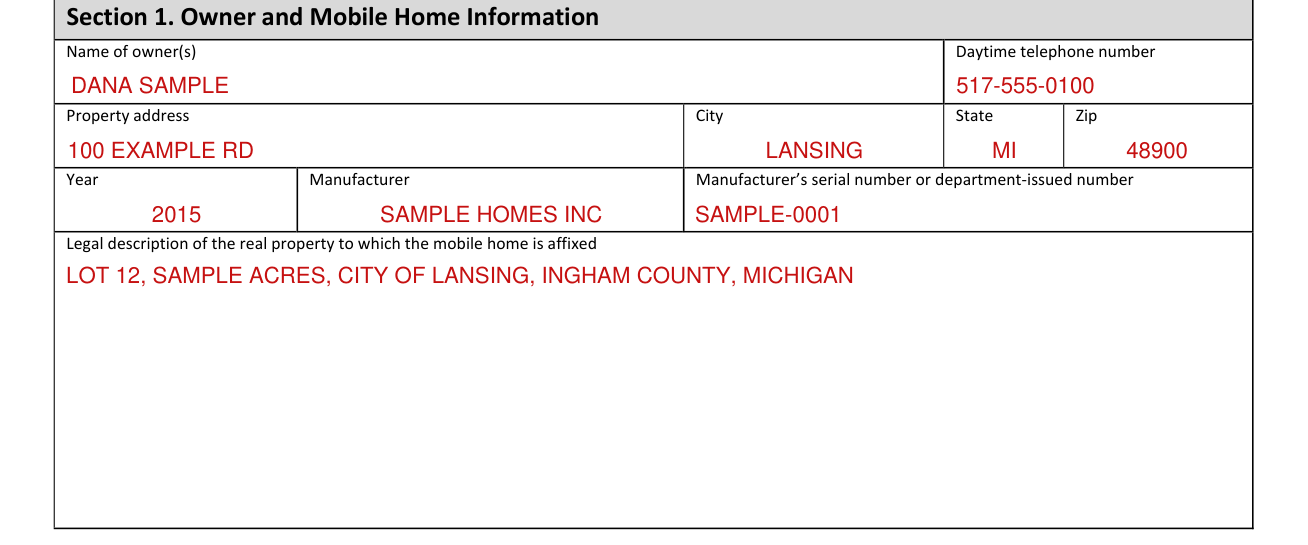
Section 1. Owner and Mobile Home Information: enter the Name of owner(s), Daytime telephone number, Property address, City, State and Zip, then the Year, Manufacturer, Manufacturer's serial number or department-issued number and the Legal description of the real property to which the mobile home is affixed.
Section 2. Certification, signed with a notary public
This form must be signed in the presence of a notary public.
By signing you certify that the mobile home is physically affixed to the real property in the legal description.
Write the Printed name of owner(s) as in Name of owner(s), then the Signature of owner(s) as in Name of owner(s) and the Date.
The notary fills in the County and State where the affidavit was executed, the day it was sworn to and subscribed, the Signature of notary public, the Printed name of notary, County, Acting in and Commission expires.
Section 3. Drafted by

Section 3. Drafted by: enter the Name, Address, City, State and Zip.
Section 4. Send approval letter for Affidavit of Affixture of Mobile Home to
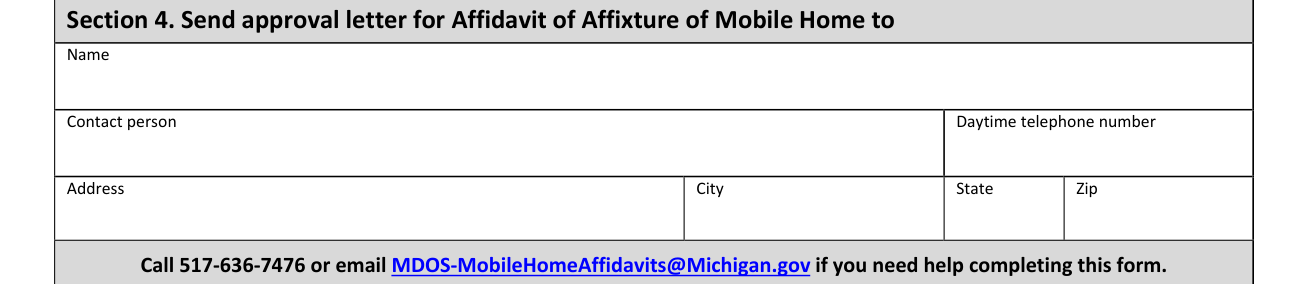
Section 4. Send approval letter for Affidavit of Affixture of Mobile Home to: enter the Name, Contact person, Daytime telephone number, Address, City, State and Zip.
The approval letter will be mailed to the person listed in section 4. If section 4 is blank, it will be mailed to the owner of record listed in section 1. The ORIGINAL affidavit and approval letter must then be recorded at the Register of Deeds in the county where the real property is located.
More rules for Affidavit of Affixture of Mobile Home Application
Please print or type the information requested.
If approved, you will receive a letter to submit with your application at the Register of Deeds.
The original form is NOT to be returned to a branch.
The Michigan Department of State reserves the right to determine that the conditions of eligibility have been met prior to the approval of a mobile home affixture.
Common questions about Affidavit of Affixture of Mobile Home Application
Where do I file it?
Mail a copy of this completed, notarized Affidavit of Affixture of Mobile Home form, check or money order made payable to State of Michigan, and current Certificate of Title or Certificate of Origin to: Michigan Department of State Office of Customer Records Vehicle Records Activity Unit PO Box 30045 Lansing, MI 48909-9798.
Are there fees?
Remit a check or money order for the $90.00 filing fee made payable to the State of Michigan. (checked October 31, 2026)
Where to get help with Affidavit of Affixture of Mobile Home Application
Call 517-636-7476 or email MDOS-MobileHomeAffidavits@Michigan.gov if you need help completing this form.
Sources
[1] Affidavit of Affixture of Mobile Home Application (rev. 04/11/2023), Michigan Department of State (the Official source link on this page).