Please rate Form Cf Es 2337

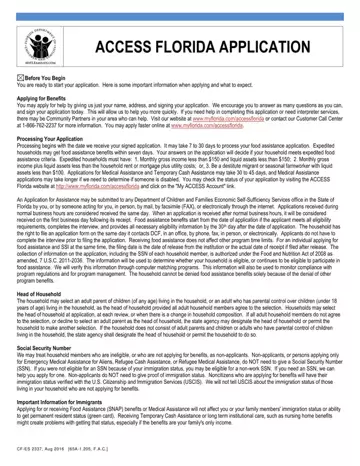
Embarking on the journey of applying for governmental benefits can often seem like navigating through a maze, filled with complex forms and intricate processes. Among these, the CF-ES 2337 form stands out as a beacon for those seeking assistance within the state of Florida. This form, integral to the ACCESS Florida Application process, serves as the threshold to a variety of benefits including Food Assistance, Medical Assistance, and Temporary Cash Assistance. It prompts applicants with a straightforward starting point: requiring only a name, address, and signature to initiate the application process. However, the form dives deeper, guiding applicants through a comprehensive series of questions designed to assess eligibility more accurately and expedite the service delivery. The CF-ES 2337 form not only navigates applicants through the immediate applying phase but also outlines the subsequent steps, such as processing timelines which vary from 7 to 30 days for food assistance, and up to 45 days for other benefits. Additional aspects covered include selection of household heads, the significance of providing accurate information, and an overview of consequences for fraudulent claims. Moreover, it touches on the impact of these benefits on one’s immigration status, an essential consideration for non-citizen applicants. This form is a critical tool in connecting Florida residents with the support they need, reinforcing the safety net provided by the Department of Children and Families Economic Self-Sufficiency Services.
| Question | Answer |
|---|---|
| Form Name | Form Cf Es 2337 |
| Form Length | 11 pages |
| Fillable? | No |
| Fillable fields | 0 |
| Avg. time to fill out | 2 min 45 sec |
| Other names | cf es, florida access form, access florida application cf es 2337 112011 pdf, florida food stamp application pdf |
Form Cf Es 2337 isn’t the one you’re looking for?
Please rate Form Cf Es 2337
