
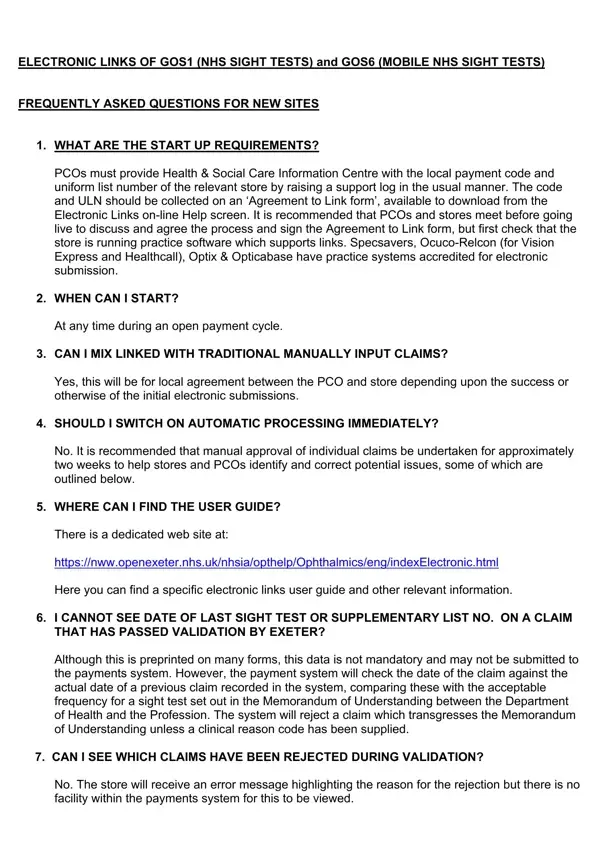
In the realm of healthcare and optical services within the NHS, the GOS1 form plays a pivotal role in streamlining the process of claiming for NHS sight tests, including both standard and mobile services. With the advent of electronic submissions, it's crucial for Primary Care Organisations (PCOs) and optical stores to familiarize themselves with the start-up requirements, which involve providing specific codes and agreeing to link by signing a form. This process encourages a cohesive approach before initiating electronic claims. Additionally, understanding the timing for starting claims, the choice between electronic or traditional manual submissions, and the recommended manual approval period for claims is essential. The guidance doesn't stop at the initial setup; there's comprehensive support available through a dedicated website, offering a user guide and further information to address common queries and enhance the submission process. The form addresses various procedural nuances, such as data formatting, validation checks, and the handling of claims with special circumstances like early retests or multiple reasons for entitlement. It's made clear that accurate data entry, especially concerning patient and practitioner details, is crucial for the smooth processing of claims. Notably, the system implements a range of automatic checks to ensure the integrity of submitted claims, which underscores the importance of adherence to guidelines and the provision of complete and accurate information. This interconnected system of requirements, guidance, and checks underscores the complexity and precision needed in the submission of GOS1 claims, aiming to facilitate a seamless operation for the benefit of both service providers and recipients.
| Question | Answer |
|---|---|
| Form Name | GOS1 Form |
| Form Length | 1 page |
| Fillable? | Yes |
| Fillable fields | 42 |
| Avg. time to fill out | 27 sec |
| Other names | gos form, nhs gos1, gos1 mobile, form gos1 no download needed |
GOS1 Form isn’t the one you’re looking for?