
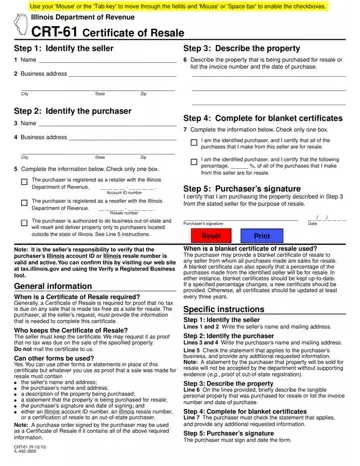
Form CRT-61 at a glance
What it is: The CRT-61 Certificate of Resale is a statement signed by the purchaser that indicates the merchandise purchased is for resale purposes only.
Who signs: Sign on the Purchaser's signature line and enter the Email address, Date, Printed name and Phone.
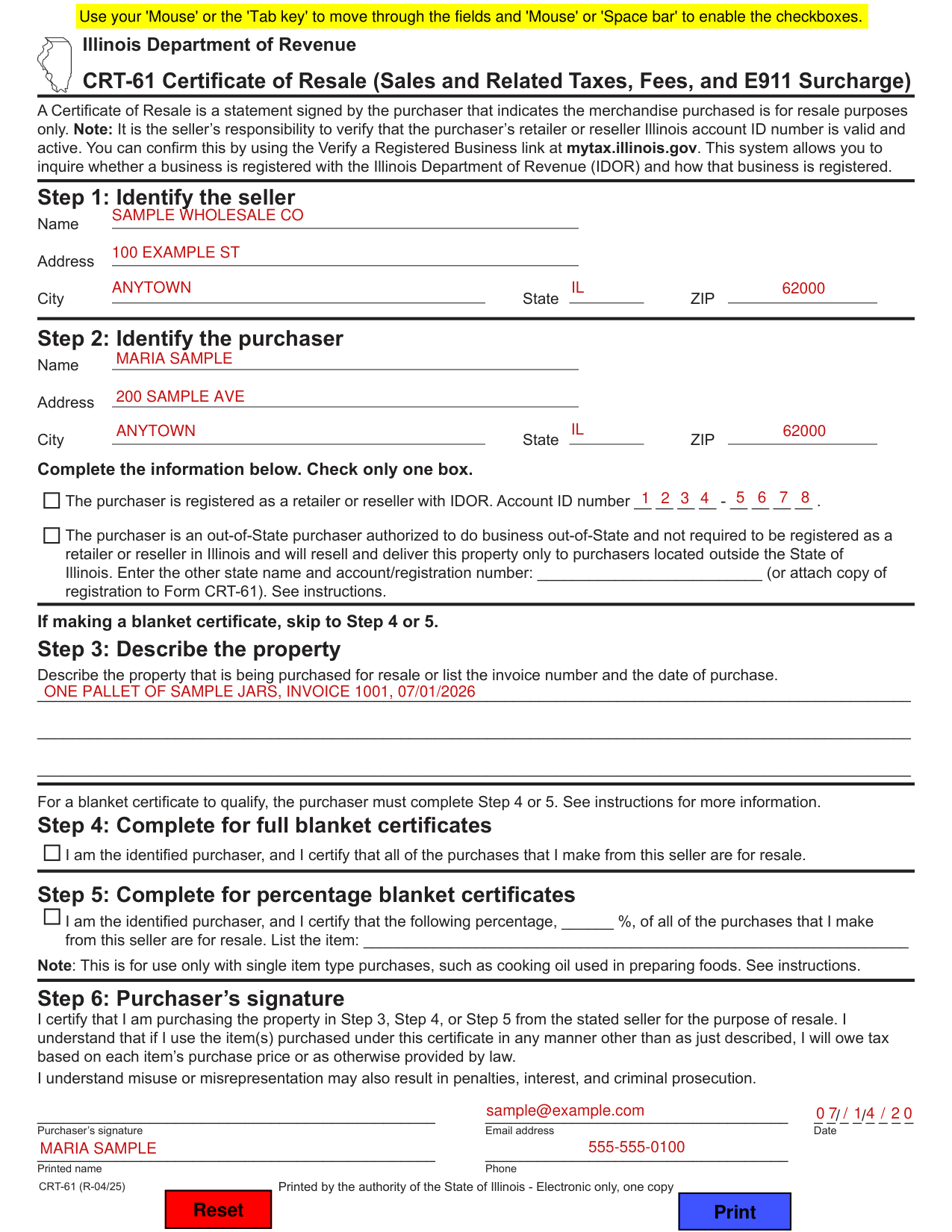
A filled-in Form CRT-61 example: a registered reseller buys for resale
How to fill out Form CRT-61, box by box
Step 1: Identify the seller

Fill in Name, Address and City State ZIP.
Step 1: Identify the seller Enter the seller’s name and mailing address.[2]
Step 2: Identify the purchaser

Under Step 2: Identify the purchaser, fill in Name, Address and City State ZIP.
Step 2: Identify the purchaser Enter the purchaser’s name and mailing address. Check the statement that applies to the purchaser’s business, and provide any additional requested information.[2]
Check only one box

Check only one box. Check the box when the purchaser is registered as a retailer or reseller with IDOR, and enter the Account ID number.
Check the box when the purchaser is an out-of-State purchaser authorized to do business out-of-State and not required to be registered as a retailer or reseller in Illinois and will resell and deliver this property only to purchasers located outside the State of Illinois. Enter the other state name and account/registration number (or attach copy of registration to Form CRT-61).
Step 3: Describe the property

Under Step 3: Describe the property, describe the property that is being purchased for resale or list the invoice number and the date of purchase. If making a blanket certificate, skip to Step 4 or 5.
Step 4 and Step 5: blanket certificates
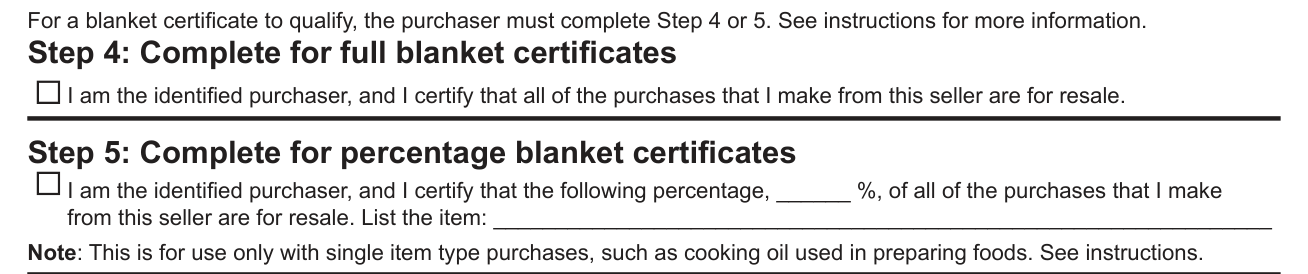
For a blanket certificate to qualify, the purchaser must complete Step 4 or 5. In Step 4, complete for full blanket certificates: check the box for I am the identified purchaser, and I certify that all of the purchases that I make from this seller are for resale.
In Step 5, complete for percentage blanket certificates: check the box, enter the percentage of all of the purchases that I make from this seller that are for resale, and list the item. This is for use only with single item type purchases, such as cooking oil used in preparing foods.
Purchaser's signature
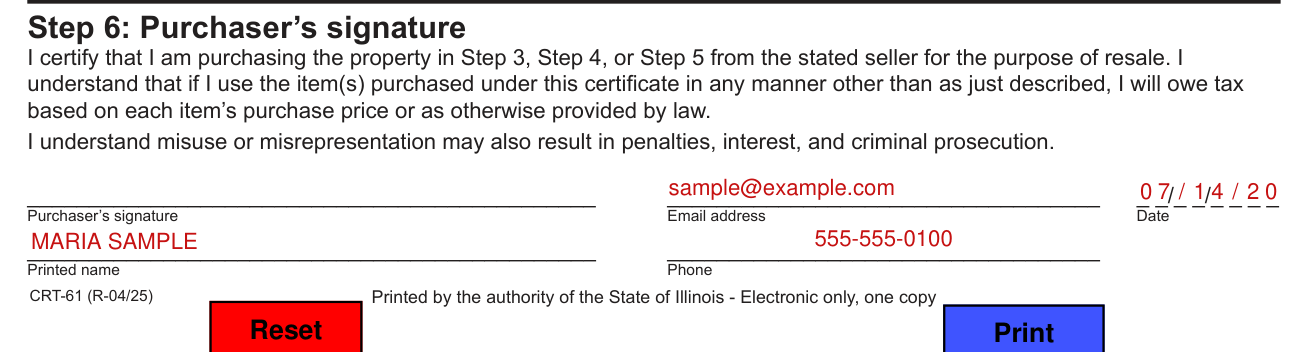
Step 6: Purchaser's signature. By signing you certify that you are purchasing the property in Step 3, Step 4, or Step 5 from the stated seller for the purpose of resale. You also understand that if you use the item(s) purchased under this certificate in any manner other than as just described, you will owe tax based on each item's purchase price or as otherwise provided by law. You also understand that misuse or misrepresentation may also result in penalties, interest, and criminal prosecution.
Sign on the Purchaser's signature line and enter the Email address, Date, Printed name and Phone.
The purchaser must sign, print name, provide email and phone number, and date the form.[2]
Common questions about Form CRT-61
What is a Crt 61 form in Illinois?
The CRT-61 Certificate of Resale is a statement signed by the purchaser that indicates the merchandise purchased is for resale purposes only. It is the seller's responsibility to verify that the purchaser's retailer or reseller Illinois account ID number is valid and active. You can confirm this by using the Verify a Registered Business link at mytax.illinois.gov.
Where do I file it?
Unless otherwise directed, do not mail the Certificate of Resale to IDOR.[2]
Sources
[1] Form CRT-61 (R-04/25), Certificate of Resale, Illinois Department of Revenue (the Official source link on this page).
[2] tax.illinois.gov, line_step6_printed_name_doc_purchaser_must_sign_print_date (tax.illinois.gov). Accessed October 20, 2026.
