
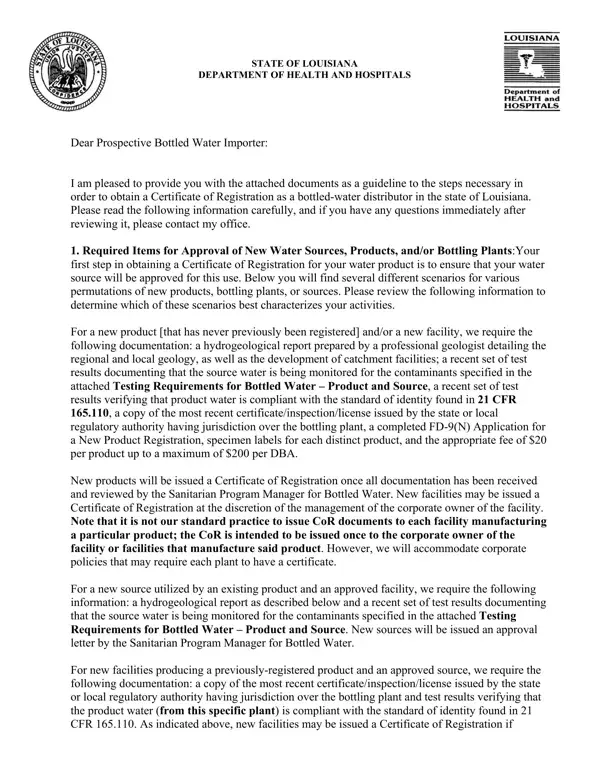
In navigating the regulatory landscape for bottled water distribution in Louisiana, prospective distributors encounter a series of procedures and requirements encapsulated within the Louisiana FD-9 form. As issued by the State of Louisiana's Department of Health and Hospitals, the form stands as an essential guide for navigating the administrative pathways to obtaining a Certificate of Registration as a bottled-water distributor within the region. This complex process takes an in-depth look at various critical aspects such as the approval of new water sources, products, and bottling plants; the specifics of product registration including the notion of a "distinct product" within the industry; and the rigorous monitoring of source and product water to ensure compliance with national standards. Each of these components is carefully outlined to address the multifaceted nature of bottled water distribution, including the need for thorough hydrogeological reports, detailed assessments of water quality through testing for contaminants, and a comprehensive overview of labeling requirements in alignment with federal regulations. The form elucidates a structured approach towards ensuring the safety and quality of bottled water products, highlighting the importance of adhering to established standards and practices within the industry. As such, this document not only serves as a procedural manual for prospective distributors but also underscores the state's commitment to public health and safety through meticulous regulatory oversight.
| Question | Answer |
|---|---|
| Form Name | Louisiana Form Fd 9 |
| Form Length | 28 pages |
| Fillable? | No |
| Fillable fields | 0 |
| Avg. time to fill out | 7 min |
| Other names | Packer, copacked, SEQ, warehousemen |