

Form M1PR at a glance
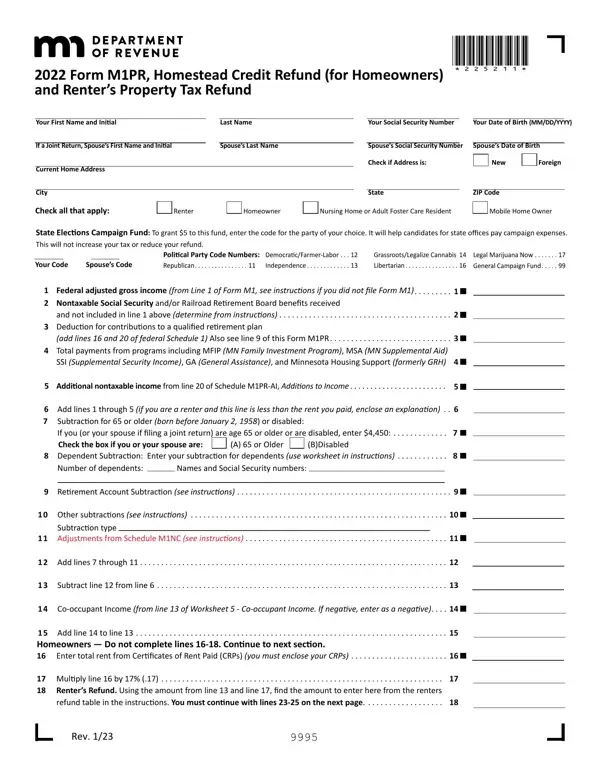
What it is: 2025 Form M1PR is the Homestead Credit Refund.
Who signs: Your Signature and Spouse's Signature (If Filing Jointly).
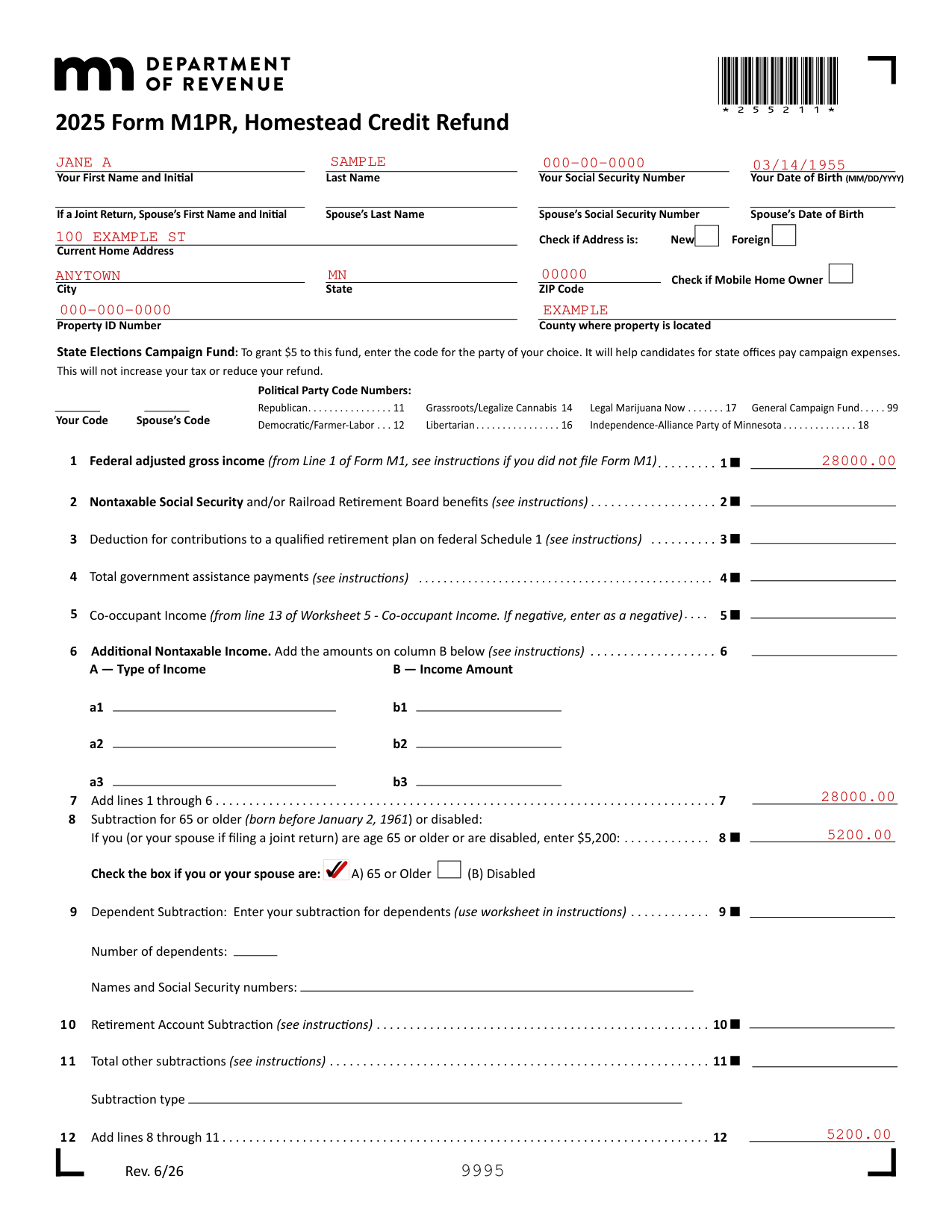
A filled-in Form M1PR example: a homeowner aged 65 or older asks for a refund
How to fill out Form M1PR, box by box
Your name, your spouse, your home address and the property
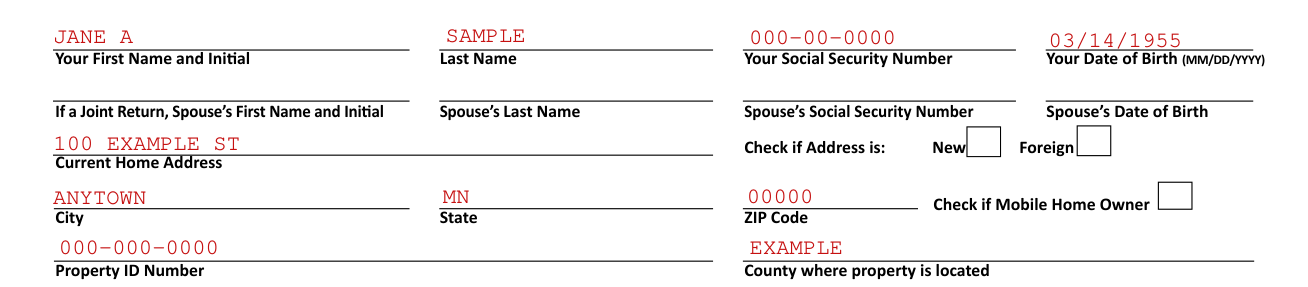
Enter Your First Name and Initial, Last Name, Social Security Number and Date of Birth (MM/DD/YYYY).
If a Joint Return, enter Spouse's First Name and Initial, Spouse's Last Name, Spouse's Social Security Number and Spouse's Date of Birth.
Enter the Current Home Address, and check if the address is New or Foreign.
Enter the City, State and ZIP Code, and check if Mobile Home Owner.
Enter the Property ID Number and the County where property is located.
State Elections Campaign Fund

State Elections Campaign Fund: To grant $5 to this fund, enter the code for the party of your choice (checked October 19, 2026). This will not increase your tax or reduce your refund.
Boxes: Your Code, Spouse's Code.
Political Party Code Numbers: Republican 11, Democratic/Farmer-Labor 12, Grassroots/Legalize Cannabis 14, Libertarian 16, Legal Marijuana Now 17, Independence-Alliance Party of Minnesota 18, General Campaign Fund 99.
Lines 1 to 7, income
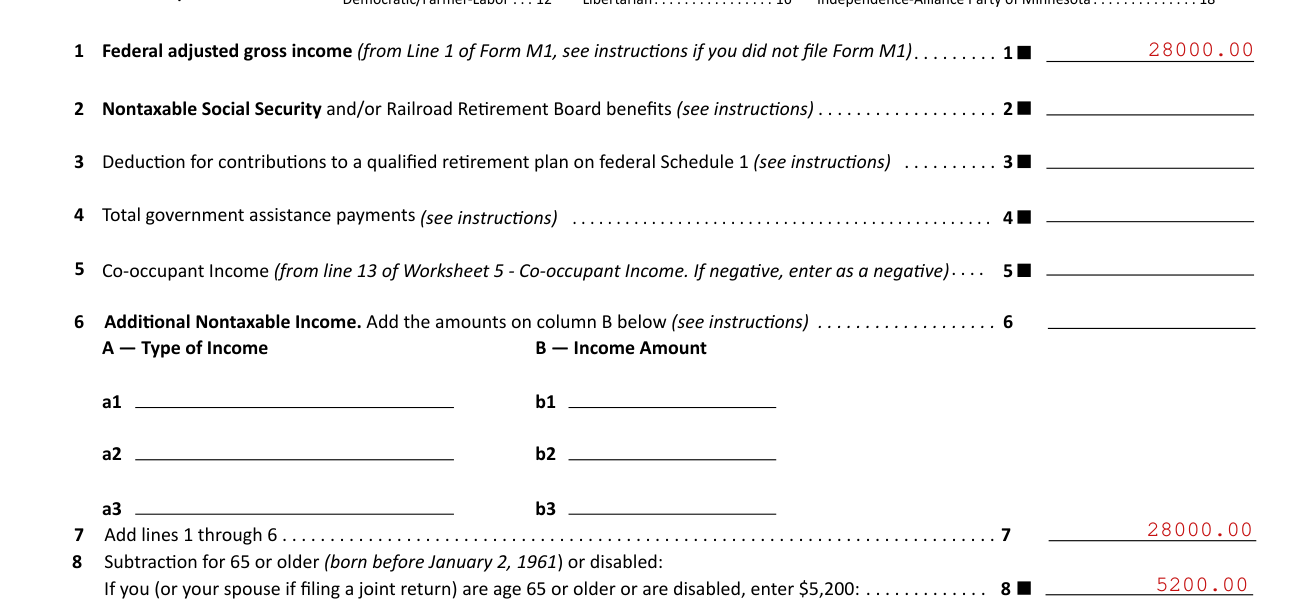
On line 1, enter Federal adjusted gross income (from Line 1 of Form M1, see instructions if you did not file Form M1).
On line 2, enter Nontaxable Social Security and/or Railroad Retirement Board benefits (see instructions).
On line 3, enter the Deduction for contributions to a qualified retirement plan on federal Schedule 1 (see instructions).
On line 4, enter Total government assistance payments (see instructions).
On line 5, enter Co-occupant Income (from line 13 of Worksheet 5 - Co-occupant Income). If negative, enter as a negative.
On line 6, enter Additional Nontaxable Income. Add the amounts in column B (see instructions). Column A is the Type of Income and column B is the Income Amount.
On line 7, add lines 1 through 6.
Lines 8 to 12, subtractions
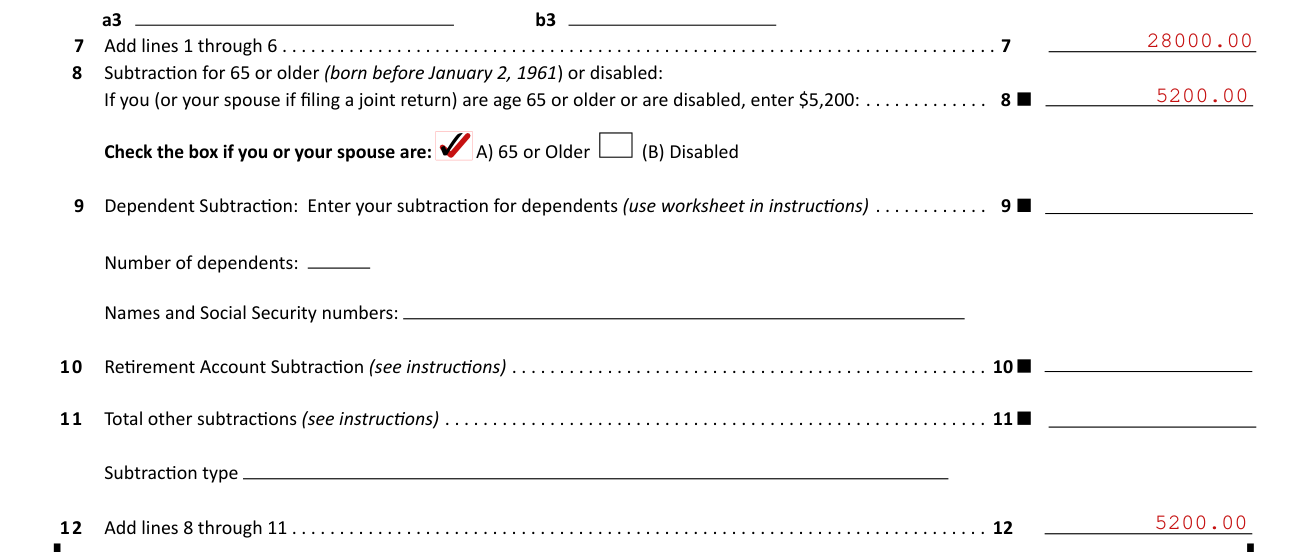
On line 8, Subtraction for 65 or older (born before January 2, 1961) or disabled: If you (or your spouse if filing a joint return) are age 65 or older or are disabled, enter $5,200 (checked October 19, 2026).
Check the box if you or your spouse are: A) 65 or Older (B) Disabled.
On line 9, Dependent Subtraction: enter your subtraction for dependents (use worksheet in instructions). Enter the Number of dependents and the Names and Social Security numbers.
On line 10, enter the Retirement Account Subtraction (see instructions).
On line 11, enter the Total other subtractions (see instructions) and the Subtraction type.
On line 12, add lines 8 through 11.
Lines 13 to 20, property tax and your refund
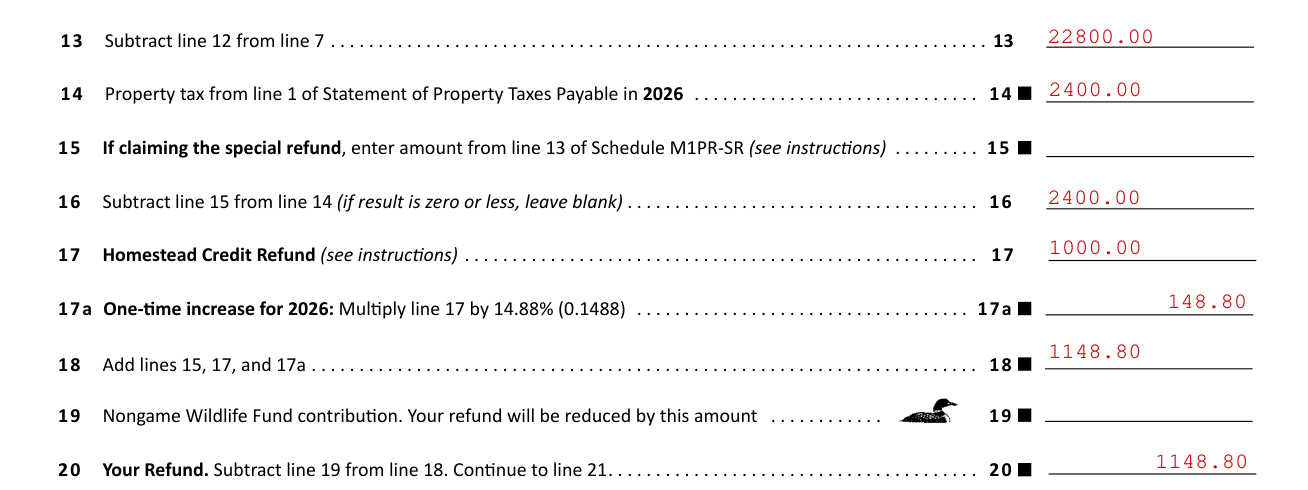
On line 13, subtract line 12 from line 7.
On line 14, enter Property tax from line 1 of Statement of Property Taxes Payable in 2026.
On line 15, if claiming the special refund, enter the amount from line 13 of Schedule M1PR-SR (see instructions).
On line 16, subtract line 15 from line 14 (if result is zero or less, leave blank).
On line 17, enter the Homestead Credit Refund (see instructions).
On line 17a, One-time increase for 2026: Multiply line 17 by 14.88% (0.1488). On line 18, add lines 15, 17, and 17a.
On line 19, enter the Nongame Wildlife Fund contribution. Your refund will be reduced by this amount.
On line 20, Your Refund: subtract line 19 from line 18. Continue to line 21.
Line 21, direct deposit of your refund

Common mistake: On line 21, Direct deposit of your refund (you must use an account not associated with a foreign bank): check Checking or Savings and enter the Routing Number and Account Number.
Signing, the paid preparer and the authorization
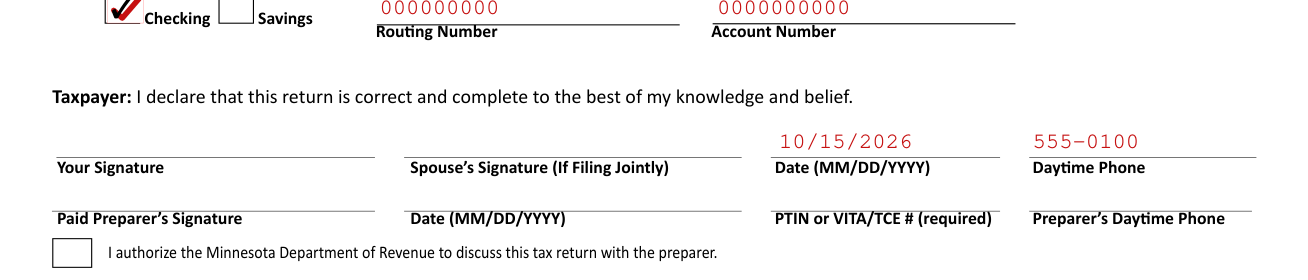
Taxpayer: you declare that this return is correct and complete to the best of your knowledge and belief.
Sign Your Signature and Spouse's Signature (If Filing Jointly), and enter the Date (MM/DD/YYYY) and Daytime Phone.
Paid Preparer's Signature: sign, and enter the Date (MM/DD/YYYY), the PTIN or VITA/TCE # (required) and the Preparer's Daytime Phone.
Check the box to authorize the Minnesota Department of Revenue to discuss this tax return with the preparer.
Common questions about Form M1PR
What is Minnesota tax form M1PR?
2025 Form M1PR is the Homestead Credit Refund. Property tax is from line 1 of the Statement of Property Taxes Payable in 2026.
Where do I file it?
Mail the form to Minnesota Property Tax Refund, Mail Station 0020, 600 Robert St. N., St. Paul, MN 55146-0020.
Sources
[1] Form M1PR (Rev. 6/26), Homestead Credit Refund, Minnesota Department of Revenue (the Official source link on this page).