

Form MVD-11268 at a glance
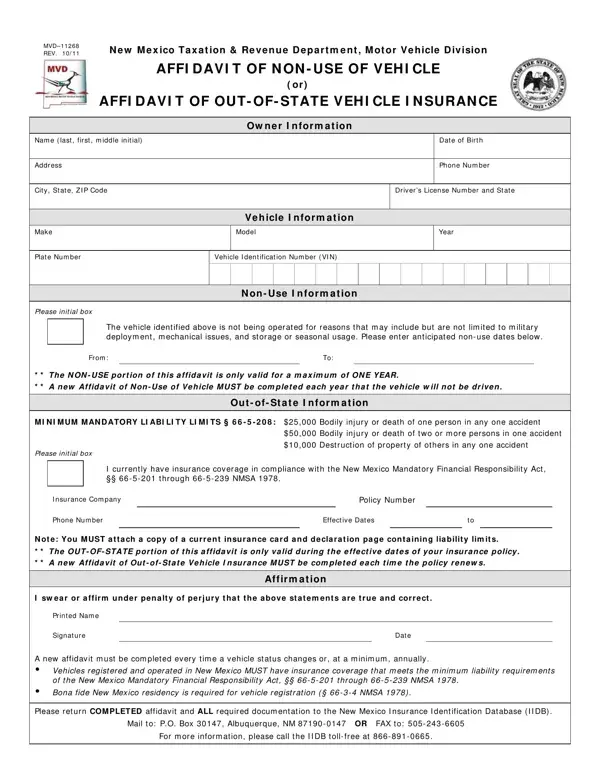
What it is: MVD-11268 is the New Mexico Taxation & Revenue Department, Motor Vehicle Division affidavit of non-use of vehicle or affidavit of out-of-state vehicle insurance.
Where and when to file: Return the completed affidavit and all required documentation to the New Mexico Insurance Identification Database (IIDB). A new affidavit must be completed every time a vehicle status changes or, at a minimum, annually. Vehicles registered and operated in New Mexico must have insurance coverage that meets the minimum liability requirements of the New Mexico Mandatory Financial Responsibility Act, §§ 66-5-201 through 66-5-239 NMSA 1978. Bona fide New Mexico residency is required for vehicle registration (§ 66-3-4 NMSA 1978).
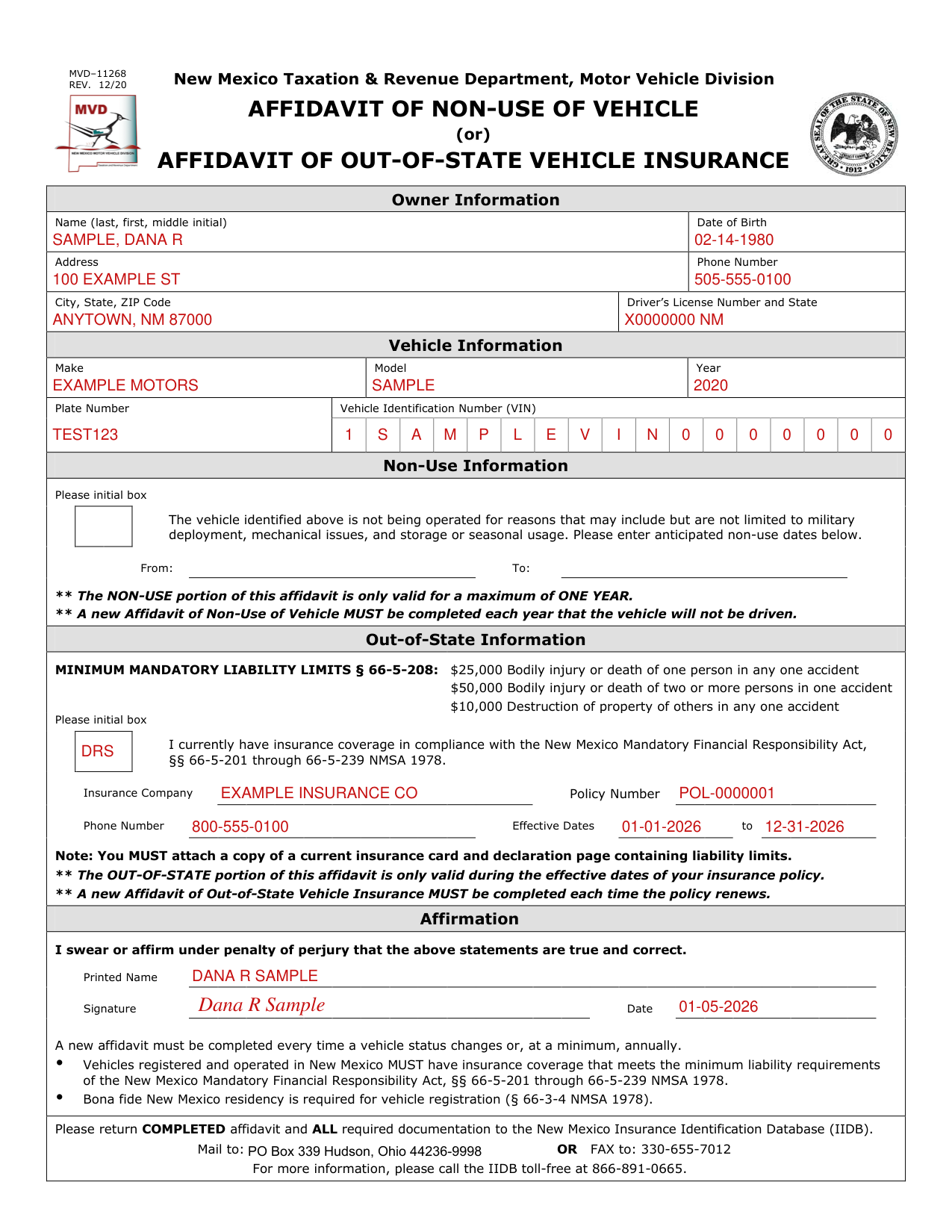
A filled-in Form MVD-11268 example: an owner files the out-of-state insurance affidavit
How to fill out Form MVD-11268, box by box
Owner Information

Under Owner Information, enter Name (last, first, middle initial), Date of Birth, Address, Phone Number, City, State, ZIP Code and Driver's License Number and State.
Vehicle Information

Under Vehicle Information, enter Make, Model, Year, Plate Number and Vehicle Identification Number (VIN).
Non-Use Information

Under Non-Use Information, initial the box if the vehicle is not being operated for reasons that may include but are not limited to military deployment, mechanical issues, and storage or seasonal usage, and enter the anticipated non-use dates From and To.
The non-use portion of this affidavit is only valid for a maximum of one year; a new Affidavit of Non-Use of Vehicle must be completed each year that the vehicle will not be driven.
Out-of-State Information
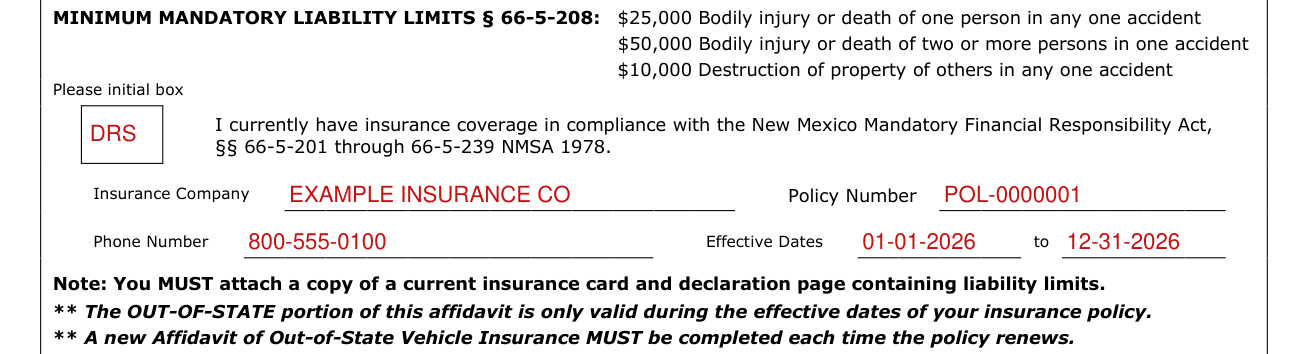
Under Out-of-State Information, initial the box for "I currently have insurance coverage in compliance with the New Mexico Mandatory Financial Responsibility Act, §§ 66-5-201 through 66-5-239 NMSA 1978."
Minimum mandatory liability limits under § 66-5-208 are $25,000 for bodily injury or death of one person in any one accident, $50,000 for bodily injury or death of two or more persons in one accident and $10,000 for destruction of property of others in any one accident (checked October 21, 2026).
Enter Insurance Company, Policy Number, Phone Number and the Effective Dates.
You must attach a copy of a current insurance card and declaration page containing liability limits.
The out-of-state portion of this affidavit is only valid during the effective dates of your insurance policy; a new Affidavit of Out-of-State Vehicle Insurance must be completed each time the policy renews.
Affirmation

Under Affirmation, you swear or affirm under penalty of perjury that the statements are true and correct.
Enter your Printed Name, Signature and Signature Date.
Common questions about Form MVD-11268
Where do I file it?
Return the completed affidavit and all required documentation to the New Mexico Insurance Identification Database (IIDB). Mail to: P.O. Box 30147, Albuquerque, NM 87190-0147 or fax to: 330-655-7012.
Where to get help with Form MVD-11268
For more information, call the IIDB toll-free at 866-891-0665.
Sources
[1] Form MVD-11268 (REV. 12/20), Affidavit of Non-Use of Vehicle or Affidavit of Out-of-State Vehicle Insurance, New Mexico Taxation & Revenue Department, Motor Vehicle Division (the Official source link on this page).