Please rate Otc Form 779 01-2023

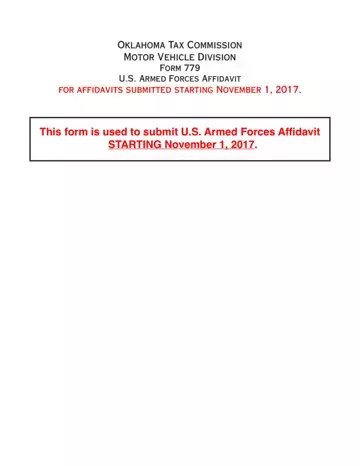
Page 1 holds the affidavit and its Delinquent Vehicle Registration Penalty Waiver Provision.
Who qualifies: the qualifying service person must be either a resident of, or assigned to duty in, Oklahoma.
Vehicle use: the vehicle may not be used in any trade or business, or for any commercial purpose.
Penalty waiver: delinquent vehicle (only) registration penalties are waived for Oklahoma resident armed forces personnel stationed out-of-state by official assignment.
Duration: the waiver applies for the duration of the out-of-state assignment and up to sixty (60) days following the end of such assignment.
| Question | Answer |
|---|---|
| Form Name | Form 779 |
| Form Length | 1 page |
| Fillable? | Yes |
| Fillable fields | 24 |
| Avg. time to fill out | 4 min |
| Edition | Rev 01/2023 |
| Issuing agency | Service Oklahoma Motor Vehicle Services |
| Matches the agency's file | Yes, checked October 2, 2026 |
| Other names | 779, Form 779, Oklahoma Form 779, U.S. Armed Forces Affidavit |
| Official source | Form 779 (Rev 01/2023), Service Oklahoma Motor Vehicle Services |
Otc Form 779 isn’t the one you’re looking for?
Please rate Otc Form 779 01-2023
