
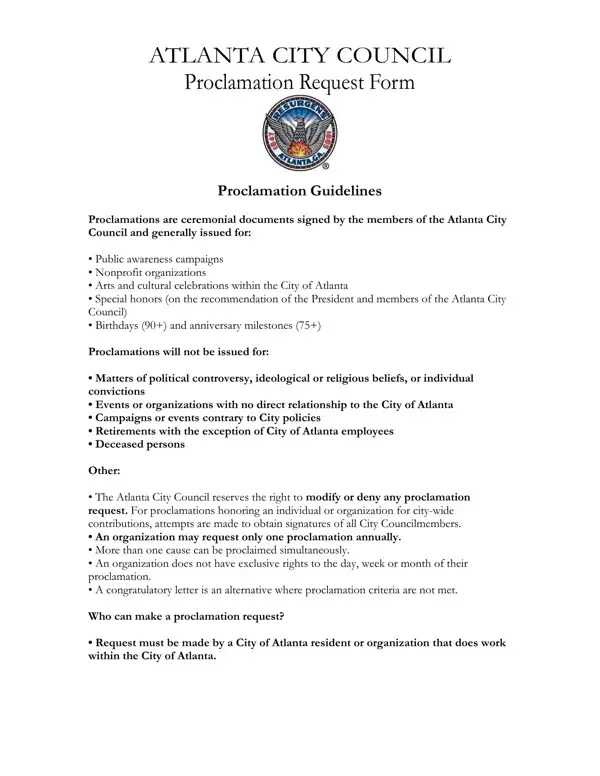
The essence of civic engagement and recognition in Atlanta takes a structured and ceremonious form through the Proclamation Request Form, a cornerstone for acknowledging significant contributions and milestones within the community. Delving into the specifics, the Atlanta City Council considers these proclamations as ceremonial documents, designed to honor a diverse array of achievements and occasions. These include public awareness campaigns, nonprofit organizations, arts and cultural celebrations, and noteworthy individual milestones, like significant birthdays and anniversaries, within the City of Atlanta, providing a tangible acknowledgment of civic contributions or personal achievements. However, it's important to note the exclusions, as proclamations are steered clear of political controversy, ideological or religious beliefs, or individual convictions, maintaining a focus on unity and positivity. An interesting aspect is the process and prerequisites for such requests, necessitating a written application, a clear outline of the cause or individual being honored, and adherence to submission timelines, ensuring a well-organized and respectful acknowledgment system. Moreover, the guideline that an organization may not request more than one proclamation annually underlines the council's commitment to inclusivity and fairness, allowing the spotlight to rotate among worthy causes and individuals throughout the year. In essence, the Proclamation Request Form serves not only as a tool for recognition but as a reflection of the values and priorities of the Atlanta City Council and the community it serves.
| Question | Answer |
|---|---|
| Form Name | Proclamation Form |
| Form Length | 4 pages |
| Fillable? | Yes |
| Fillable fields | 23 |
| Avg. time to fill out | 1 min |
| Other names | proclamation form pdf, atlanta proclamation latest, proclamation request form sample, atlanta proclamation |
Proclamation Form isn’t the one you’re looking for?