
Set P Application Form PDF Details

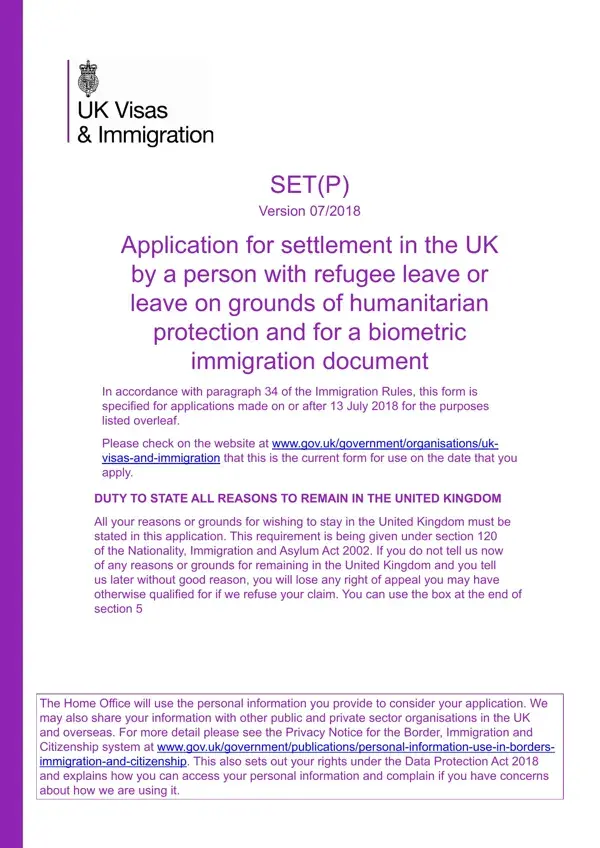
The Set P Application form is a crucial document for individuals seeking settlement in the UK who have been granted refugee leave or leave on grounds of humanitarian protection. It also applies to those applying for a biometric immigration document. From July 13, 2018, this form has been specified for these applications, emphasizing the importance of using the most updated version by checking the government's website. Applicants are required to disclose all reasons for wishing to remain in the UK, as mandated by section 120 of the Nationality, Immigration and Asylum Act 2002. Failing to disclose these reasons initially can lead to losing the right to appeal if the application is refused. The form collects detailed personal information, which the Home Office uses to process the application and may share with other organizations within and outside the UK, as outlined in the Privacy Notice. It is designed for those who were granted five years of refugee leave or humanitarian protection and includes sections for personal details, history, and circumstances since being granted leave, ensuring a comprehensive review process. Applicants are advised to submit their form considering the expiration of their current leave, and the form also gathers details on any travel to the country of origin or attempts to obtain a passport from another country, which could affect the application. This introduction highlights the importance of accurate and complete submissions to avoid complications or appeal rights loss.

QuestionAnswer
Form NameSet P Application Form
Form Length30 pages
Fillable?No
Fillable fields0
Avg. time to fill out7 min 30 sec
Other namesset p application form, set p form 2020, refugee leave, set p form

How to Edit Set P Application Form Online for Free

Using PDF forms online is always super easy with our PDF tool. Anyone can fill in uk set application settlement here and use various other functions available. In order to make our tool better and less complicated to work with, we continuously design new features, with our users' feedback in mind. If you're looking to get going, here's what it requires:

Step 1: Press the "Get Form" button in the top part of this page to access our PDF editor.

Step 2: After you start the tool, there'll be the document prepared to be filled out. Apart from filling in different blanks, it's also possible to perform several other actions with the Document, particularly adding your own words, modifying the original text, inserting graphics, placing your signature to the document, and much more.

This document will need specific information to be entered, therefore be sure to take some time to type in exactly what is required:

1. The uk set application settlement involves specific details to be inserted. Ensure the subsequent fields are completed:

set p application form writing process outlined (portion 1)

2. Just after filling out the last section, head on to the next part and enter the necessary details in all these fields - Passport or travel document number, Home Oice reference if you have, BRP Reference number, Your UK address please inform us, Postcode, The address to which you would, Your daytime telephone number, Your mobile number if you have one, and Postcode.

Simple tips to fill out set p application form portion 2

3. Completing Your email address if you have, and Please reenter your email address is essential for the next step, make sure to fill them out in their entirety. Don't miss any details!

Simple tips to fill in set p application form part 3

4. This next section requires some additional information. Ensure you complete all the necessary fields - When does your limited leave to, D D, M M, Y Y Y Y, and If your limited leave has already - to proceed further in your process!

Filling out segment 4 in set p application form

When it comes to D D and M M, ensure you don't make any errors here. Both of these are the most significant fields in the page.

5. The form should be completed by dealing with this area. Below you can find a full set of blanks that require correct details in order for your document submission to be faultless: Yes, Have you travelled to the country, Yes, SET Protection Route Application, and Page of.

Filling out part 5 of set p application form

Step 3: Soon after double-checking the form fields, hit "Done" and you are all set! Get hold of your uk set application settlement as soon as you sign up for a 7-day free trial. Instantly get access to the form inside your FormsPal account, together with any edits and adjustments being all kept! We don't sell or share the information you enter when dealing with documents at FormsPal.