
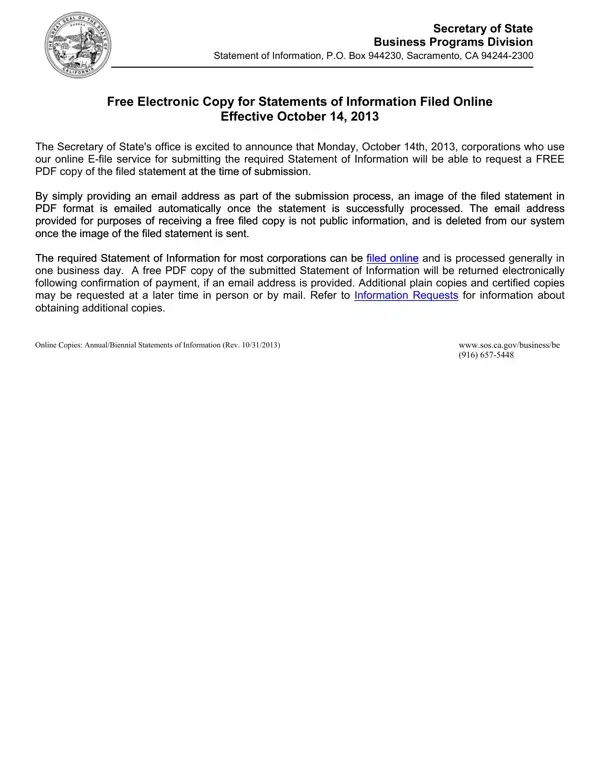
In navigating the complexities of corporate compliance within California, the Statement of Information (Form SI-350) stands out as a cornerstone document for foreign corporations operating within the state. Administered by the Secretary of State's Business Programs Division, this form serves multiple critical functions, from ensuring the accessibility of corporate information to the public to facilitating the smooth operation of legal processes by listing an agent for service of process. Particularly noteworthy has been the initiative, effective from October 14, 2013, to provide corporations with a free electronic copy of their filed statement, reflecting a push towards improving efficiency and accessibility through digital means. The form requires detailed disclosure, including the corporation's principal executive office address, the names and addresses of key officers, and the nature of the business conducted. It embodies a legal obligation, with filings due within specific periods and the imposition of penalties for non-compliance, signaling the state's commitment to corporate transparency and regulatory oversight. Beyond the direct filing process, the form also outlines provisions for obtaining additional copies of the filed statement, emphasizing the importance of documentation and record-keeping in corporate governance. This comprehensive approach not only aids in the adherence to state laws but also supports a framework for accountability and organizational integrity among foreign corporations operating in California.
| Question | Answer |
|---|---|
| Form Name | Si 350 Form |
| Form Length | 3 pages |
| Fillable? | No |
| Fillable fields | 0 |
| Avg. time to fill out | 45 sec |
| Other names | 78c, preprinted, California, 11th |
Si 350 Form isn’t the one you’re looking for?