
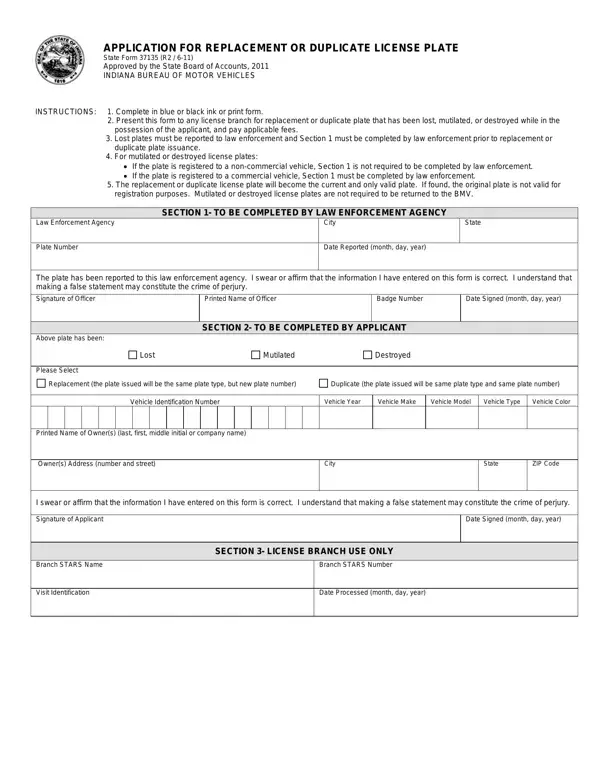

State Form 37135 at a glance
What it is: State Form 37135 is the Report of Stolen License Plate or Registration Decal of the Indiana Bureau of Motor Vehicles.
Who signs: Enter the Signature of Officer, Printed Name of Officer, Badge Number and Date Signed (mm/dd/yyyy). Enter the Signature of Applicant and Date Signed (mm/dd/yyyy).
Instruction 2: Stolen license plates and watercraft, off-road vehicle, and snowmobile registration decals are required to be reported to law enforcement. Section 1 of this form must be completed by a law enforcement agency.
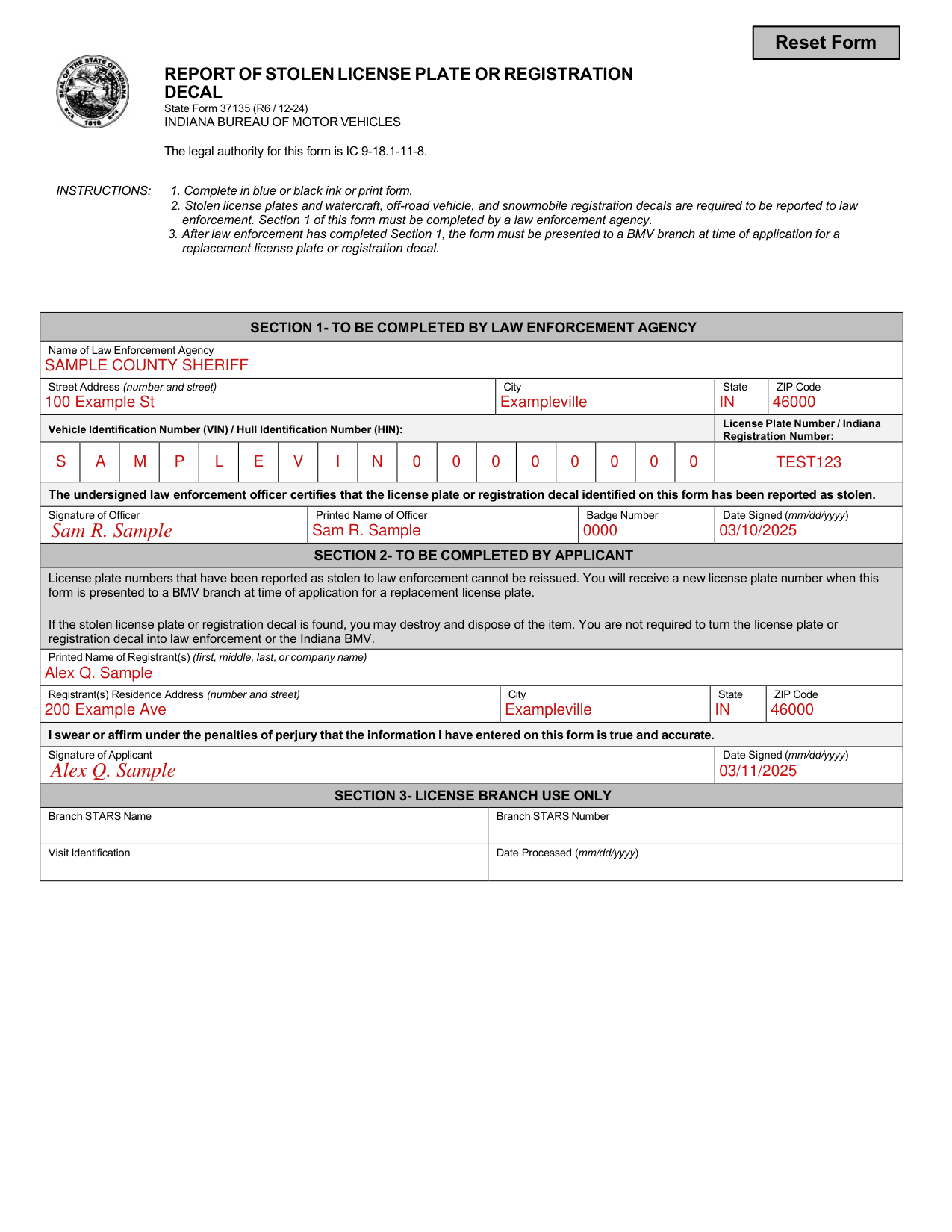
A filled-in State Form 37135 example: an officer reports a stolen license plate
How to fill out State Form 37135, box by box
Section 1: To be completed by law enforcement agency
Enter the Name of Law Enforcement Agency, then the Street Address (number and street), City, State and ZIP Code.
Enter the Vehicle Identification Number (VIN) / Hull Identification Number (HIN) and the License Plate Number / Indiana Registration Number.
The undersigned law enforcement officer certifies that the license plate or registration decal identified on this form has been reported as stolen.
Enter the Signature of Officer, Printed Name of Officer, Badge Number and Date Signed (mm/dd/yyyy).
Section 2: To be completed by applicant
Enter the Printed Name of Registrant(s) (first, middle, last, or company name), then the Registrant(s) Residence Address (number and street), City, State and ZIP Code.
By signing you swear or affirm under the penalties of perjury that the information you have entered on this form is true and accurate.
Enter the Signature of Applicant and Date Signed (mm/dd/yyyy).
Section 3: License branch use only
Section 3 is License Branch Use Only: Branch STARS Name, Branch STARS Number, Visit Identification and Date Processed (mm/dd/yyyy).
More rules for State Form 37135
If the stolen license plate or registration decal is found, you may destroy and dispose of the item. You are not required to turn the license plate or registration decal into law enforcement or the Indiana BMV.
If your situation is different
You are presenting the form at a BMV branch
After law enforcement has completed Section 1, the form must be presented to a BMV branch at time of application for a replacement license plate or registration decal.
Before you go
Instruction 1: Complete in blue or black ink or print form.
Common questions about State Form 37135
How to request a replacement plate?
License plate numbers that have been reported as stolen to law enforcement cannot be reissued. You will receive a new license plate number when this form is presented to a BMV branch at time of application for a replacement license plate.
Sources
[1] State Form 37135 (R6 / 12-24), Report of Stolen License Plate or Registration Decal, Indiana Bureau of Motor Vehicles (the Official source link on this page).