
Updated:
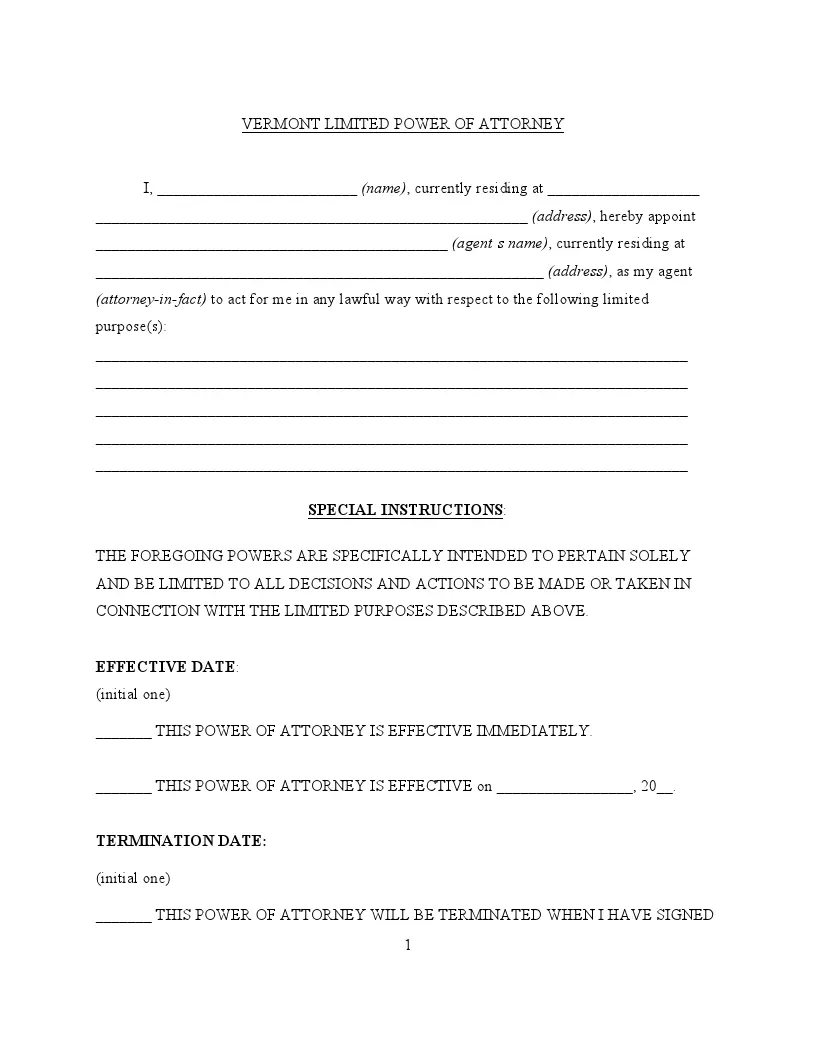
A Vermont limited power of attorney is a legal document that lets you, the principal, name another person, the agent, to act for you on specific matters. People use it for a single task or a set period, such as selling property or handling a bank matter while they are away. Fill in the FormsPal template below online or download it as a PDF.
Build Your Document
Answer a few simple questions to make your document in minutes
Save and Print
Save progress and finish on any device, download and print anytime
Sign and Use
Your valid, lawyer-approved document is ready
A Vermont limited power of attorney names an agent to act for you on specific matters or for a set period. You describe the tasks on the paperwork, and the agent works from that description. The principal is the person who grants the authority, and the agent, also called the attorney-in-fact, is the person who receives it.
A limited power of attorney covers the tasks you list or a set period. A general power of attorney is broader and covers many matters. Choose a limited one when you want help with a single task.
A limited power of attorney fits when you need help with one defined task instead of ongoing help with your affairs. You describe the task on the form, and your agent works from that description. It suits times when you cannot be there in person or want a trusted person to finish one transaction for you.
If you need a broader document, FormsPal also offers Vermont power of attorney forms.
Before you sign, gather a government-issued ID, the full legal name of your agent, and a clear list of the tasks the agent should handle. Check that each name on the template matches the ID that belongs to it. The notes below cover the Vermont statutes and the notary step.
The principal must ensure the document clearly states the scope of powers. To be legally binding in Vermont, it should be signed in the presence of a notary. This specificity helps protect the principal’s interests while effectively managing specified matters.
The Vermont Statutes Annotated (14 V.S.A. § 4001 – 14 V.S.A. § 4063) provide the legal framework for executing a limited power of attorney. For legal validity, this document requires:
Under 14 V.S.A. § 4005, the presence of a notary public or an equivalent official is essential to verify the authenticity of the principal’s signature. It helps to confirm the principal’s identity and their voluntary decision to grant authority to the agent.
The table lists the basics of the FormsPal Vermont power of attorney template. You will find its other name, the statute chapter it points to, the average time to fill it out, and the file format. Use it as a quick check before you download the PDF.
| Document Name | Vermont Limited Power of Attorney Form |
| Other Name | Vermont Special Power of Attorney |
| Relevant Laws | Vermont Statutes Annotated, Title 14, Chapter 127 |
| Avg. Time to Fill Out | 8 minutes |
| # of Fillable Fields | 32 |
| Available Formats | Adobe PDF |
A limited power of attorney in Vermont allows you to grant specific powers to another person, enabling them to act on your behalf under precise circumstances. Completing this form correctly ensures that all actions taken by your agent are valid and recognized under Vermont law.
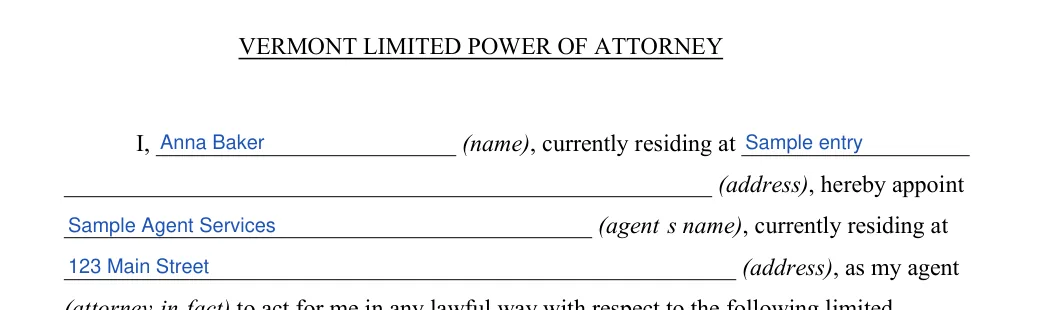
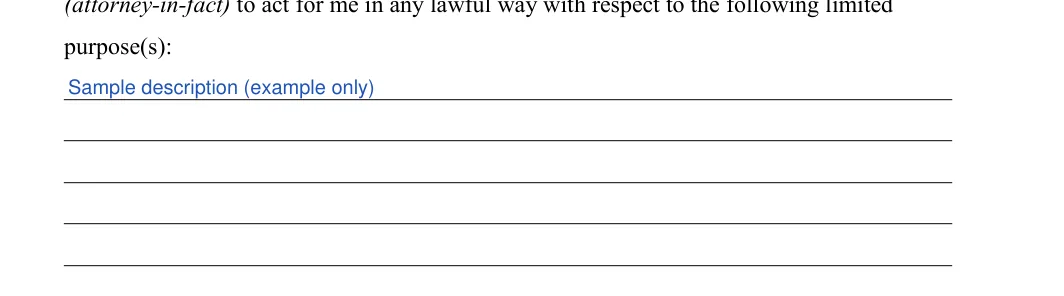
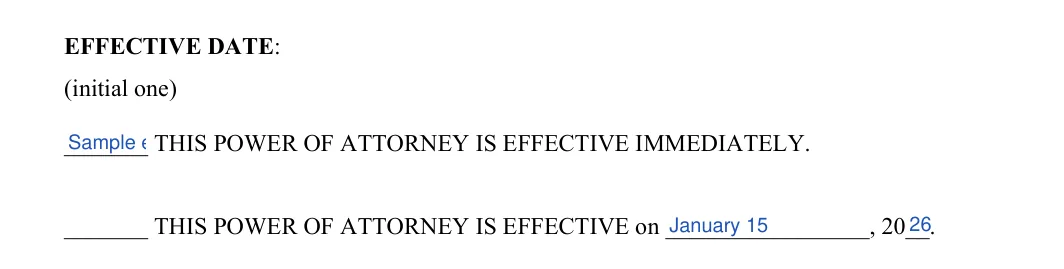
The screenshots under each step show the FormsPal Vermont Vermont Limited Power of Attorney template filled with sample entries in blue, so you can see where each answer goes. The names, addresses, dates and amounts are examples only.

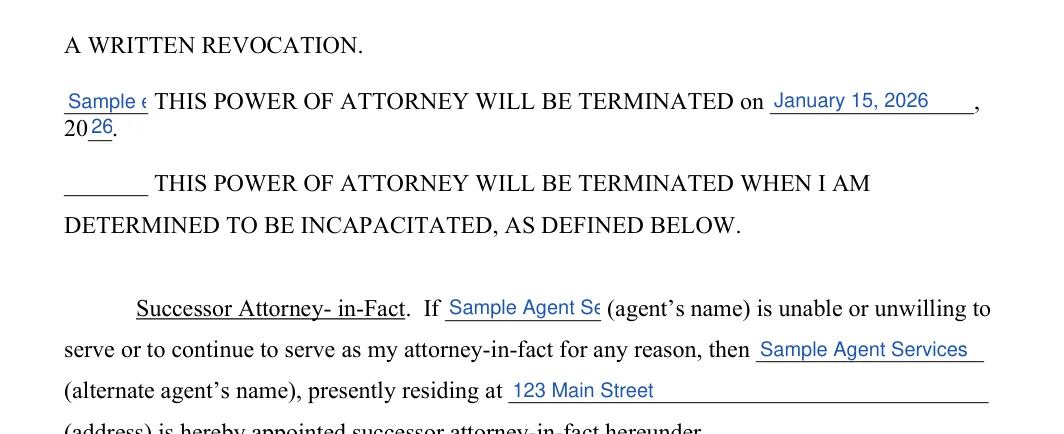
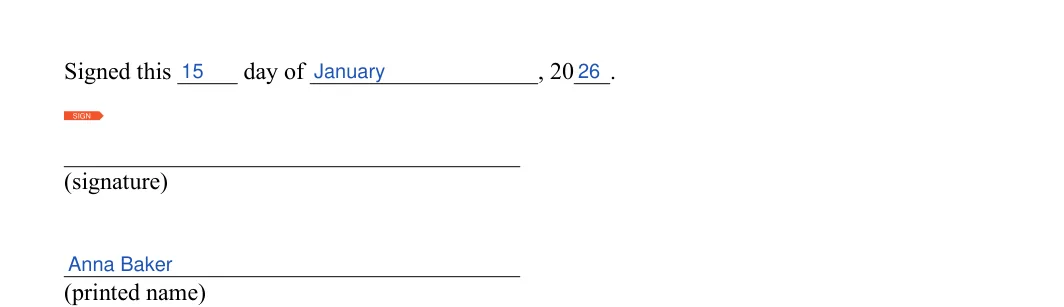
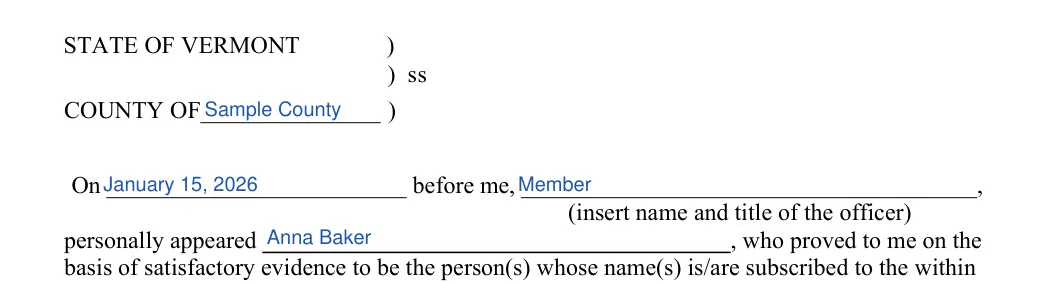

Once every part of your power of attorney is filled in, print it and read it from top to bottom. Check that the names match the IDs you will show, then follow the signing steps below. Keep the finished paperwork in a safe place.
Small slips are easy to make on a short template. A quick review before you sign can catch them. Compare your completed pages with the list below, and pay extra attention to names, dates and initials.
Yes. Select Create My Document at the top of the page to answer a few questions and build your power of attorney, or download the PDF. You can also open the downloaded file in the FormsPal PDF editor to fill it in and sign it.
The template has 32 fillable fields across three pages. The details table above lists an average fill-out time of 8 minutes.
Have these answers ready so the form goes quickly:
Keep the original in a safe place and give your agent a copy. Store a scanned copy with your other important papers so you can find it quickly.
General information, not legal or tax advice.
