
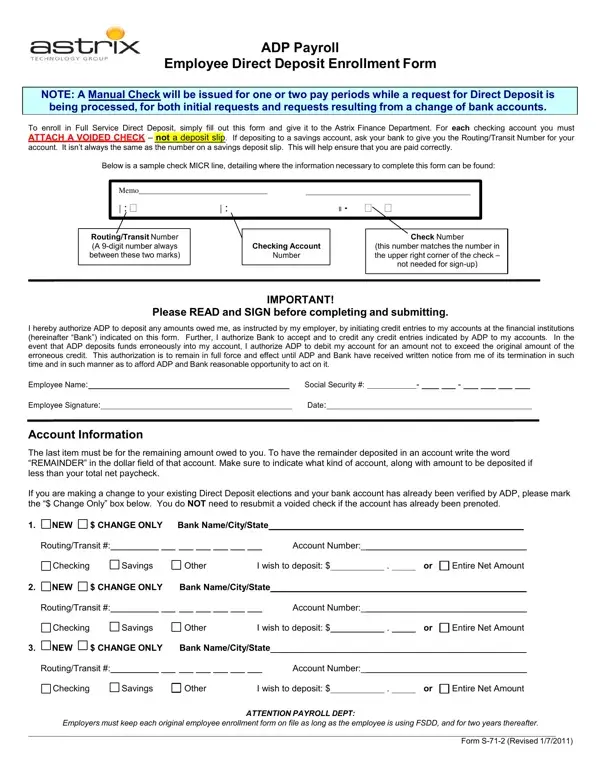
The ADP Direct Deposit Form S 71 2 (also called the FSDD enrollment form or S-71-2) lets employees set up Full Service Direct Deposit through ADP payroll. With this form, net pay is transferred directly to a bank or credit union account on each payday via the ACH network, eliminating paper checks.
The form covers four main areas:
During initial enrollment, the employer may issue paper checks while the account is being pre-noted. You can update banking details at any time. Previously verified accounts do not need a new voided check when making changes.
Related forms: ADP Direct Deposit Enrollment Form, ADP Pay Stub Template, and the ACH Authorization Form.
| Question | Answer |
|---|---|
| Form Name | ADP Direct Deposit Form S 71 2 |
| Form Length | 1 pages |
| Fillable? | Yes |
| Fillable fields | 44 |
| Avg. time to fill out | 9 min 7 sec |
| Other names | Astrix, S-71-2, adp employee direct deposit enrollment form, adp fsdd |
ADP Direct Deposit Form S 71 2 isn’t the one you’re looking for?