
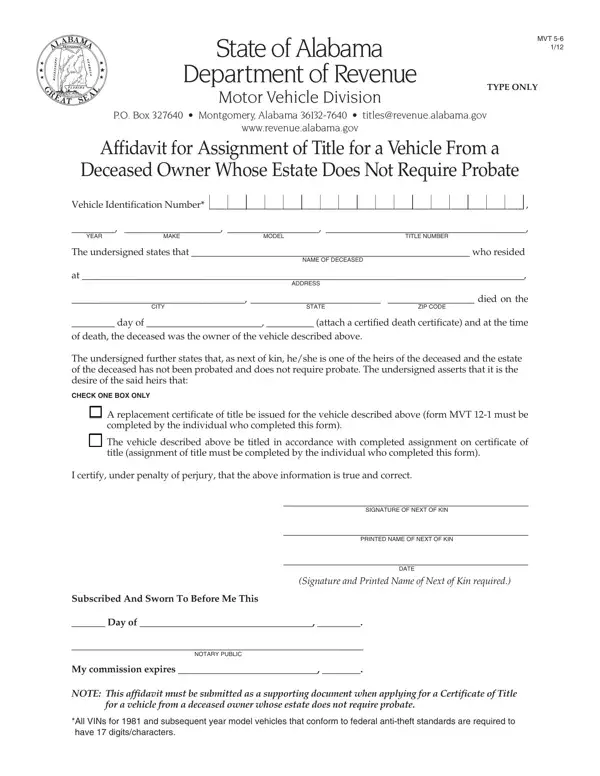

Form MVT 5-6 at a glance
What it is: MVT 5-6 is the Next of Kin Affidavit.
Who signs: Sign on the Signature of Next of Kin line. Signature and Printed Name of Next of Kin required.
The undersigned certifies, as next of kin, that he/she is one of the heirs of the deceased listed in the Name of Deceased box and that the estate of the deceased has not been probated and does not require probate.
A filled-in Form MVT 5-6 example: a next of kin asks for a replacement certificate of title
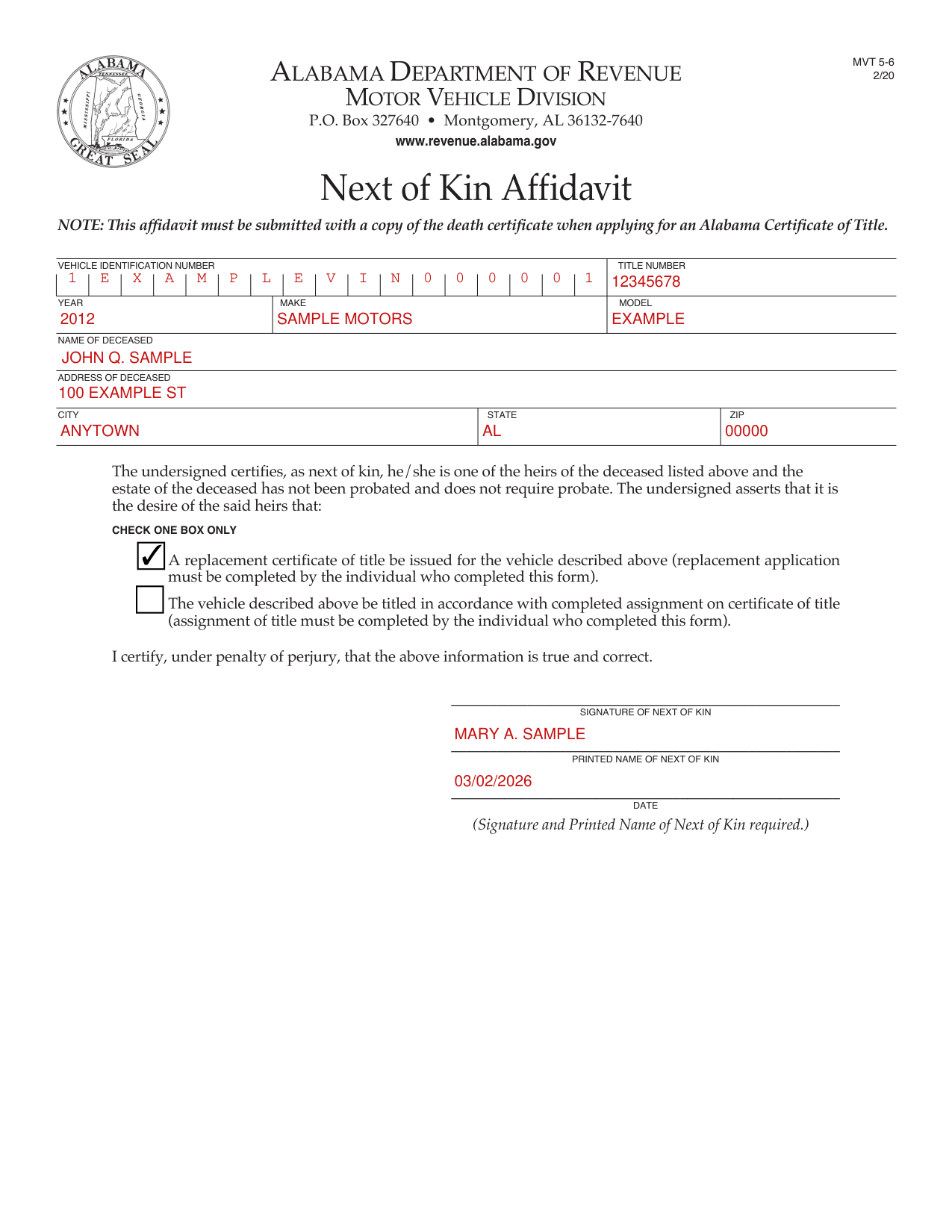
How to fill out Form MVT 5-6, box by box
Vehicle Identification Number, Title Number, Year, Make and Model

Enter the Vehicle Identification Number and the Title Number.
Enter the Year, Make and Model.
Name of Deceased, Address of Deceased, City, State and Zip

Enter the Name of Deceased.
Enter the Address of Deceased, then the City, State and Zip.
Check one box only

The undersigned asserts that it is the desire of the said heirs that: CHECK ONE BOX ONLY. Check the box for "A replacement certificate of title be issued for the vehicle" and "replacement application must be completed by the individual who completed this form". Or check the box for "be titled in accordance with completed assignment on certificate of title (assignment of title must be completed by the individual who completed this form)."
Signature of Next of Kin, Printed Name of Next of Kin and Date

The certification is that the information is true and correct, under penalty of perjury.
Sign on the Signature of Next of Kin line. Signature and Printed Name of Next of Kin required.
Enter the Printed Name of Next of Kin.
Enter the Date.
Before you go
This affidavit must be submitted with a copy of the death certificate when applying for an Alabama Certificate of Title.
Sources
[1] Form MVT 5-6 (2/20), Next of Kin Affidavit, Alabama Department of Revenue Motor Vehicle Division (the Official source link on this page).