
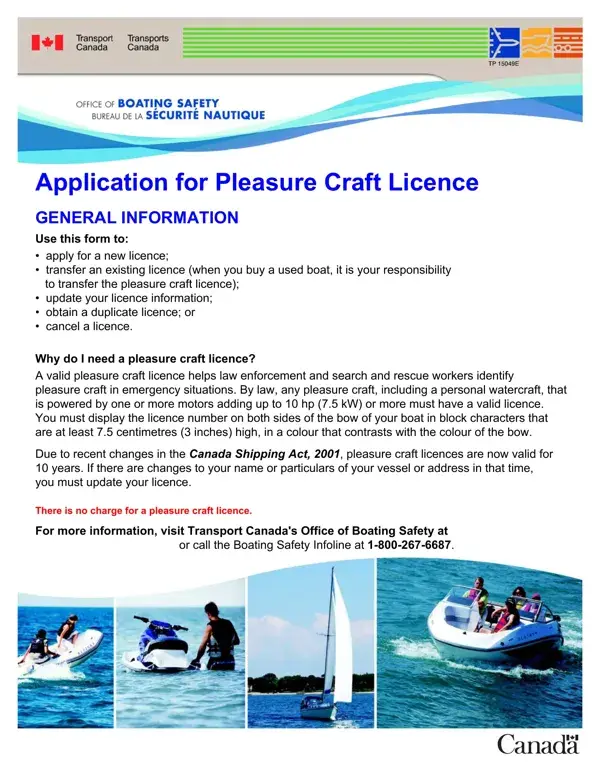
Form 84-0172E is issued by Transport Canada. Under the Canada Shipping Act, 2001, any pleasure craft equipped with a motor or combination of motors totalling 10 hp (7.5 kW) or more must hold a valid licence before operating on Canadian waters. Licencing is free and licences are valid for 10 years from the issue date.
You must complete Apply For Form 84 in any of the following situations:
Gather the following before you begin filling out the Apply For 84 form:
Pleasure craft licences are valid for 10 years from the date of issue. There is no renewal fee. You must reapply using a new Form 84 after 10 years. You are also legally required to update your licence whenever personal information or vessel particulars change, even within the 10-year period. Updating is free of charge.
If you are documenting a vessel ownership change, a boat bill of sale can help you record the transaction details alongside the licence transfer. For US-based watercraft documentation, the Illinois Watercraft Registration form covers similar registration and titling requirements for craft on US waters.
| Question | Answer |
|---|---|
| Form Name | Apply For Form 84 |
| Form Length | 3 pages |
| Fillable? | No |
| Fillable fields | 0 |
| Avg. time to fill out | 45 sec |
| Other names | pleasure craft licence renewal form, wwwapps tc gc, 84 0172e, print form 84 0172e |
Apply For Form 84 isn’t the one you’re looking for?