
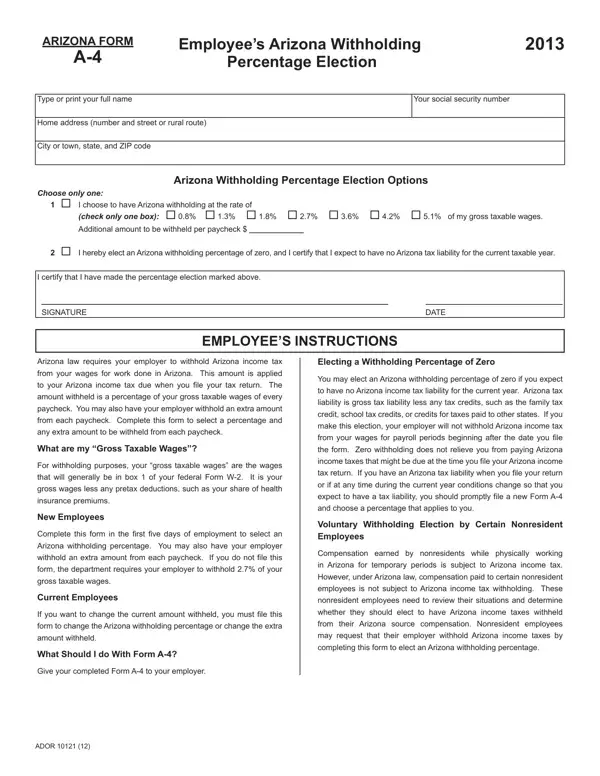

Arizona Form A-4 at a glance
What it is: Arizona Form A-4 is the Employee's Arizona Withholding Election 2026, which selects the percentage of your gross taxable wages withheld and applied to your Arizona income tax due when you file your tax return.
Who signs: By signing you certify that you have made the election marked on the form.
A filled-in Arizona Form A-4 example: a new employee elects 2.0% withholding
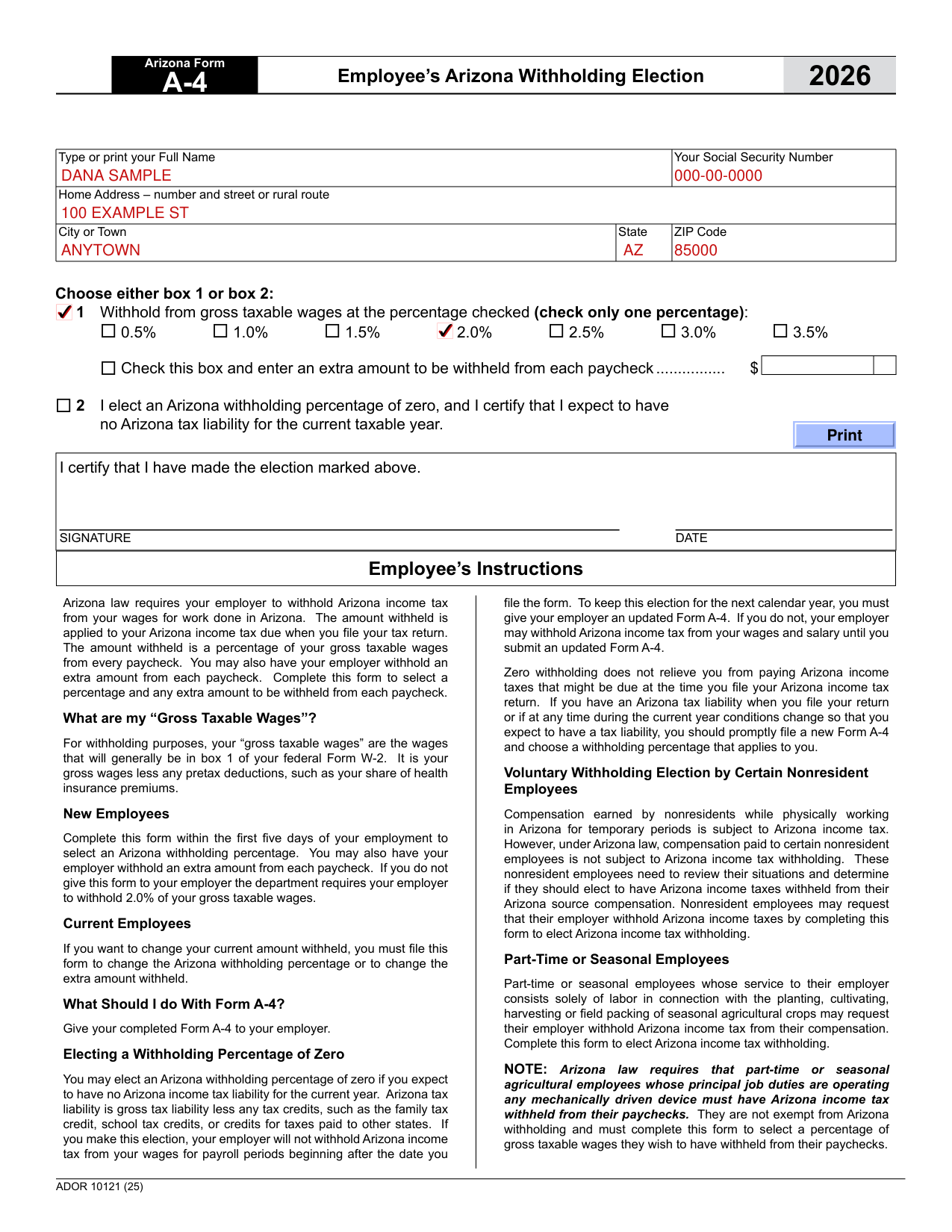
How to fill out Arizona Form A-4, box by box
Your name, address and Social Security Number

Type or print your Full Name and Your Social Security Number.
Enter your Home Address - number and street or rural route.
Enter your City or Town, State and ZIP Code.
Choose either box 1 or box 2

Give your completed Form A-4 to your employer. Complete this form within the first five days of your employment to select an Arizona withholding percentage. If you do not give this form to your employer the department requires your employer to withhold 2.0% of your gross taxable wages.
Choose either box 1 or box 2. Box 1: withhold from gross taxable wages at the percentage checked (check only one percentage): 0.5%, 1.0%, 1.5%, 2.0%, 2.5%, 3.0% or 3.5%.
Your gross taxable wages are the wages that will generally be in box 1 of your federal Form W-2, which is your gross wages less any pretax deductions, such as your share of health insurance premiums.
Box 2: I elect an Arizona withholding percentage of zero, and I certify that I expect to have no Arizona tax liability for the current taxable year.
You may elect an Arizona withholding percentage of zero if you expect to have no Arizona income tax liability for the current year. If you make this election, your employer will not withhold Arizona income tax from your wages for payroll periods beginning after the date you file the form. To keep this election for the next calendar year, you must give your employer an updated Form A-4. If you do not, your employer may withhold Arizona income tax from your wages and salary until you submit an updated Form A-4.
Zero withholding does not relieve you from paying Arizona income taxes that might be due at the time you file your Arizona income tax return. If you have an Arizona tax liability when you file your return or if at any time during the current year conditions change so that you expect to have a tax liability, you should promptly file a new Form A-4 and choose a withholding percentage that applies to you.
Extra amount to be withheld from each paycheck

Check this box and enter an extra amount to be withheld from each paycheck.
If you want to change your current amount withheld, you must file this form to change the Arizona withholding percentage or to change the extra amount withheld.
More rules for Arizona Form A-4
Part-time or seasonal employees whose service to their employer consists solely of labor in connection with the planting, cultivating, harvesting or field packing of seasonal agricultural crops may request their employer withhold Arizona income tax from their compensation.
Arizona law requires that part-time or seasonal agricultural employees whose principal job duties are operating any mechanically driven device must have Arizona income tax withheld from their paychecks. They are not exempt from Arizona withholding and must complete this form to select a percentage of gross taxable wages they wish to have withheld from their paychecks.
Sources
[1] Arizona Form A-4 (2026), Employee's Arizona Withholding Election, Arizona Department of Revenue (the Official source link on this page).