
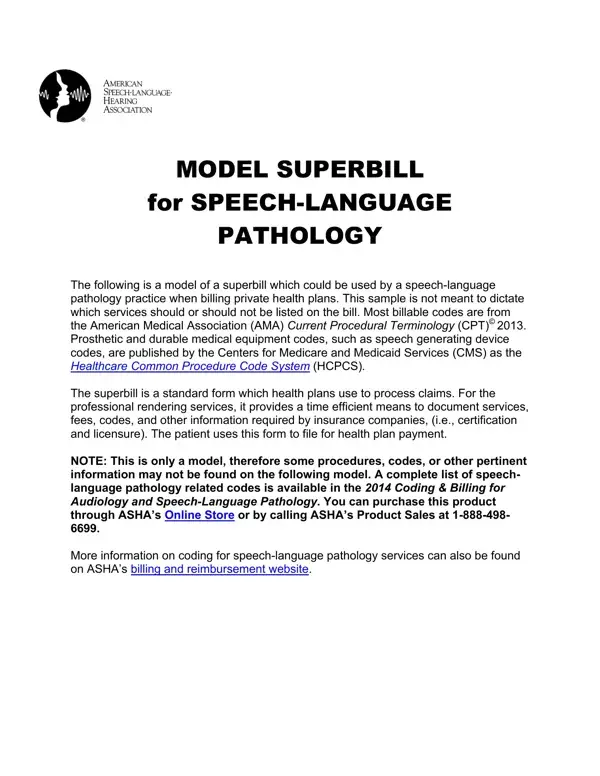
A superbill is a detailed invoice that healthcare providers give to patients after a clinical visit. It contains all the information an insurer needs to process a reimbursement claim: provider credentials, diagnosis codes, procedure codes, and associated charges. Unlike a basic receipt, a superbill allows patients with out-of-network benefits to file claims with their insurance company directly.
The ASHA Model Superbill was developed for two clinical specialties. Speech-language pathologists use it to document services for patients with communication disorders, voice impairments, swallowing difficulties, fluency disorders, and cognitive-communication problems. Audiologists use it to record hearing evaluations, hearing aid assessments, and auditory processing evaluations. ASHA publishes two separate superbill templates: one for speech-language pathology and one for audiology, each tailored to the procedure codes most relevant to that specialty.
The form captures the following categories of billing information:
CPT codes in the ASHA Model Superbill are published by the American Medical Association and cover the full range of speech-language pathology evaluation and treatment procedures. Common CPT codes included are for swallowing evaluations, speech sound assessments, language evaluations, augmentative and alternative communication (AAC) device training, and group therapy sessions. HCPCS codes, maintained by the Centers for Medicare and Medicaid Services, cover AAC devices, durable medical equipment, and hearing aids.
Private practice SLPs and audiologists use this form because it standardizes documentation across different insurance carriers. A patient can submit the completed superbill to their insurer when seeking reimbursement for out-of-network services. Accurate completion of procedure codes and diagnosis codes reduces claim rejection rates and speeds up payment. Keeping a copy of each completed superbill also supports the clinical record and provides an audit trail if a payer requests supporting documentation.
When filling in the form, make sure each procedure code matches the corresponding diagnosis code. Mismatched codes are among the most common reasons insurers deny claims. If a procedure was provided in multiple sessions, each date of service should appear as a separate line entry with its own code and charge.
If you need a billing document for a different clinical specialty, the Mental Health Superbill and the Family Practice Superbill are also available on FormsPal.
| Question | Answer |
|---|---|
| Form Name | Asha Superbill Form |
| Form Length | 3 pages |
| Fillable? | No |
| Fillable fields | 0 |
| Avg. time to fill out | 45 sec |
| Other names | superbill asha, patient pathology model, model pathology, speech procedure model |
Asha Superbill Form isn’t the one you’re looking for?