
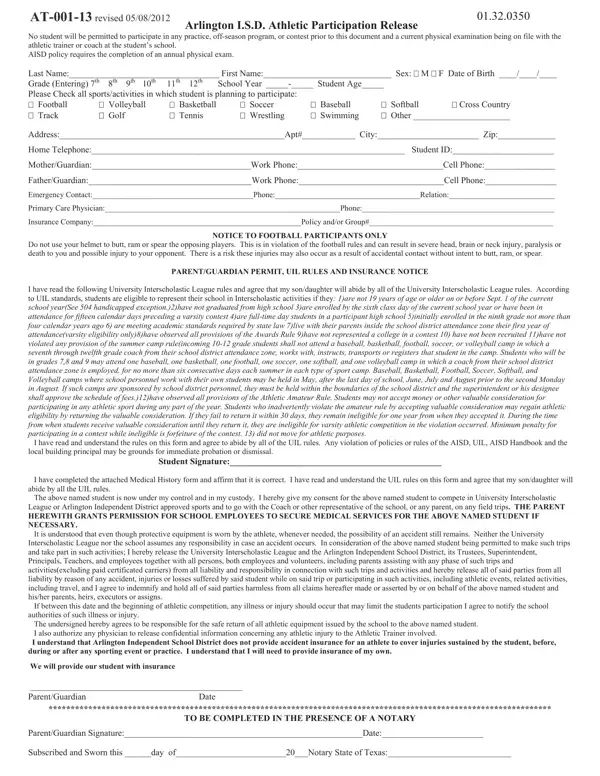
You can complete the Athletic Physical Form online using our PDF editor. The process is simple and requires no software installation. Follow these steps to fill in, save, and download your form:
Step 1: Open the Form in Our PDF Editor
Click the "Get Form" button at the top of this page. The form opens immediately in our online PDF editor. You can begin filling in the required fields right away. The editor works on any device, including desktop computers, laptops, and mobile phones.
Step 2: Enter Student and Medical Information
Fill in all required student information carefully. This section collects the following details:
- Student name, sex, age, and date
- Home address and phone number
- Grade and school name
- Personal physician name and phone number
- Emergency contact name, relationship, and phone number
Answer all medical history questions honestly and completely. This section asks about past illnesses, surgeries, hospitalizations, and current health conditions. Leave no required field blank, as incomplete forms may delay participation approval from the school.
Step 3: Complete Head, Neck, and Back Assessment
This section covers neurological and musculoskeletal history. Indicate whether you have had a head injury, concussion, or seizures at any point in life. Report any numbness, tingling, or nerve problems in the arms or legs. Also disclose whether any family members have had heart disease or sudden cardiac events. The school uses this information to identify any risks before approving the student for contact sports or physical activity.
Step 4: Explain YES Answers and Skin Conditions
If you answered YES to any health question, write a full explanation in the box provided. The form also asks about skin conditions such as rashes, acne, warts, or fungal infections that could affect other athletes during contact sports. There is also a section on heat illness history, which the school uses to assess whether a student needs special monitoring during hot weather practices. Complete every required field and review your answers before moving to the final section.
Step 5: Preparticipation Physical Exam
A licensed physician completes the preparticipation physical exam section during the student's medical appointment. The doctor records height, weight, body fat percentage, and vision results for both eyes. Normal and abnormal physical findings are listed with physician initials. The examining physician must sign and date this section. Many school districts require the physical exam to be performed no more than 12 months before the start of the sports season.
Step 6: Save, Download, and Submit the Completed Form
When all sections are complete, click "Done" to finalize the Athletic Physical Form. Download the completed document as a PDF file and print it for submission to your school or athletic office. All edits are saved securely in your FormsPal account so you can return to the document at any time.
If you need similar documents, you can also access the Adult Physical Form, the Alabama High School Physical Form, or the Mississippi Sports Medicine Athletics Physical Form. Other useful options include the Health Assessment Sports Form and the Kentucky High School Sports Form.
