
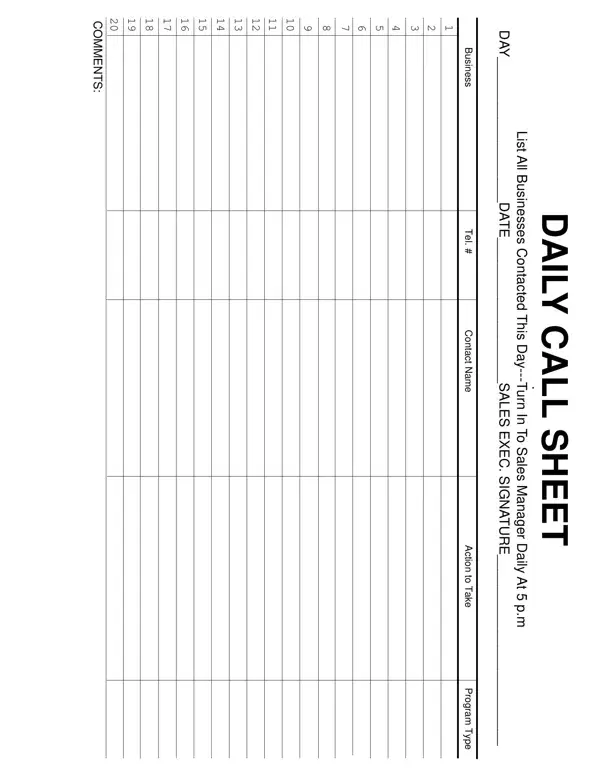
A call sheet is the daily schedule for a film, video or photo shoot, issued for each shooting day. This one opens with the production details: the title, production company, shoot date, shooting day, director, producer, first assistant director and production office contacts. It then sets the call times for the crew and for shooting, the estimated wrap, meal times, sunrise and sunset, and the weather.
The sheet also lists the locations, parking and crew base, the nearest hospital and the set medic or safety officer; the scenes in shooting order with set, interior or exterior, day or night, pages and cast numbers; the cast with pickup, hair and makeup and on-set times; the crew by department with call times; and each department's requirements for the day, from props and wardrobe to camera, sound, vehicles and effects.
| Question | Answer |
|---|---|
| Form Name | Call Sheet Template Form |
| Form Length | 2 pages |
| Fillable? | Yes |
| Fillable fields | 226 |
| Avg. time to fill out | 15 sec |
| Other names | daily call sheet template, ar collection call template, dailys sheet, sales call sheets |
Call Sheet Template Form isn’t the one you’re looking for?