What You Need Before You Start
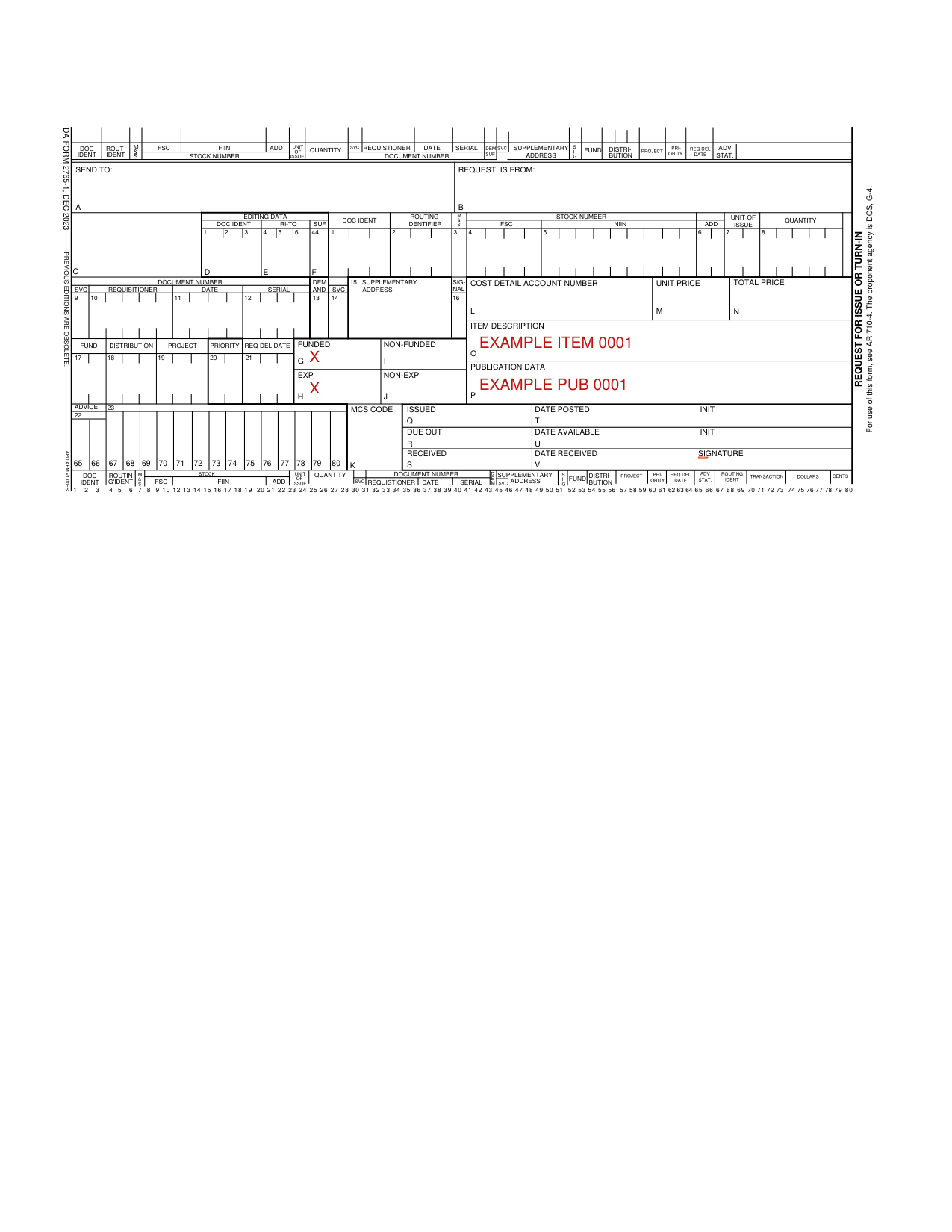
Before filling out the form, gather the following information: the supply item national stock number, the requesting unit details, the supporting supply point information, and the transaction type (issue or turn-in). Having this ready speeds up completion and reduces errors during supply point review.
Our PDF editor lets you fill out the form online without any downloads. Follow these steps to get started.
Step 1: Press the orange "Get Form Here" button on this page to open the form in the online editor.
Step 2: Use the toolbar to fill out, highlight, customize, and add text to the form. The toolbar supports text entry, deletion, and formatting across all required fields.
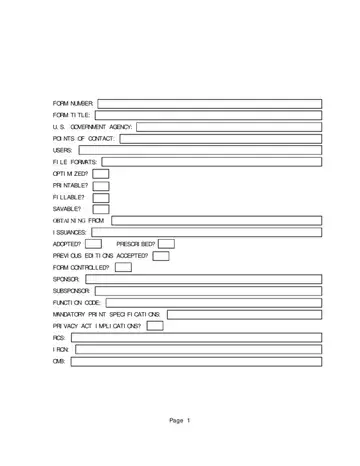
You need to provide the following information if you need to create the template:
Step 3: Fill in every required field. Write the necessary details in the FORM CONTROLLED, SPONSOR, SUBSPONSOR, FUNCTION CODE, MANDATORY PRINT SPECIFICATIONS, PRIVACY ACT IMPLICATIONS, RCS, IRCN, OMB, and Page fields. Double-check each entry against your unit property records before saving.
Common Mistakes to Avoid
Do not leave any fields blank. A missing Function Code or RCS number will cause the form to be rejected at the supply point. Verify that the edition date matches the current DA standard. Forms submitted without a valid Privacy Act statement may require resubmission and delay your transaction.
After Completing the Form
Step 4: Click the Done button to save the form. It will be ready to download to your device.
Step 5: Print at least two copies of the completed form. One copy stays with the requesting unit and a second copy goes to the supply point for their records. Units operating under DA Pam 710-2 audit requirements should retain copies for a minimum of two years.
Frequently Asked Questions
Can I submit DA Form 2765-1 electronically? Some Army supply systems accept electronic submissions. Check with your supporting supply point to confirm whether physical or digital submission is required for your transaction type.
What is the difference between a request for issue and a turn-in? A request for issue pulls items from supply stock to the requesting unit. A turn-in returns items to the supply system and ends the unit accountability for those items.
Where can I get a blank DA Form 2765-1? The blank form is available on the Army Publications Directorate website and on this page for free online editing and printing.