
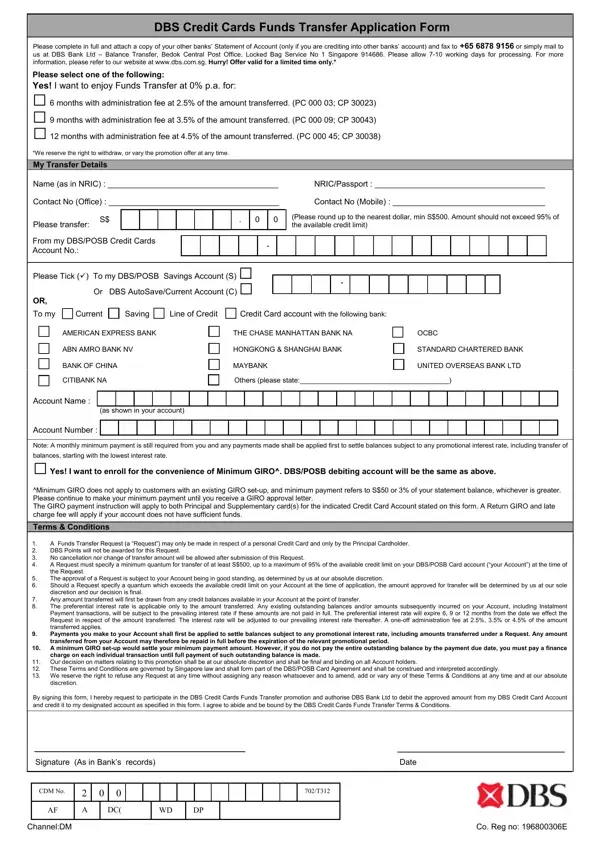
The Disclosure and Barring Service (DBS) provides background checks that help employers make safer recruitment decisions. The DBS application form captures personal details and identity information that the service uses to search its database and return a disclosure certificate.
There are three main check levels. A Basic check shows only unspent convictions and is available to any applicant. A Standard check covers spent and unspent convictions, cautions, and final warnings. An Enhanced check is the most thorough level and also includes information held by local police forces. It is required for roles involving regular contact with children or vulnerable adults, such as teaching, healthcare, and social care.
To complete the DBS application form, you must provide the following details:
The form must be signed before submission. Processing typically takes 3 to 5 working days for a Standard check and 14 days for an Enhanced check. You can check the live progress of your application online using the DBS tracking service.
All information collected on the DBS form is processed in compliance with UK data protection legislation. The service operates under strict privacy guidelines, and your personal details are used solely for the purpose of the requested disclosure. Organisations that request DBS checks must also comply with the DBS Code of Practice regarding the use and storage of disclosure information.
If you need a background check consent form or a reference check form, FormsPal has a range of employment-related documents available. For additional identity document templates, see our background check consent form.
| Question | Answer |
|---|---|
| Form Name | DBS Application Form |
| Form Length | 1 pages |
| Fillable? | No |
| Fillable fields | 0 |
| Avg. time to fill out | 15 sec |
| Other names | enhanced dbs application form pdf download, dbs form online, dbs form sample, crb application form pdf download, standard dbs check form, basic disclosure form |
Dbs Form isn’t the one you’re looking for?