
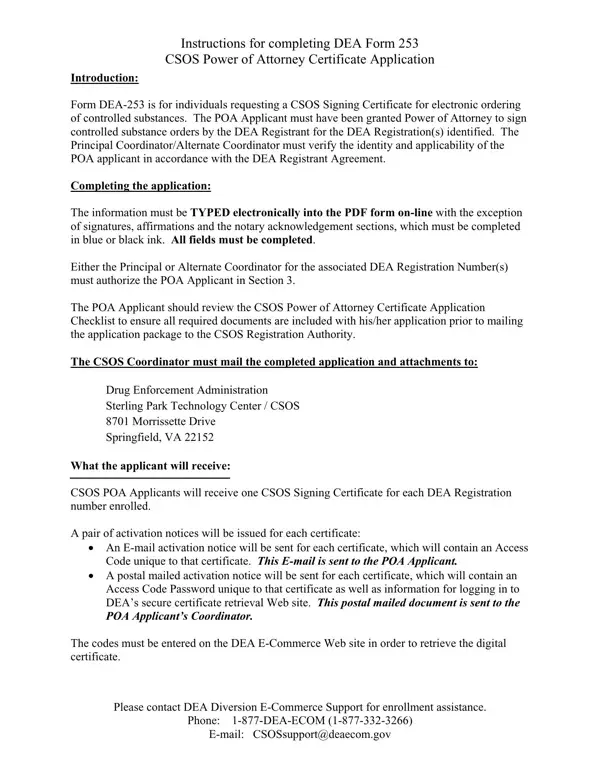
The CSOS Power of Attorney Certificate Application serves as the gateway for authorized representatives to participate in the Controlled Substance Ordering System, enabling secure electronic ordering of controlled substances. This form is designed for individuals holding Power of Attorney under a DEA Registration to sign off on electronic orders of Schedule I through V controlled substances.
Any person with Power of Attorney for a DEA Registrant who wants to electronically order controlled substances must complete this application. This includes pharmacists, pharmacy technicians, and other healthcare professionals designated by a Principal Coordinator or Alternate Coordinator. The form is required for each DEA Registration number for which electronic ordering authority is being requested.
All sections must be typed, except where signatures, affirmations, or notary acknowledgments are required. The application requires collaborative verification between the POA applicant and the Principal or Alternate Coordinator to confirm the applicant's identity and authorization. This verification process protects against unauthorized ordering of controlled substances through the electronic CSOS system. For related compliance documents, explore the controlled drug log template or the general power of attorney form.
Upon successful processing, applicants receive a CSOS Signing Certificate for each enrolled DEA Registration number, along with activation notices for retrieving the digital certificate. Each certificate enables the holder to electronically sign orders for controlled substances under the registered DEA number. It is important to store the activation notices securely, as they are needed only once during the certificate retrieval process.
| Question | Answer |
|---|---|
| Form Name | DEA Form 253 |
| Form Length | 6 pages |
| Fillable? | Yes |
| Fillable fields | 29 |
| Avg. time to fill out | 7 min 18 sec |
| Other names | csos power, csos form, csos application form, dea form certificate |
DEA Form 253 isn’t the one you’re looking for?