

PERS 401 at a glance
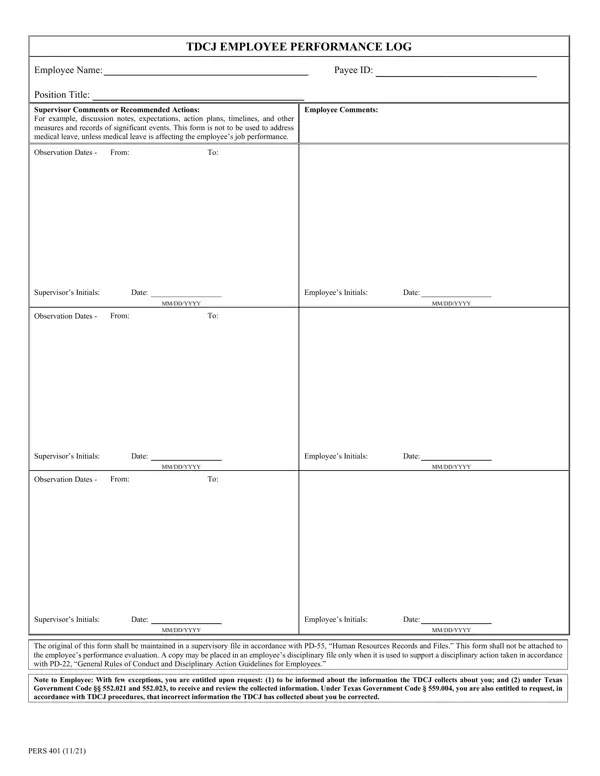
What it is: TDCJ Employee Performance Log, PERS 401.
Who signs: The supervisor enters Initials and the Date as MM/DD/YYYY. The employee enters Initials and the Date as MM/DD/YYYY.
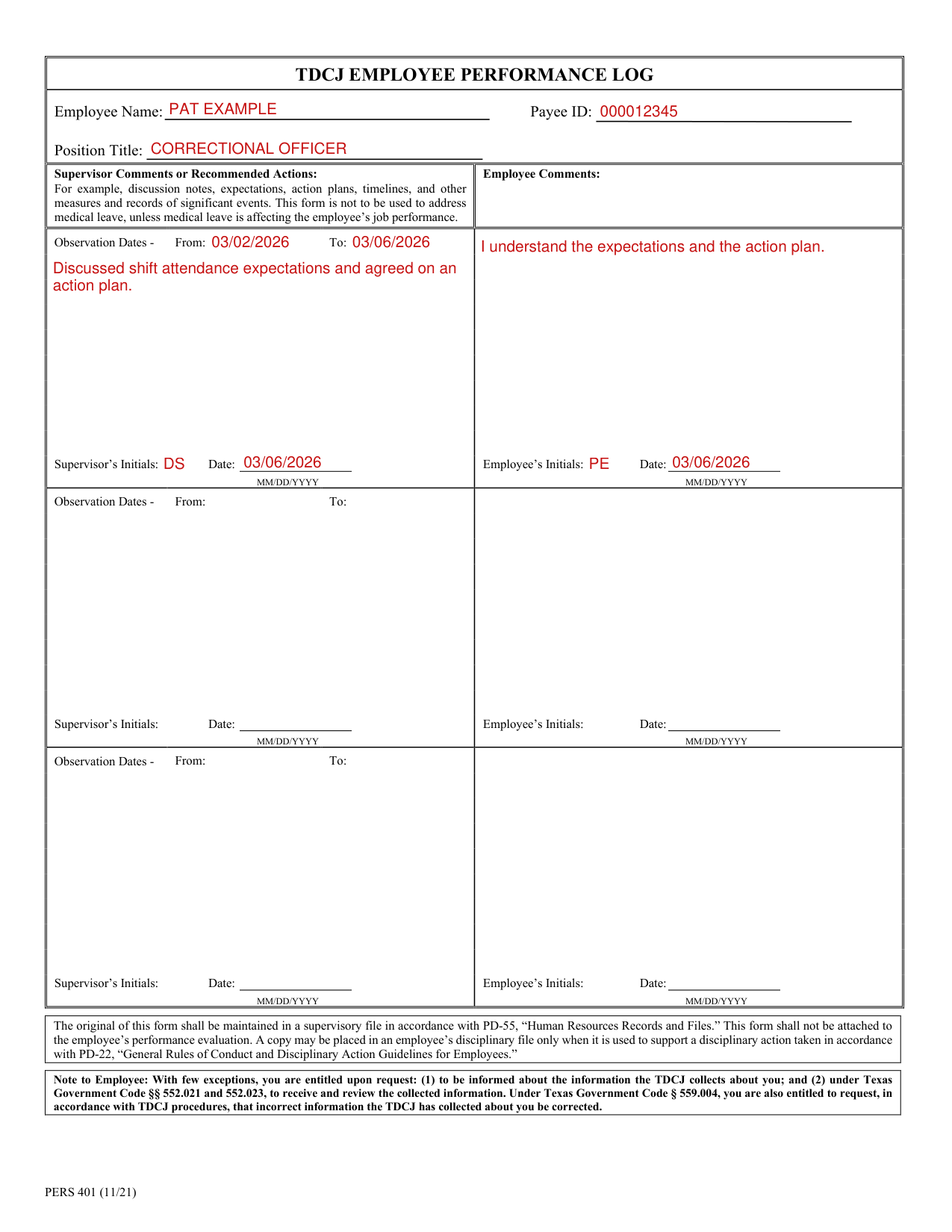
A filled-in PERS 401 example: one observation logged by a supervisor
How to fill out PERS 401, box by box
Employee Name, Payee ID and Position Title

Enter the Employee Name, the Payee ID and the Position Title.
First Observation Dates, Supervisor Comments and Employee Comments
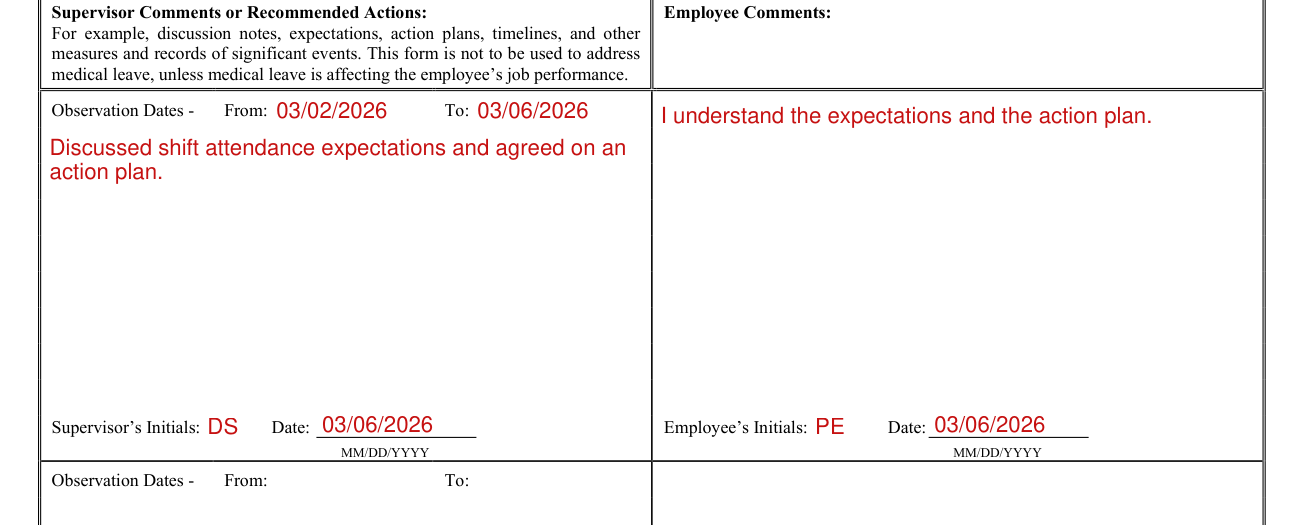
Enter the Observation Dates, From and To.
Under Supervisor Comments or Recommended Actions, enter, for example, discussion notes, expectations, action plans, timelines, and other measures and records of significant events. This form is not to be used to address medical leave, unless medical leave is affecting the employee's job performance.
Enter the Employee Comments.
The supervisor enters Initials and the Date as MM/DD/YYYY.
The employee enters Initials and the Date as MM/DD/YYYY.
Observation Dates
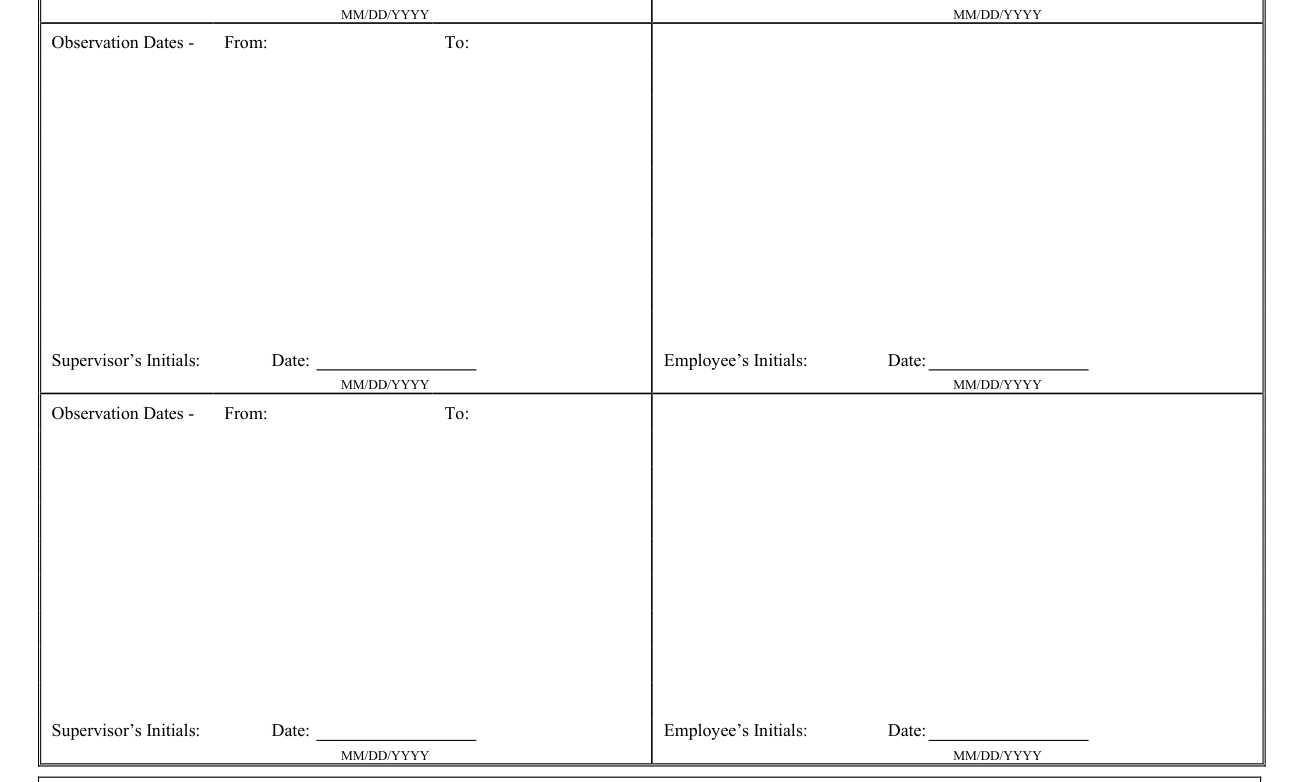
Enter the Observation Dates, From and To.
More rules for PERS 401
This form shall not be attached to the employee's performance evaluation.
Common questions about PERS 401
Where do I file it?
The original of this form shall be maintained in a supervisory file in accordance with PD-55, “Human Resources Records and Files.” A copy may be placed in an employee's disciplinary file only when it is used to support a disciplinary action taken in accordance with PD-22, “General Rules of Conduct and Disciplinary Action Guidelines for Employees.”
Sources
[1] PERS 401 (11/21), TDCJ Employee Performance Log, Texas Department of Criminal Justice (the Official source link on this page).