
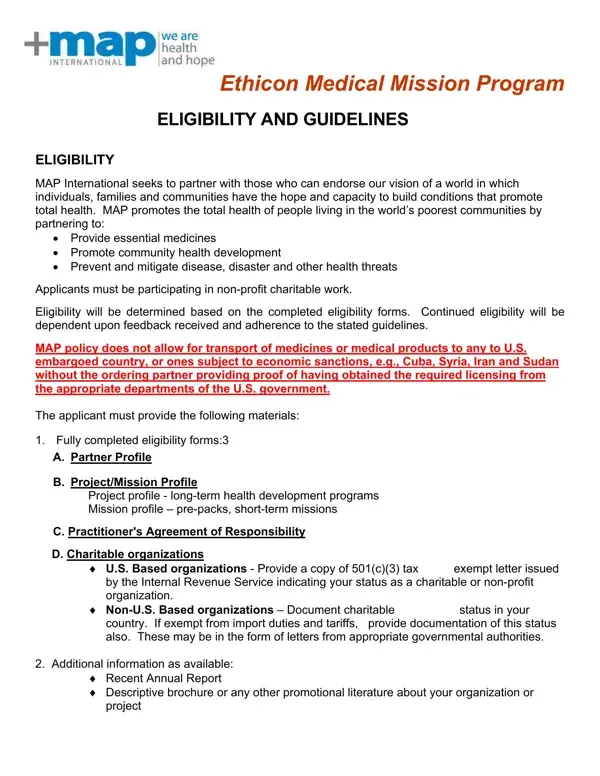
In a world where access to healthcare is not a given, the Ethicon Medical Mission Program makes a significant mark by aiming to reach people living in some of the world's poorest communities. The program, conducted in partnership with MAP International, is designed to provide essential medicines, support community health development, and alleviate disease, disaster, and other health threats. By requiring applicants to be engaged in non-profit, charitable work, the program enforces a stringent eligibility process, ensuring that the aid reaches those who need it most. Eligibility depends not only on the submission of fully completed forms—ranging from a Partner Profile to a detailed account of the intended project or mission but also on adherence to outlined guidelines and the successful navigation of regulatory landscapes, like avoiding transport to embargoed countries without appropriate licensing. Moreover, the program's guidelines stipulate strict adherence to the use of donated products—mandating that they be utilized solely for in-field charitable purposes, with detailed reporting on their distribution and utilization. Furthermore, it stresses the importance of securing these valuable medical supplies, from their point of departure to their final destination, underlining MAP's commitment to ethical distribution practices. This initiative not only brings much-needed medical aid to underserved areas but also fosters a relationship of trust and accountability between MAP, its partners, and the recipient communities, underscoring the program’s role as a beacon of hope and support in global health development efforts.
| Question | Answer |
|---|---|
| Form Name | Ethicon Map Medical Mission Program Form |
| Form Length | 2 pages |
| Fillable? | Yes |
| Fillable fields | 41 |
| Avg. time to fill out | 8 min 46 sec |
| Other names | map international ethicon program, ethicon mission, map and ethicon for medical missions, ethicon medical mission program |
Ethicon Map Medical Mission Program Form isn’t the one you’re looking for?